
 Script Planner Assistant▸
 AI Apps
 AI News

Krisp.ai: Remove Background Noise & Accents in One Click
Krisp.ai: Remove Background Noise & Accents in One ClickIntroduction
Krisp.ai is an audio processing tool for noise cancellation. It helps users eliminate background noise and echoes—such as street sounds, children, airports, cafes, chatter, and other ambient noises—to improve the quality of voice calls. This way, it helps you become a better communicator. Krisp AI uses AI technology to analyze and process audio data, removing noise coming from other call participants as well as noise from your side that is transmitted to them, eliminating noise while preserving the human voice so that both speaking and listening are free from noise.
It can also automatically convert accented English—such as Indian, French, German, or Spanish accents—into standard American or British English pronunciation.
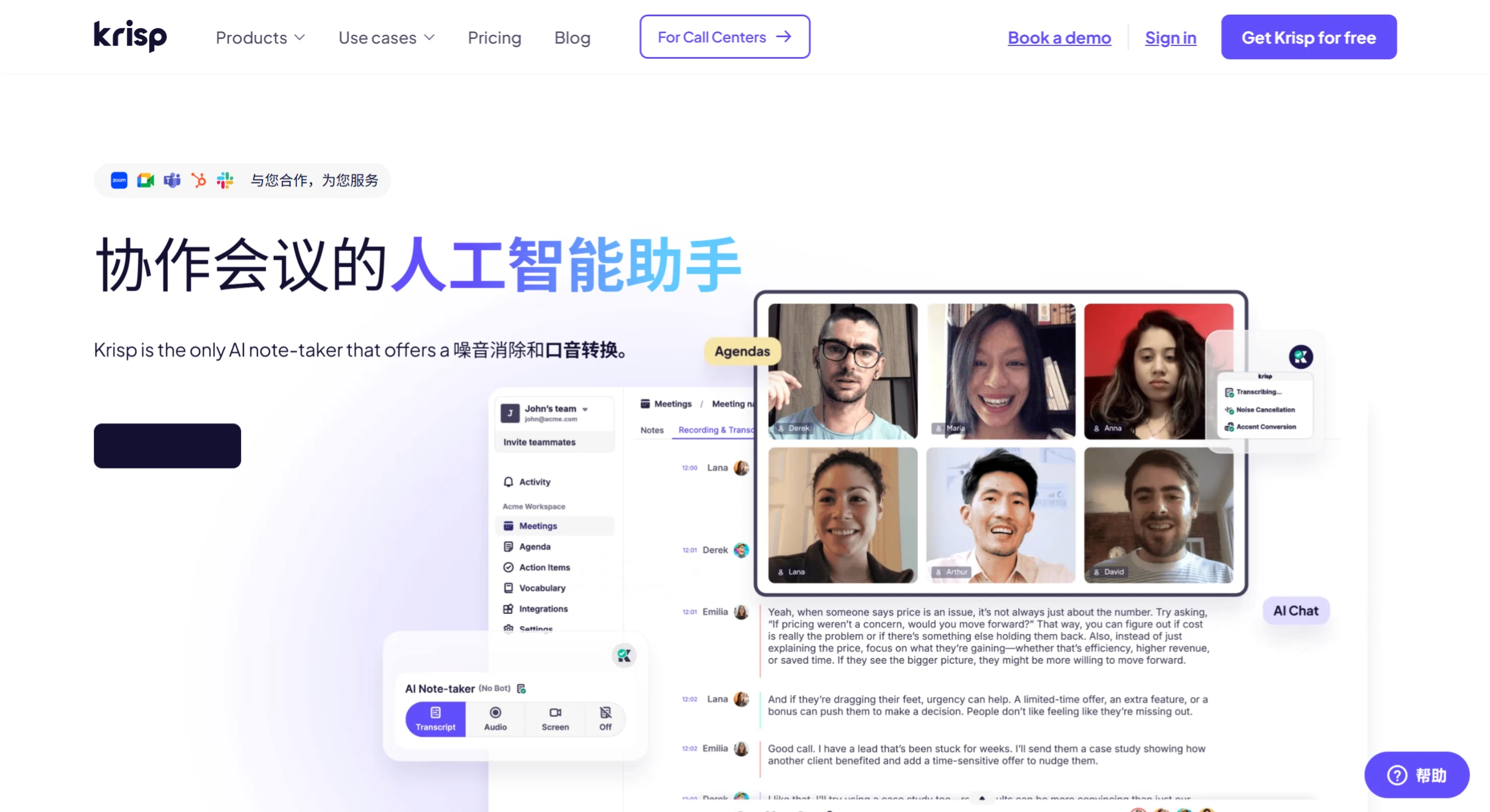
Core Features of krisp.ai
AI Meeting Assistant:
Automatic Notes and Summaries: Krisp can automatically take notes during meetings, generating concise key points and outlines to ensure no details are missed.
Task Assignment and Tracking: After a meeting ends, Krisp can help assign tasks, set priorities and deadlines, ensuring team members clearly understand their responsibilities.
Meeting Recording and Playback: Supports meeting recording with synchronized AI subtitles, making it convenient for users to review at any time.
AI Noise Cancellation:
Background Noise Removal: Krisp's AI noise cancellation technology effectively removes background noise, echo, and interference, ensuring clear calls.
Two-Way Noise Cancellation: Not only eliminates noise on the user's side, but also filters out background noise from other participants.
AI Accent Conversion:
Enhanced Voice Clarity: Adjusts accents through AI technology to make speech easier to understand while preserving the user's natural voice and intonation.
Support for Multiple Accents: Currently supports optimization for Indian English accents, with plans to add more accents in the future.
Other Features
Integration with Common Tools: Krisp integrates seamlessly with tools such as Google Calendar, Zoom, Slack, and Salesforce, making it convenient for users to use within their existing workflows.
Custom Vocabulary: Supports adding up to 750 workspace-level terms and abbreviations to ensure the accuracy of meeting records.
Free to Use: Krisp offers a free version, allowing users unlimited access to its AI meeting assistant and transcription features.
Krisp.ai Use Cases
Professional Meetings: Business meetings and webinars require a quiet environment, and Krisp can help you handle background noise, making meetings more focused.
Remote Work: When working from home, Krisp helps you block out household and environmental noise, making you look more professional in video conferences.
Podcasts and Content Creation: Podcasters and content creators can easily achieve high-quality audio with Krisp, without spending a fortune on equipment or building a soundproof studio.
Customer Service: Customer service agents can use Krisp to make calls with customers clearer, improving customer satisfaction.
Online Education: Teachers and students can use Krisp to improve the audio quality of online courses, making virtual classrooms more effective and engaging.
Krisp is compatible with almost all major meeting/calling software, including Zoom, Microsoft Teams, Google Meet, Slack, and Skype. It supports synchronized use across Windows, Mac, iOS, and Android. Krisp AI also provides advanced features such as custom noise filters and voice restoration to further improve the quality of audio calls.














