Script Planner Assistant▸
 AI Apps
 AI News

Qingji App
Qingji AppIntroduction
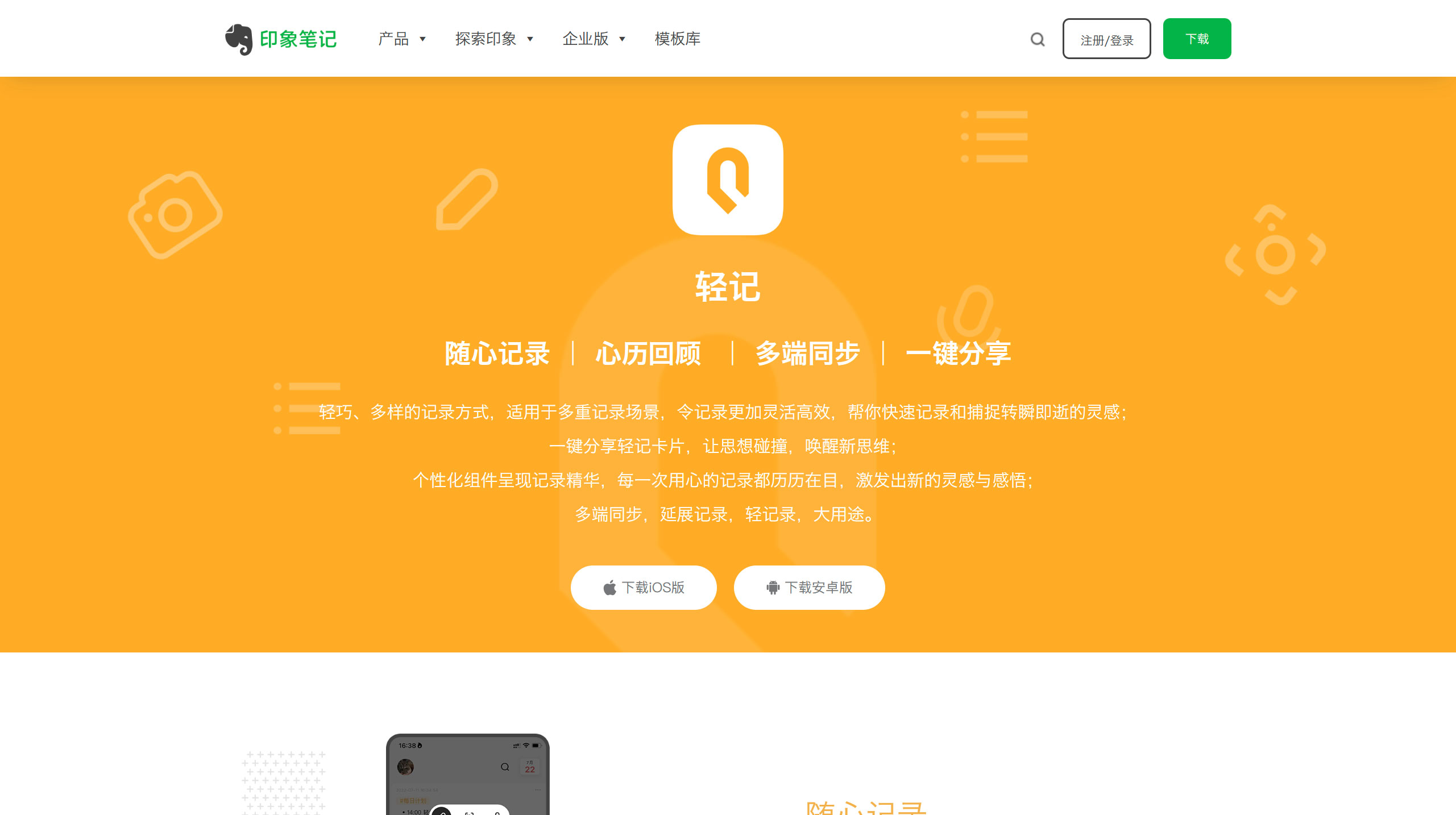
Light Note App uses cards to present the recorded content, allowing users to record daily bits of information—such as fleeting inspirations, daily light journals, essay excerpts, and memos—without worrying about the structure or categorization, truly achieving "1-second recording".
With its lightweight and diverse recording methods, Light Note App is suitable for multiple recording scenarios, making recording more flexible and efficient, helping you quickly capture those fleeting inspirations; Share light note cards with one tap, let thoughts collide and spark new ideas.
In addition to text and image recording, Light Note App also supports voice input, OCR quick text recognition and other diverse recording methods. Users can freely choose convenient recording methods based on different recording needs in various scenarios.
Light Note App has won Apple App Store "App of the Month" and Huawei AppGallery "Daily Pick" & "10 Treasure Recording Apps"
Features of Light Note App
1. Record at Will
Quick Recording:Easily jot down fragmented information at your fingertips. Fleeting inspirations, daily light journals, essay excerpts, memos... just a light tap, offline recording, record whenever inspiration strikes, as you wish.
Rich Formats:Beyond text and images, you can directly record voice and quickly recognize text via OCR. Diverse recording methods suit multiple recording scenarios, making recording more flexible and efficient.
2. Memory Review
Record Review:Review light note content from a timeline perspective, with a heatmap component visually presenting past records; every carefully made record stays vivid in memory, inspiring new ideas and insights.
Habit Building:Humanized recording reminders, fun surprises on special moments… making recording a habit, and reaping the rewards of consistent documentation.
3. Knowledge Management
Tag Categorization:A multi-level tag system allows you to clearly categorize content; moreover, multi-level tags make searching your light notes more convenient and efficient.
Knowledge System:Intelligently categorize and aggregate light records, transforming fragmented records into structured information, internalizing them into your knowledge system and capabilities.
4. Multi-platform Sharing
Wonderful Sharing:Generate light note cards with one tap, share them with friends, colleagues, and circles, let thoughts collide and spark new ideas.
Multi-platform Sync:Light Note App, Evernote desktop client, and WeChat Official Account support multi-platform recording and sync, freely choosing the most convenient recording method at the moment.