Script Planner Assistant▸
 AI Apps
 AI News

Yinxiang Note (Evernote): Record, Organize & Sync Across Devices
Yinxiang Note (Evernote): Record, Organize & Sync Across DevicesIntroduction
Evernote is a productivity app, providing an all-in-one solution for collecting and backing up knowledge and information, efficient recording, sharing, multi-device synchronization, and permanent storage, designed to help users take notes, organize files and photos, and sync content across different devices for easy access anytime.
Evernoteis a knowledge management tool that enables individuals and teams to create, collect, organize, and share information. Evernote's vision is to address users' needs for high-quality information, knowledge, and content, intelligently organize information into knowledge, and turn it into action.
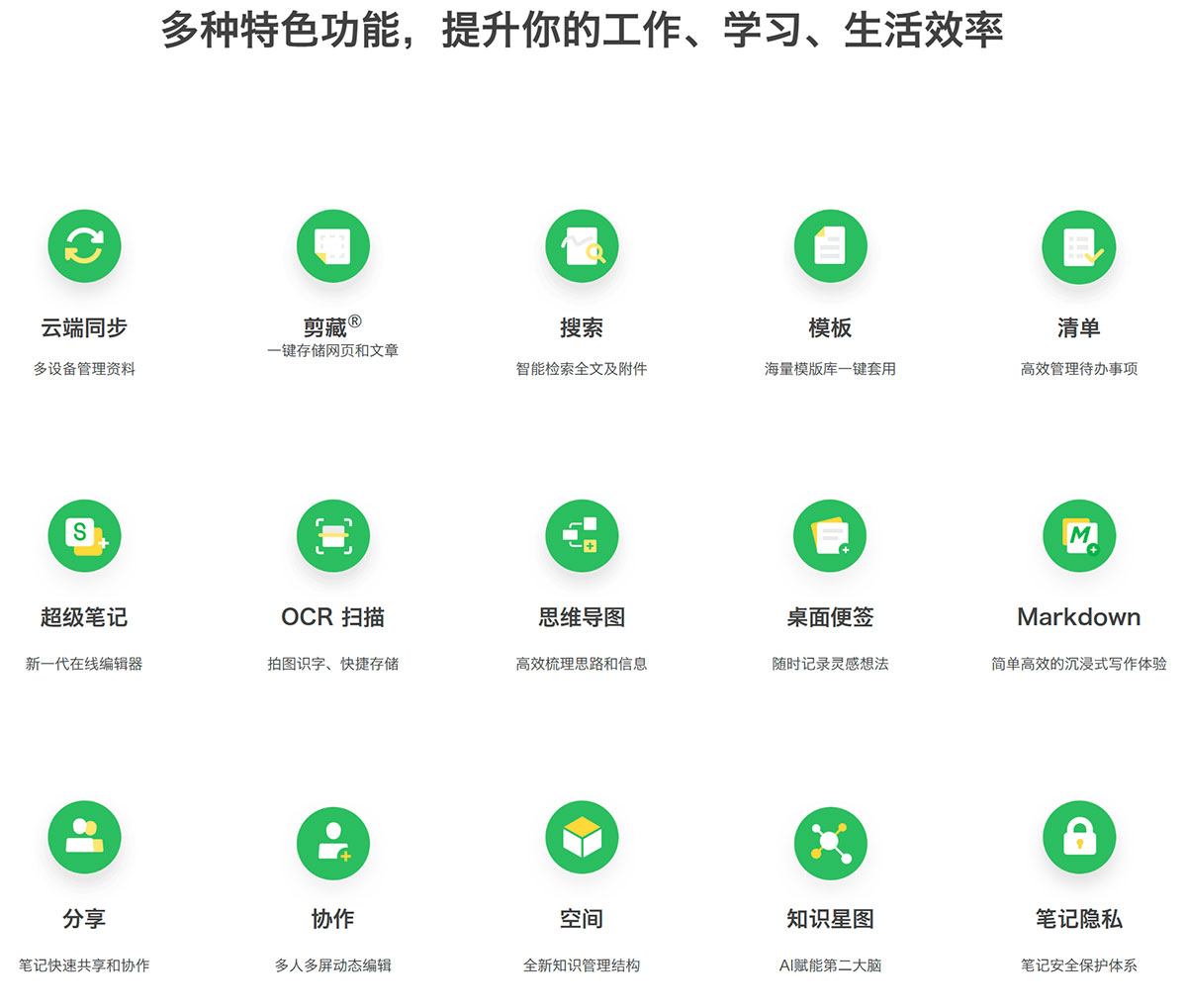
Evernote helps you simplify your work, study, and life. You can seamlessly sync your daily observations, thoughts, and inspirations across multiple devices and platforms such as phones, computers, tablets, and the web. Quickly save WeChat articles, Weibo posts, web pages, and other content, and complete information collection, backup, efficient recording, sharing, and permanent storage in one place.
Evernote features:
1. Supports all devices
Install Evernote on all your devices and never worry about not having your computer with you—save and access your information anytime, anywhere.
2. One-click web page saving
Whether it's a WeChat article, a Weibo post, or web page content, Evernotecan save it to Evernote with a single click.
3. Manage task lists
The built-in checklist feature helps you manage tasks and to-dos in a more visual and convenient way, freeing you from the complexities of work, life, and study while keeping you focused and efficient.
4. Quickly organize your thoughts
Use mind maps for brainstorming or information organization to spark inspiration, and link notes within the map to efficiently connect related information and materials.
5. Document scanning and recognition
Quickly and clearly scan all paper documents. Effortlessly scan and save business cards, documents, books, and any other paper materials, and use intelligent OCR to recognize text on paper.
6. Smart note search
Whether it's notes, images, or even text within attachments, the smart search feature can quickly help you find anything you've saved in Evernote.