Script Planner Assistant▸
 AI Apps
 AI News

ProcessOn_云技派,专注ai人工智能!
ProcessOn_云技派,专注ai人工智能!Introduction
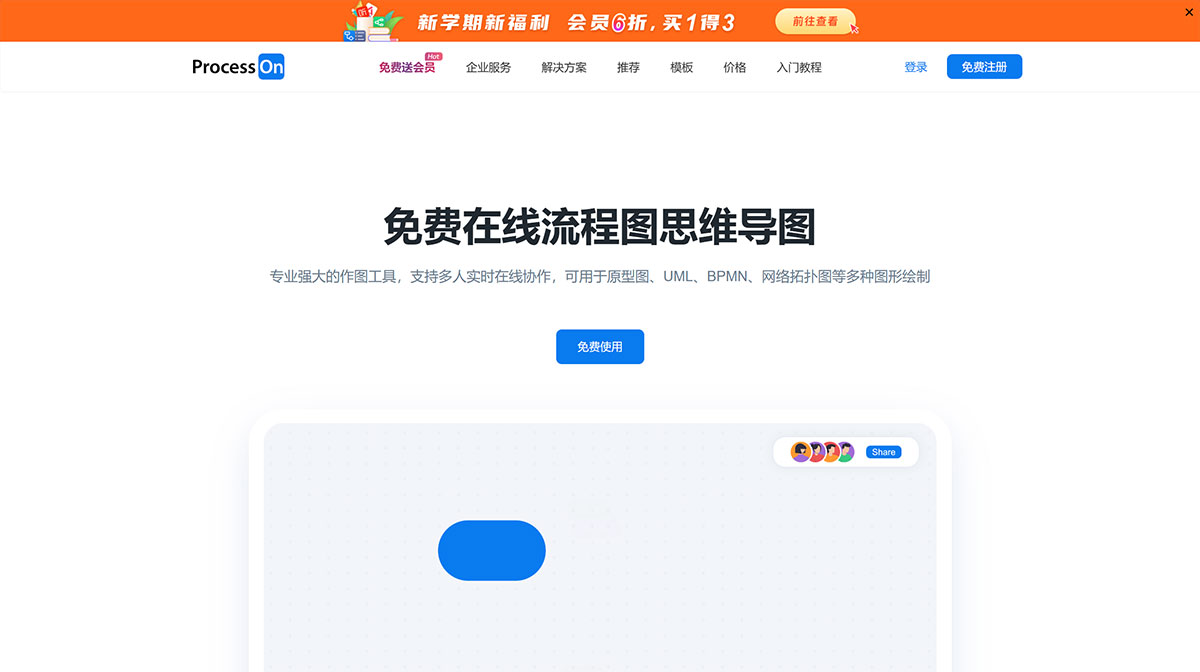
ProcessOn is a free, professional, and powerful online flowchart mind mapping drawing tool that supports real-time online collaboration among multiple users. It can be used to create various types of diagrams such as prototypes, UML, BPMN, and network topology diagrams.
ProcessOn is a professional online drawing tool and knowledge sharing community that provides AI-generated mind maps and flowcharts. It supports mind maps, flowcharts, organizational charts, network topology diagrams, fishbone diagrams, UML diagrams, and many other types of graphics. At the same time, it enables real-time collaboration and sharing among users, boosting team work efficiency.
ProcessOn belongs to Beijing Damaidi Information Technology Co., Ltd., and is a professional online drawing tool and sharing community. It supports the creation of flowcharts, mind maps, prototypes, network topology diagrams, UML, and many other types of diagrams. Whether it's a mind map or a logic diagram, both are methods that help us move from the abstract to the concrete. ProcessOn strengthens these methods, and it is believed that this enhancement is valuable for partners who often need to "diverge—summarize—diverge again" in their own thinking. It provides more possibilities for the visualization of thought. In addition to being a tool, ProcessOn is also a sharing community where users can draw their valuable knowledge into diagrams and publish them on the ProcessOn platform to exchange ideas with industry KOLs within the site.
ProcessOn Features:
1. Mind Maps
Quick to Get Started, Easy to Use
Compatible with mainstream mind mapping operations, with flexible keyboard control and a smooth experience.
Feature-Rich, Professional and Powerful
Supports Markdown, insertion of LaTeX math formulas, and one-click conversion to outlines, Word, PPT, Excel, etc.
Personalized Style Customization
Provides a variety of preset theme styles, and you can also freely design your favorite style.
2. Flowcharts
Multi-Format Import and Export
Supports importing and exporting Visio, POS, high-definition images, PDF, and many other file formats.
One-Click Beautification, Efficient and Convenient
Complex logic, simple drawing, quick layout, efficient and easy to use.
Multi-Person Collaboration, Cloud Storage
Multi-user drawing, multi-device synchronization, real-time storage, historical versions can be traced, and file security is guaranteed.
3. Mind Notes
One-Click Switch to Mind Map
Freely switch between mind maps and mind notes, and define your own way of working.
Document Componentization
Mind notes allow you to freely insert and synchronously edit flowcharts and mind map files.
4. Shape Library
Multiple Drawing Tools
Supports prototyping, UML, BPMN, network topology diagrams, and many other professional graphic drawings.
Team Component Library
Custom team component library for more standardized drawing.