
 Script Planner Assistant▸
 AI Apps
 AI News

Galileo AI_云技派,专注ai人工智能!
Galileo AI_云技派,专注ai人工智能!Introduction
Galileo ai is a UI design AI tool website. Users only need to enter a simple text description to get a complete UI design.
Galileo ai has been trained on a large number of excellent design works. It generates design solutions based on design principles, user needs, and other factors, and can instantly generate complex UIs. The interface designs generated using Galileo AI have good usability, ease of use, and aesthetics, which can greatly improve interface design efficiency.
Users can also change the content and layout of the UI design by modifying the text description.Galileo AI enables UI/UX designers to design faster than ever, design like chatting, freeing up designers' productivity, the GPT exclusive to UI designers.
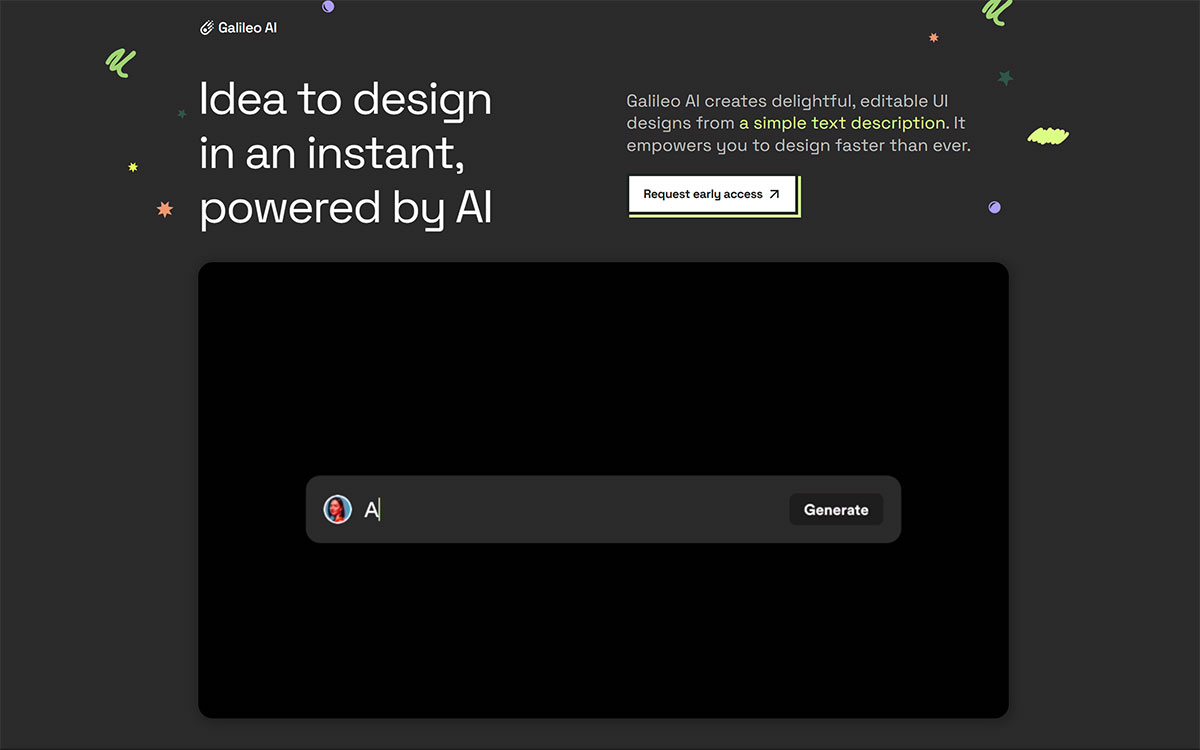
Galileo AI Features
Text to UI: Users enter a concise text description to get corresponding UI design elements. Galileo AI can accurately understand the description content and generate multiple design choices, each of which implements the user's ideas from a unique perspective.
Image to UI: Users can upload existing UI design images, and Galileo AI will create new designs with similar styles based on the uploaded images. This brings more creative inspiration and choices for designers.
Design Optimization and Improvement: The initial generated design may need in-depth optimization. Users can adjust the design, such as color, font, layout, etc., until they are satisfied.
Cross-platform Adaptation: Galileo AI supports various devices and platforms, such as web pages, mobile applications, desktop applications, etc., and can output a rich variety of interface elements such as images, icons, animation effects, and CSS styles.
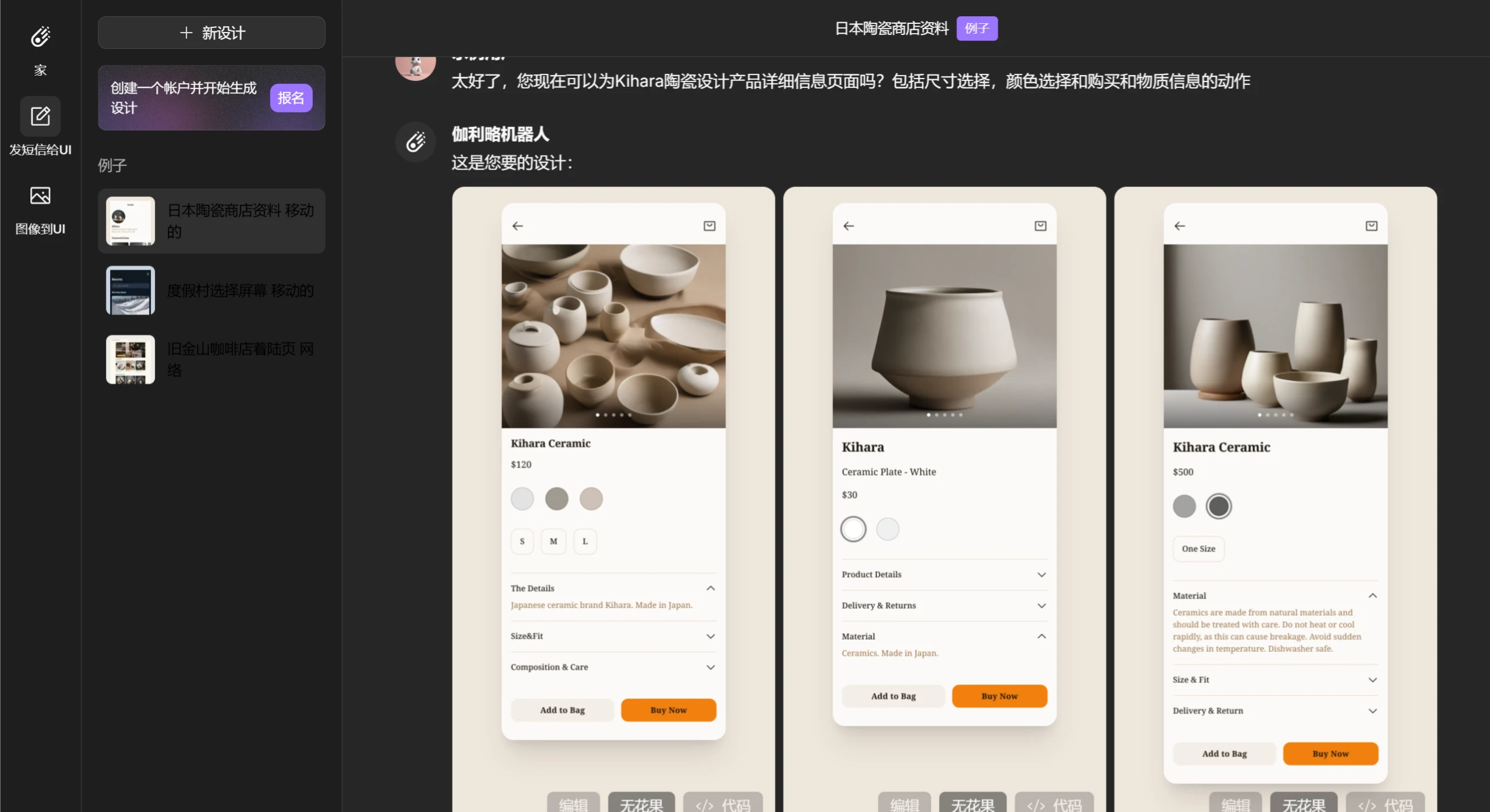
Galileo AI is the first of its kind, aiming to completely revolutionize UI design in the era of generative AI. Galileo AI is powered by state-of-the-art artificial intelligence models that have been trained on thousands of outstanding UI designs. The AI learns from these examples and builds UIs that meet your needs at lightning speed. All you have to do is enter a simple text description of what you want to design, and Galileo AI will generate a high-fidelity UI design for you. You can also import the design into the popular design tool Figma for editing.
Galileo AI can handle complex and diverse UI scenarios, such as landing pages, control panels, settings pages, e-commerce pages, etc. It can also fill your design with carefully curated AI-generated illustrations and images to match your vision and style. In addition, it can use large language models that understand complex contexts to generate complete product copy for your design.
Galileo AI Applications:
Web Design Field: Helps web designers efficiently create and adjust web page layouts, significantly improving design efficiency. Designers can achieve responsive design through text descriptions, ensuring that web pages present good results on different devices.
Mobile Application Development: Developers use Galileo AI to create application interfaces for mobile devices, greatly reducing the workload of manually writing code and significantly shortening the development cycle.
E-commerce Scenarios: Online merchants use Galileo AI to design eye-catching store interfaces, effectively improving user experience, thereby increasing shopping conversion rates.
Personalized Customization: For the specific needs of different brands, products, and users, Galileo AI can create exclusive personalized interface design solutions based on customized text descriptions or hand-drawn wireframes.
Inspiring Designers' Creativity: By providing a wealth of design elements, templates, and style references, Galileo AI can inject inspiration into designers and help them open up their design thinking.
How to Use Galileo AI?
Visit the Website: Log in to the Galileo AI official website to start using it.
Register and Log In: You can create a new account or log in with an existing Google account.
Select Function: Users select one of the two functions "Text to UI" and "Image to UI" in the left column, and then enter a text description or upload a relevant image as prompted.
Optimize Design: After submitting a text description or image, Galileo AI will generate corresponding UI design options. Users can browse different designs, pick the one that best meets their needs, and then make further optimizations.
Export and Use: Users can export the generated designs as images, icons, animations, and CSS styles, or directly copy them into design tools like Figma for more refined debugging.
Galileo AI is a game changer for UI design, and it is paving the way for a new era of generative AI. Don't miss this opportunity to join the AI-driven next generation of design!















