
 Script Planner Assistant▸
 AI Apps
 AI News

BaiGua AI: A Free Online AI Content Creation Tool
BaiGua AI: A Free Online AI Content Creation ToolIntroduction
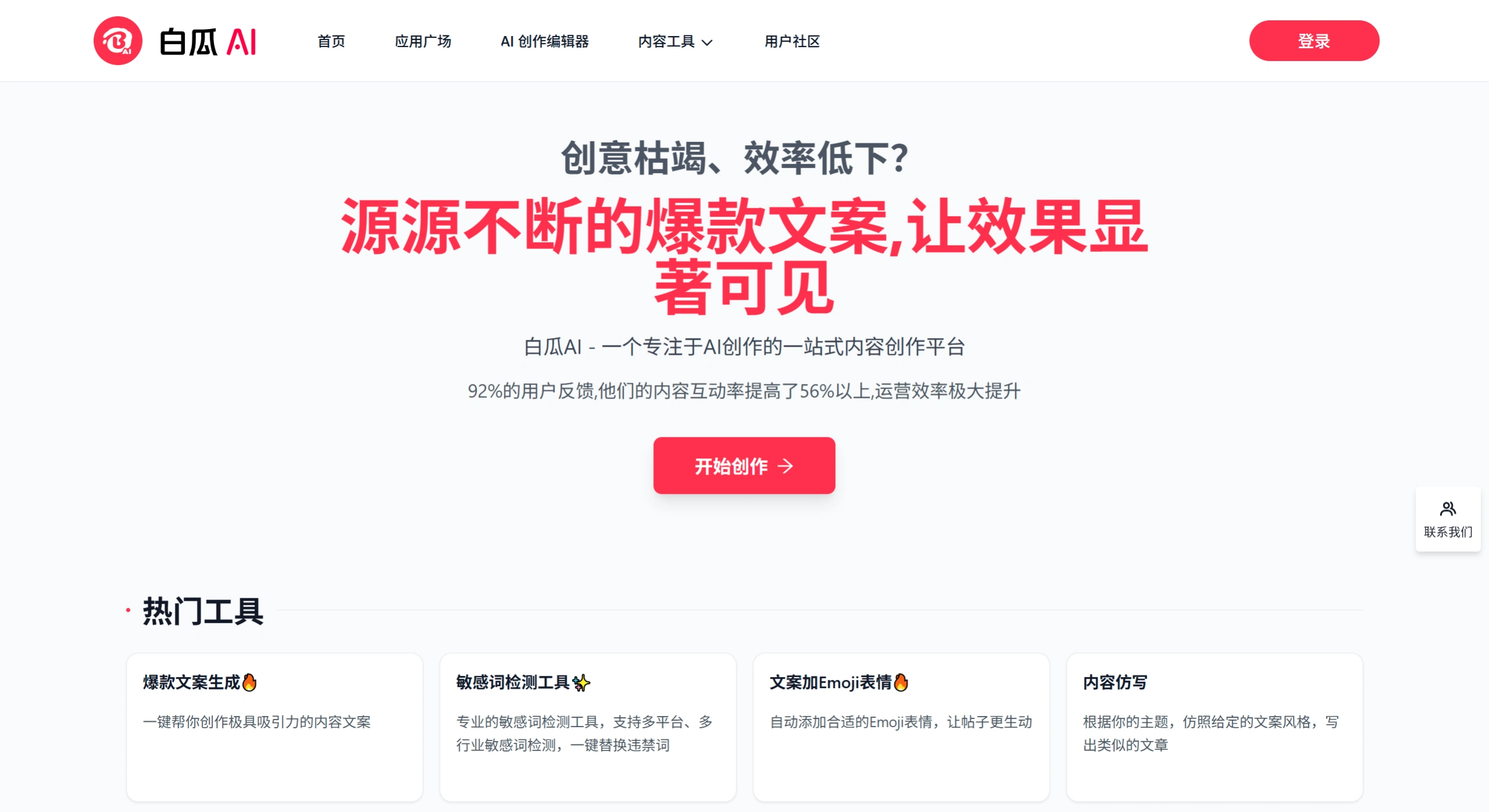
BaiguaAI is a free online image-and-text creationtool designed specifically for Xiaohongshu (Little Red Book) bloggers. It integrates AI copywriting generation, sensitive word detection, smart image matching, and watermark removal features. No download is required—just sign up and start using it. It helps content creators quickly produce compliant, high-quality recommendation content.
Features
Xiaohongshu Copywriting Factory: Enter a topic and generate Xiaohongshu-style copy with emojis, covering scenarios like product recommendations, store visits, outfit styling, and beauty. It can also optimize titles and rewrite content.
Sensitive/Banned Word Detection: Scan your copy before publishing to avoid violating platform rules, reducing the risk of being throttled or blocked.
AI Smart Image Matching: Automatically matches 3 royalty-free images based on your copy, generating complete image-and-text notes in one click—saving time on finding images and formatting.
Short Video Scripts: Enter a topic to generate complete scripts with storyboard and soundtrack suggestions, ready for filming or direct delivery.
Image Watermark Removal: Automatically removes watermarks when processing material images, making content look more professional.
100-Scenario Writing Assistant: Comes with over 100 preset prompt scenarios such as weekly work reports, email replies, PPT outlines, Zhihu Q&A, product reviews, and paper outlines—no need to figure out how to write your own prompts.
Earn Income with Your Own Apps: Users can create their own AI apps and submit them for review. Once published, each use earns approximately 0.03 RMB.
Use Cases
Xiaohongshu Content Operations: Batch-generate topics, titles, body copy, and images to quickly build out your content matrix.
E-commerce Recommendations & Store Visits: Write engaging copy for products or stores, then pair with smart-matched images for direct publishing.
Short Video Teams: Use the script generation feature to unify copy and storyboards, improving filming efficiency.
Daily Office Work: Generate weekly reports, daily reports, event plans, email replies, and other documents with a single click.
Students & Researchers: Can use the sister site Baigua Academic (separate site) to batch-read literature and generate reviews.
Baigua AI Pros and Cons
Pros: Completely free to start; new users get 5 free trials upon registration, plus 3 free credits daily. No installation needed—use directly in your browser. Preset prompts make it beginner-friendly. Image matches come with no copyright risk, safe for commercial publishing.
Cons: Limited deep customization; complex long-form content still requires manual polishing. Once free credits run out, you need to top up or invite friends. Image features primarily match existing materials—original AI image generation is relatively weak. Some advanced features (such as viral copy rewriting) require paid unlock.
FAQ
What if I run out of free credits?You can check in daily for free credits, invite friends, or top up directly.
Will Baigua AI's generated copy be repetitive?Generating the same topic multiple times will yield different expressions, but for popular topics we recommend manually rewriting to avoid content homogenization.
Can the matched images be used commercially?The platform marks all matched images as copyright-safe, but for accounts with high commercial value, we still recommend using your own materials for safety.
Which platforms does Baigua AI support?Besides Xiaohongshu, it also offers copy templates for Douyin, Zhihu, WeChat Moments, and other scenarios—but core optimization still focuses on the Xiaohongshu ecosystem.
How to Use Baigua AI
Visit the official website https://baigua.com/ and register/log in with your phone number.
Choose a scenario on the homepage, such as "Xiaohongshu Copywriting" or "Sensitive Word Detection".
Follow the page prompts to enter your topic, keywords, or specific requirements, then click Generate.
Make simple edits to the results, then use the "Smart Image Matching" feature to attach images.
Download the image-and-text note or copy the text directly to publish on Xiaohongshu.
Baigua AI vs Competitors
| Dimension | Baigua AI | Wenangou | Copy.ai | Lingke Chaici |
|---|---|---|---|---|
| Core Positioning | Xiaohongshu image-and-text creation + sensitive word detection | Multi-platform short copywriting generation | Global multilingual marketing copy | Xiaohongshu/Douyin sensitive word lookup |
| Pricing | Free to start, credit-based | Partially free | Subscription-based, relatively expensive | Basic features free |
| Image Matching | Smart match of 3 royalty-free images | None | None | None |
| Prompt Barrier | Pre-packaged, zero barrier | Manual input required | Manual input required | Paste and detect directly |
| Watermark Removal | Supported | Not supported | Not supported | Not supported |
| Custom Apps | Supported, with earning potential | Not supported | Not supported | Not supported |
| Target Users | Xiaohongshu bloggers, self-media beginners | Social media operators | Overseas brands, cross-border e-commerce | Content review, risk control |















