
 Script Planner Assistant▸
 AI Apps
 AI News

Uncrop: Automatic Image Outpainting
Uncrop: Automatic Image OutpaintingIntroduction
Uncrop is an online AI image auto-completion tool. It leverages powerful AI technology to help you expand and auto-complete images. It supports expansion in both vertical and horizontal directions, adjusting the image size and content to fill or extend the image, achieving better visual effects. It is somewhat similar to Photoshop's AI generative fill feature. If you don't have Photoshop AI version, you can try Uncrop.
Uncrop official website: clipdrop.co/uncrop
Uncrop requires no professional skills and is simple and convenient to use. Just drag and drop to upload your photo, and you'll get a brand-new AI-extended image. Meanwhile, the UNCROP official website provides detailed tutorials to help you better use this UNCROP tool.
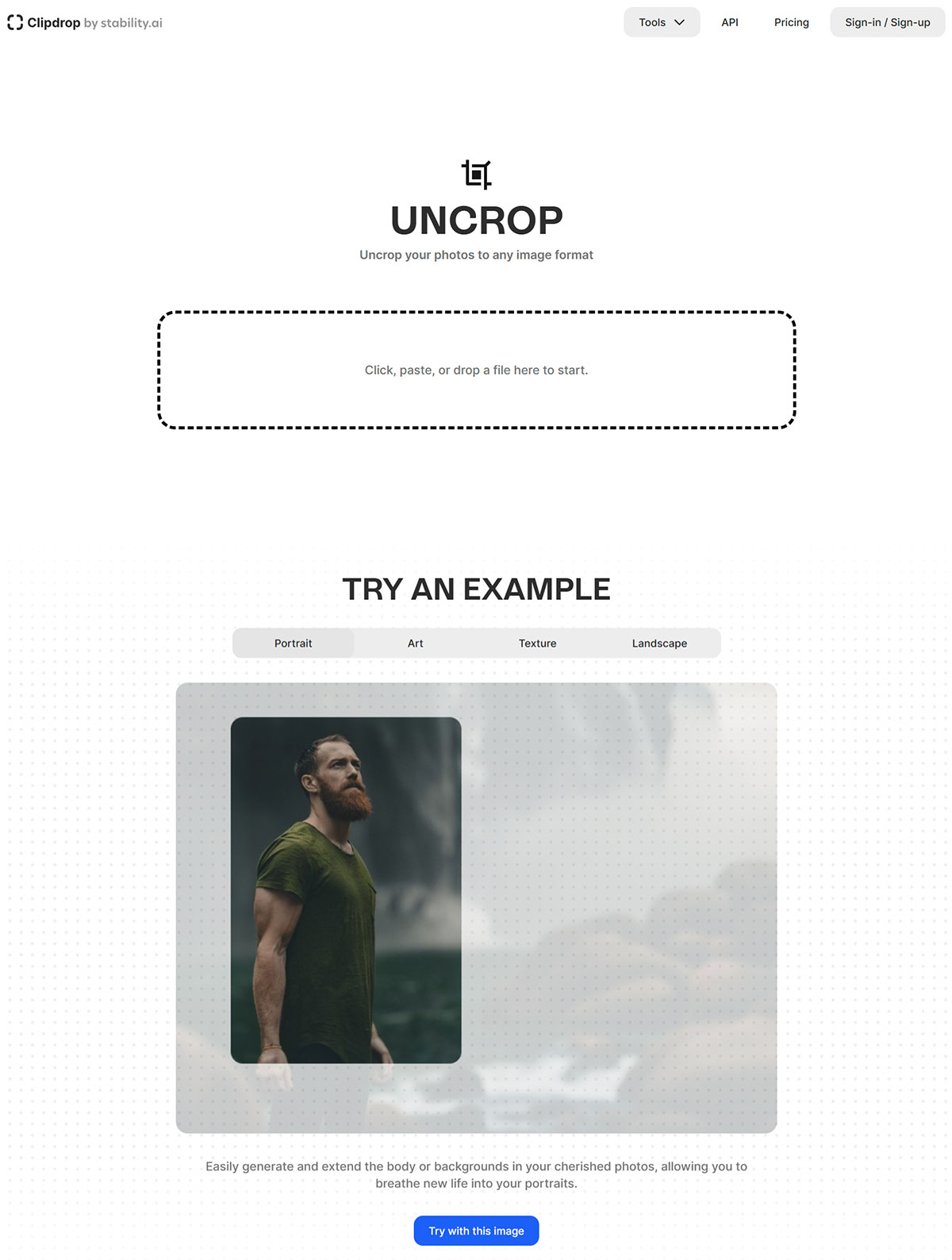
Uncrop features:
Fast and easy: Simply click, paste, or drag and drop a file to get started.
Generate high-resolution images: Use AI to generate high-resolution, realistic images.
Extensible body or background: Easily generate and extend the body or background in your precious photos, giving your portrait photos a new life.
Stable Diffusion XL: Use Stable Diffusion technology to create multiple image variants.
API support: Provides an API interface for developers to easily integrate and customize usage.
How to use Uncrop:
1) Upload the image you want to complete or AI-extend.
2) After entering the editing page, select the new aspect ratio, choose the style, and adjust the image position.
3) After a short wait, Uncrop will generate an image matching the new aspect ratio, producing 4 images for you to choose from.
Uncrop runs directly in your browser, requiring no additional software installation. You can use the Clipdrop web app to try the image outpainting tool for free, with no registration required.














