
 Script Planner Assistant▸
 AI Apps
 AI News

Dabing AI Voice Changer
Dabing AI Voice ChangerIntroduction
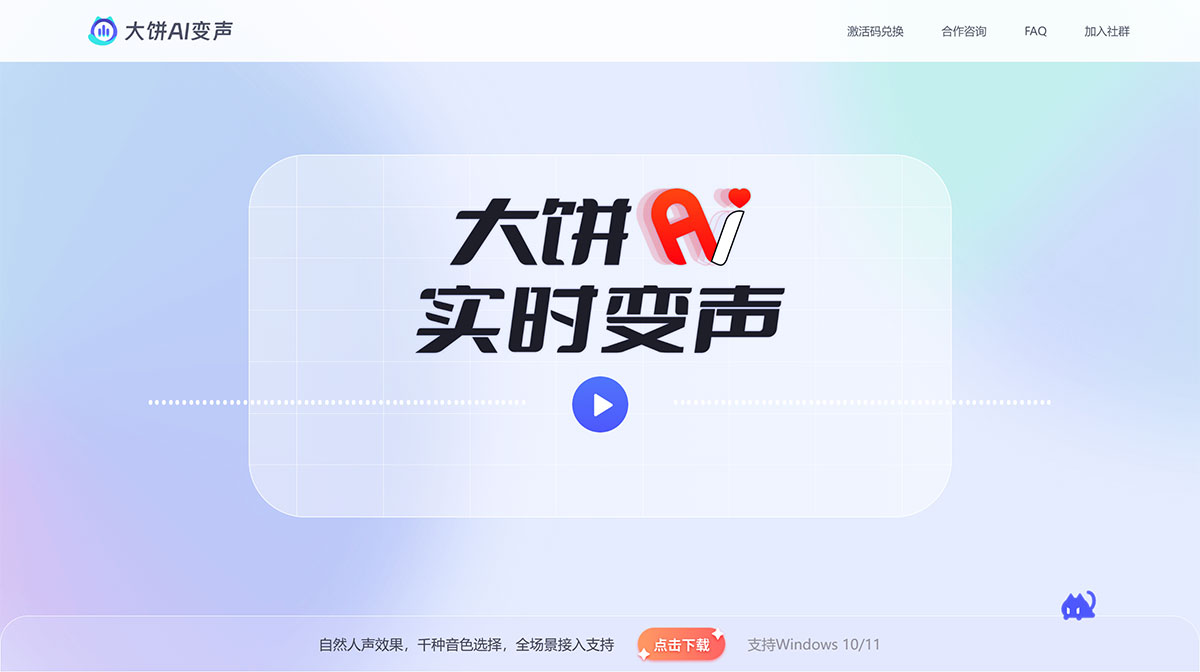
Dabing AI voice changer delivers natural human-like voice effects with thousands of voice tone options and full-scenario integration support. Focused on the voice field, in addition to real-time voice changing, Dabing AI Voice Changer also provides voice conversion tools for voice professionals and text-to-speech features for content creators.
Features of Dabing AI Voice Changer:
Gaming voice chat: Complete your character's voice and switch your tone like changing a skin. For the best entertainment effects, look no further than Dabing AI Voice Changer!
Social live streaming: A voice filter that makes you sound better — say goodbye to social anxiety and speak with confidence. Dabing AI Voice Changer makes it easy to own the coolest voice!
Frequently Asked Questions about Dabing AI Voice Changer
1. Can I use the Dabing client for free?
Absolutely. The Dabing Voice Changer client is currently in its free phase. Simply download, install, and register to start using it.
2. How do I download Dabing Voice Changer?
Click here to download. Please note that to use the Dabing voice engine, you need to register an account first. You can register using your phone number.
3. How many voice tones does Dabing offer?
Dabing regularly updates its voice tones at random intervals. Currently, all voice tones are available for free trial. To learn more, join the official QQ group for the latest news and events.
4. How do I set up my Dabing Voice Changer?
Note: For a good experience, you must use headphones. If you use speakers, your sound will be picked up by your microphone and cause echo, ruining the experience. Setting up your Dabing Voice Changer
Click "Settings" from the left menu.
Select your actual microphone in the input device.
Select your headphones in the output device.
Put on your headphones, and the voice change is successful!
5. How many languages does Dabing Voice Changer support?
Currently, Dabing Voice Changer supports 40+ languages including Chinese, English, and Japanese, as well as regional dialects such as Shanghainese and Cantonese.
6. Can I customize my own voice tone?
Absolutely. Visit "Cooperation Consultation" in the top navigation bar, or "Voice Customization" on the left side of the client, tell us the description of the voice tone you want to customize, and a customer service specialist will contact you as soon as possible.
Advantages of Dabing AI Voice Changer:
High-quality voice synthesis: Adopts advanced voice synthesis technology to achieve high-quality voice conversion, ensuring realistic voice-changing effects and clear audio quality.
Simple and easy-to-use interface: The interface is clean and intuitive — users can complete voice-changing setup in just a few steps, with no professional skills required.
Fast and efficient processing speed: With fast and efficient processing speed, it can handle voice data in real time, reducing user wait time and enhancing the user experience.














