
 Script Planner Assistant▸
 AI Apps
 AI News

Alpaca
AlpacaIntroduction
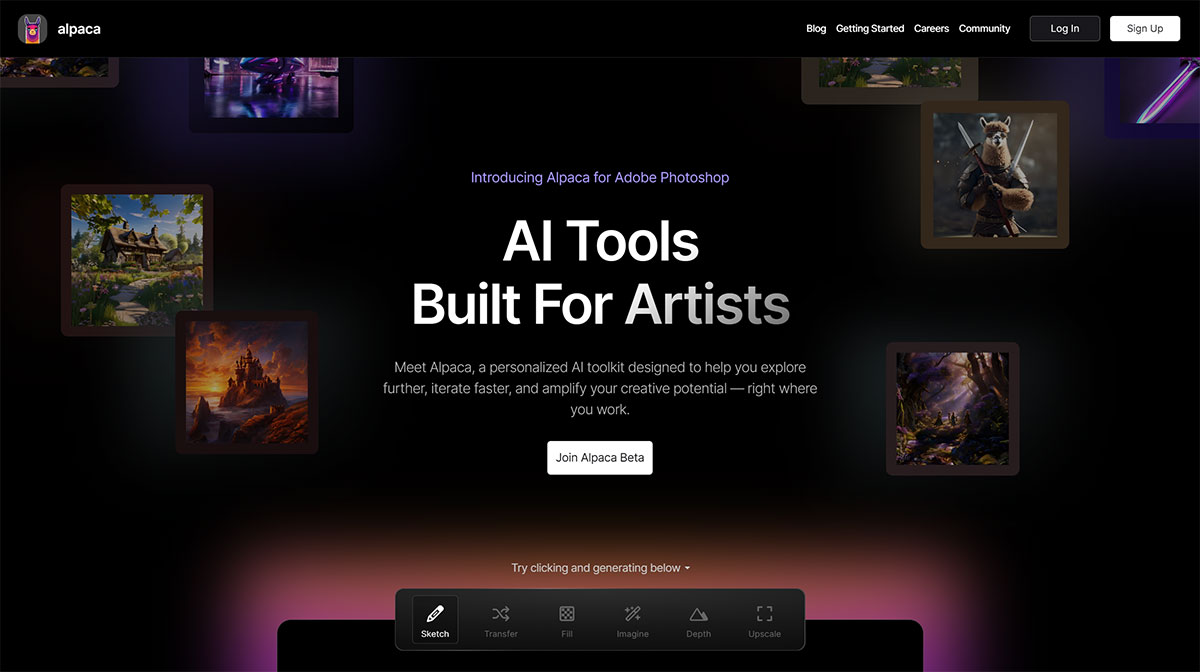
Alpaca is a Photoshop plugin that lets you generate realistic images using artificial intelligence models. You can use Alpaca to create, extend, or edit images based on text prompts or existing images. Getalpaca combines human skills with ai generation capabilities to produce high-quality graphics for a variety of purposes.
Alpaca Features:
Generate images from sketches: Transform your own sketches into lifelike works of art.
Control image generation: Start from sketches and reference images to guide the composition of the artwork.
Rapid iteration: Supports quick modifications and experimentation, helping users refine concepts and try different styles and compositions quickly.
Personalized tools: Customize the toolset based on user needs and preferences to generate artwork that matches individual style.
Getalpaca Advantages:
- Imagine: You can generate images from scratch using text prompts and templates. You can choose from different styles, such as comic, pixel art, or realism. You can also customize the size and position of generated images on the canvas.
- Fill: You can extend or fill existing images using text prompts or blank areas. You can use this feature to add more details, change the background, or remove unwanted objects from an image.
- Transfer: You can use Alpaca to transfer the style of one image to another. You can use this feature to create artistic effects, such as turning a photo into a painting or a sketch.
Getalpaca Features:
You can use the Imagine function to create stunning images from simple text prompts. You can choose from different templates or create your own templates to customize the style of the output image.
You can use the "Fill" feature to extend or paint over existing images. You can also describe what you would like to see in the painted areas to guide the generation process.
You can use the Inpaint feature to change details of an image or remove/replace existing objects. You can use the "Erase" tool to indicate where to draw in new objects or fill in blank areas.
You can use the Transfer function to transfer the style of one image to another. You can create artistic effects or blend different images together.
Alpaca is currently in beta, and you can sign up on their website to get early access. Alpaca is designed to be easy to use and compatible with Photoshop's tools and workflows. Alpaca is the next generation of AI graphic tools that can help you unleash your creativity and imagination.














