
 Script Planner Assistant▸
 AI Apps
 AI News
10 Best PDF Translation Tools in 2026: Tested and Compared
小编 ·
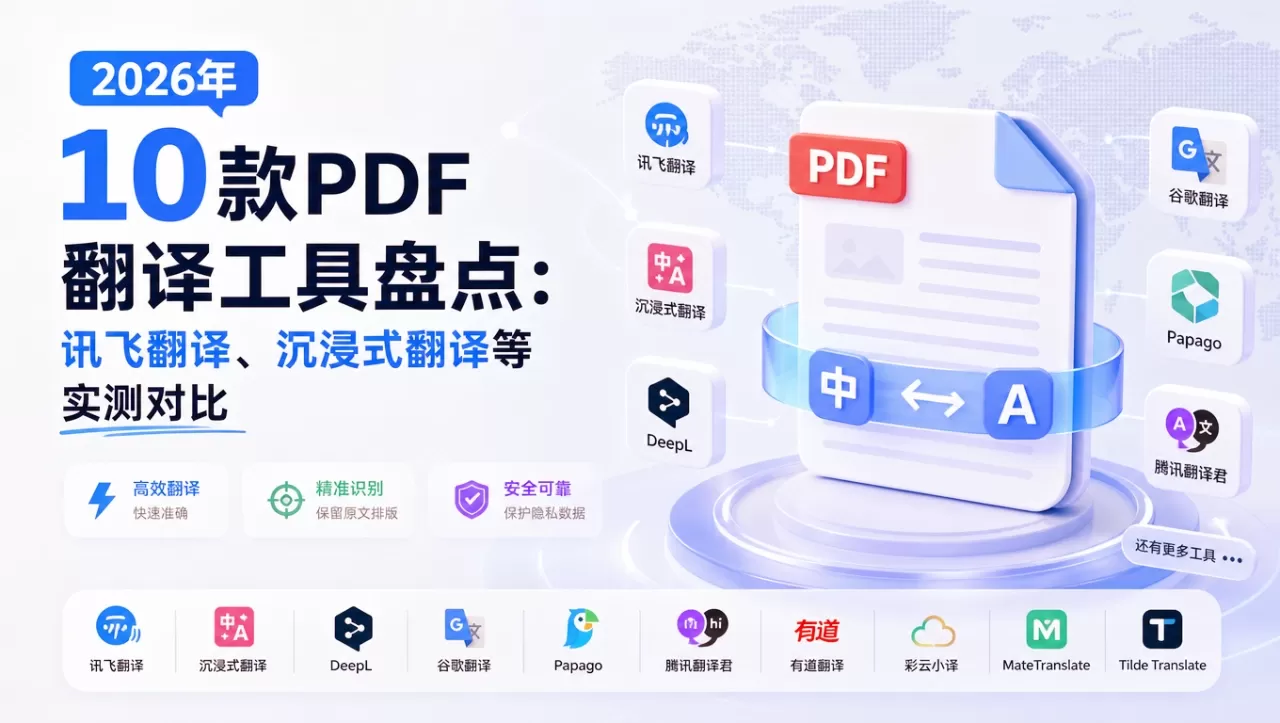
10 Best PDF Translation Tools in 2026: Tested and Compared
What tool should you use to translate PDF files? This article compares 10 PDF translation tools, including iFlytek Translate, Google Translate, Huiyi, and UPDF, to help you choose the right solution based on document type, including academic paper translation, business document translation, free PDF translation, and translation while editing. For papers, formulas, and two-column PDFs, tools such as Wordvice AI, Kaolan Academic, and Immersive Translate are recommended; for business documents, you can choose iFlytek Translate, DeepL, or Smartcat; and for fast, free translation, you can use Google Translate and Huiyi. Here is a detailed comparison:
1. iFlytek Translate
A translation product from iFlytek, covering text, documents, speech, images, and other use cases, with strong Chinese-language translation capabilities.
Features:
Supports document upload and translation for PDF, Word, PPT, and other formats
Supports translation between multiple languages
Provides web, desktop, and mobile access
Can leverage iFlytek AI translation capabilities to process long documents
Advantages: Well adapted to Chinese-language contexts and suitable for meeting materials, business documents, technical materials, and similar use cases; integrates easily with the iFlytek ecosystem.
Official website: https://www.iflytranslate.com/
2. Huiyi
An AI translation tool for PDFs, documents, web pages, images, and other use cases, supporting multiple model switching and side-by-side bilingual reading.
Features:
Supports PDF upload translation and OCR recognition of scanned documents
Can export side-by-side bilingual PDFs
Integrates models such as DeepL, Claude, Gemini, GPT-4o, and Qwen
Supports hover-to-translate, AI summaries, and AI Q&A
Provides a browser extension and desktop client
Advantages: Strong format restoration, making it suitable for papers, contracts, and technical documents; flexible model selection and generous free features.
Official website: huiyiai.net
3. DeepL
An AI translation platform renowned for the naturalness of its translations, supporting text and document translation.
Features:
Supports document translation for PDF, Word, PPT, and other formats
Supports glossaries
Provides a web version, desktop app, and API
Allows adjustment of formality and tone
Advantages: Offers high-quality translations for European languages and general business text, with fluent output suitable for formal documents.
Disadvantages: Complex PDFs, formulas, and two-column layouts may become distorted; the free version has page-count and file-size limits.
Official website: deepl.com
4. Google Translate
A free, general-purpose translation tool that supports document upload and translation.
Features:
Supports PDF, DOCX, PPTX, XLSX, and other file formats
Broad language coverage
Supports automatic language detection
Advantages: Free and easy to use, making it suitable for quickly understanding the general meaning of a document.
Disadvantages: Weak PDF layout preservation; professional terminology and complex formatting are prone to errors; access may be restricted in mainland China.
Official website: translate.google.com
5. Immersive Translate
A translation tool known for side-by-side bilingual reading, covering web pages, PDFs, video subtitles, images, and other use cases.
Features:
Supports translation for PDF, ePub, Docx, Markdown, and subtitles
Supports OCR for scanned PDFs
Can export bilingual or translation-only versions
Integrates models such as ChatGPT, DeepL, DeepSeek, and Gemini
Provides a browser extension and desktop client
Advantages: Excellent bilingual reading experience, making it suitable for papers, technical materials, and foreign-language web pages.
Official website: immersivetranslate.com
6. Smartcat PDF Translation Agent
An AI translation agent from Smartcat for multilingual content teams that can extract text from PDFs, translate it, and reconstruct the layout.
Features:
Supports PDF text extraction, translation, and layout reconstruction
Supports OCR
Can connect to multiple translation engines
Supports human proofreading and feedback-based optimization
Advantages: Suitable for enterprise-scale, high-volume translation workflows that require brand consistency; can be combined with human review.
Official website: smartcat.com
7. Wordvice AI PDF Translation
A PDF translation tool designed for academic literature, with an emphasis on preserving formulas, charts, and two-column layouts.
Features:
Supports automatic translation of entire PDF documents
Provides synchronized side-by-side viewing
Supports select-to-translate
Can connect to tools for academic polishing, rewriting, and summarization
Advantages: Well suited to academic use cases such as papers and research reports, with strong preservation of formulas and complex layouts.
Official website: wordvice.ai
8. Kaolan Academic
A translation and reading tool for scientific literature, supporting format reflow and terminology optimization.
Features:
Supports PDF import and side-by-side comparison of the original and translated text
Preserves the positions of formulas, charts, and references
Supports select-to-translate and screenshot translation
Provides AI key-point extraction, literature management, and other features
Advantages: Suitable for in-depth reading of academic papers, with strong performance on medical, science, and engineering terminology.
Official website: scholaread.com
9. 翻译狗
An online translation platform for documents in multiple formats, supporting both automatic and human translation.
Key features:
Supports PDFs, scanned documents, CAD drawings, tables, and more
Provides industry-specific terminology databases for legal, medical, automotive, and other fields
Supports custom glossaries
Supports batch uploads
Advantages: Suitable for multi-format use cases such as foreign trade, business, and technical documents; human translation is also available.
Official website: fanyigou.com
10. UPDF
A PDF editing and reading tool with built-in AI translation, summarization, and question-answering features.
Key features:
Supports PDF translation, annotation, and editing
Supports OCR
Supports AI summarization, explanations, and conversations
Available across Windows, Mac, iOS, and Android
Advantages: Ideal for translating while annotating and editing; no need to switch between multiple applications.
Official website: updf.com









