
 Script Planner Assistant▸
 AI Apps
 AI News
DeepSeek Releases Harness v0.1 Developer Preview
小编 ·

DeepSeek Releases Harness v0.1 Developer Preview
On the evening of August 13, 2026, DeepSeek released the developer preview (v0.1) of DeepSeek Harness, opening testing to Harness developers worldwide and simultaneously open-sourcing the code under the MIT license.
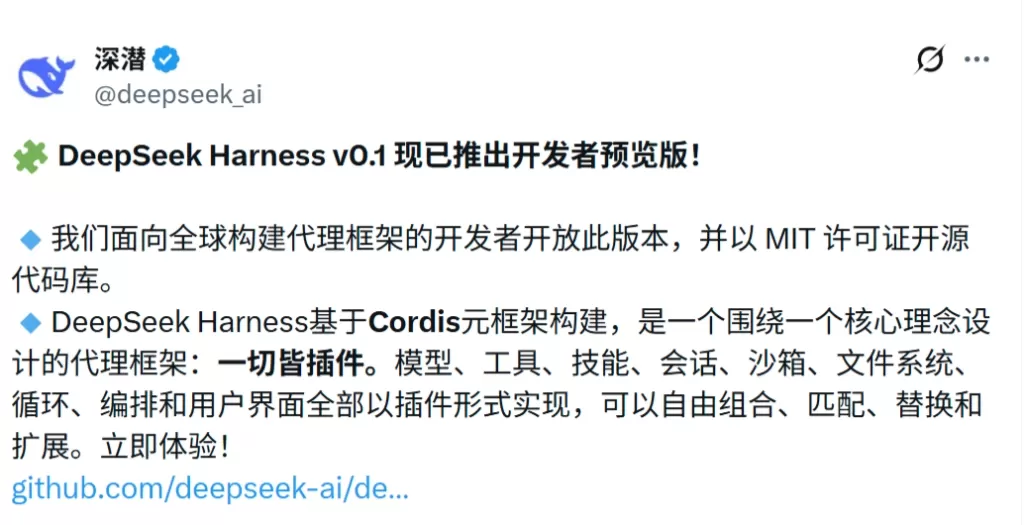
Everything Is a Plugin
DeepSeek Harness is built on the Cordis plugin meta-framework. All Agent capabilities—models, tools, skills, sessions, sandboxes, storage, loops, scheduling, UI—are independently loadable/unloadable Cordis plugins.
Plugins collaborate through Cordis's services and events, and can be freely combined at the configuration layer; developers can replace or extend any capability without modifying the source code.
Take the Bash tool as an example: the interface definition, local implementation, and tool exposure to the model are split into three layers. Swapping the execution backend (local → container → cloud) requires only swapping the implementation layer.
Four Operating Modes
Standard Mode: A full coding Agent, including file editing, Shell, retrieval, Skills, planning, sub-agents, and workflows.
PTC Mode: Programmatic tool calling, where the model generates a snippet of TypeScript code to compose multi-step operations, reducing multi-turn round trips.
Minimal Mode: Persistent bash + str_replace_editor only, used for minimal-environment benchmarking.
Creative Mode: Inspects the runtime, experiments with Cordis plugins in memory, and creates custom Agent presets.
Observability and Session Logs
Everything "the model sees" is written to an append-only session log (system prompts, chain of thought, tool calls and results, sub-Agent scheduling, context injection, etc.).
The Trajectory view lets you inspect by source; resume, fork, search, and replay all share the same event stream, solving the Agent review challenge of "what exactly did it see at the time."
How to Get It
Open-sourced under the MIT license: github.com/deepseek-ai/deepseek-harness
Quick tryout (requires Node.js): npx @deepseek-ai/dsh web launches the Web UI
Source installation: git clone the above repository and follow the instructions to install.
Getting Started
Quick Tryout
On a system with the Node.js development toolchain installed, you can use the npx command to quickly launch DeepSeek Harness's Web UI:
npx @deepseek-ai/dsh web
Source Installation
Obtain the full project source code and follow the repository instructions to complete the installation:
git clone https://github.com/deepseek-ai/deepseek-harness
Current Status
DeepSeek Harness v0.1 is an early preview. The interface and core plugins will iterate rapidly and may include breaking changes. The official goal is to make Harness reusable, composable Agent infrastructure, and to invite developers to jointly build the DSH plugin ecosystem, rather than delivering a fixed-form "DeepSeek coding assistant."









