
 Script Planner Assistant▸
 AI Apps
 AI News
10 Must-Have Tools for Beginners Starting on Xiaohongshu (RED)
小编 ·

10 Must-Have Tools for Beginners Starting on Xiaohongshu (RED)
Do you feel that when you're just starting out on Xiaohongshu, your mind is full of ideas, but your hands just can't keep up? Your images don't look good, so no one clicks; video editing takes too much time; writing copy and you constantly worry about banned words limiting your reach…
Don't worry about this! Actually, many top bloggers also started from scratch—they just had a few handy tools that you don't have. I've put together a super practical tool list for beginners, covering image creation, video editing, data analytics, and more. No need to spend money on courses; if you use these tools well, you can quickly create beautiful notes! I'd suggest bookmarking this first and referring back as you go!
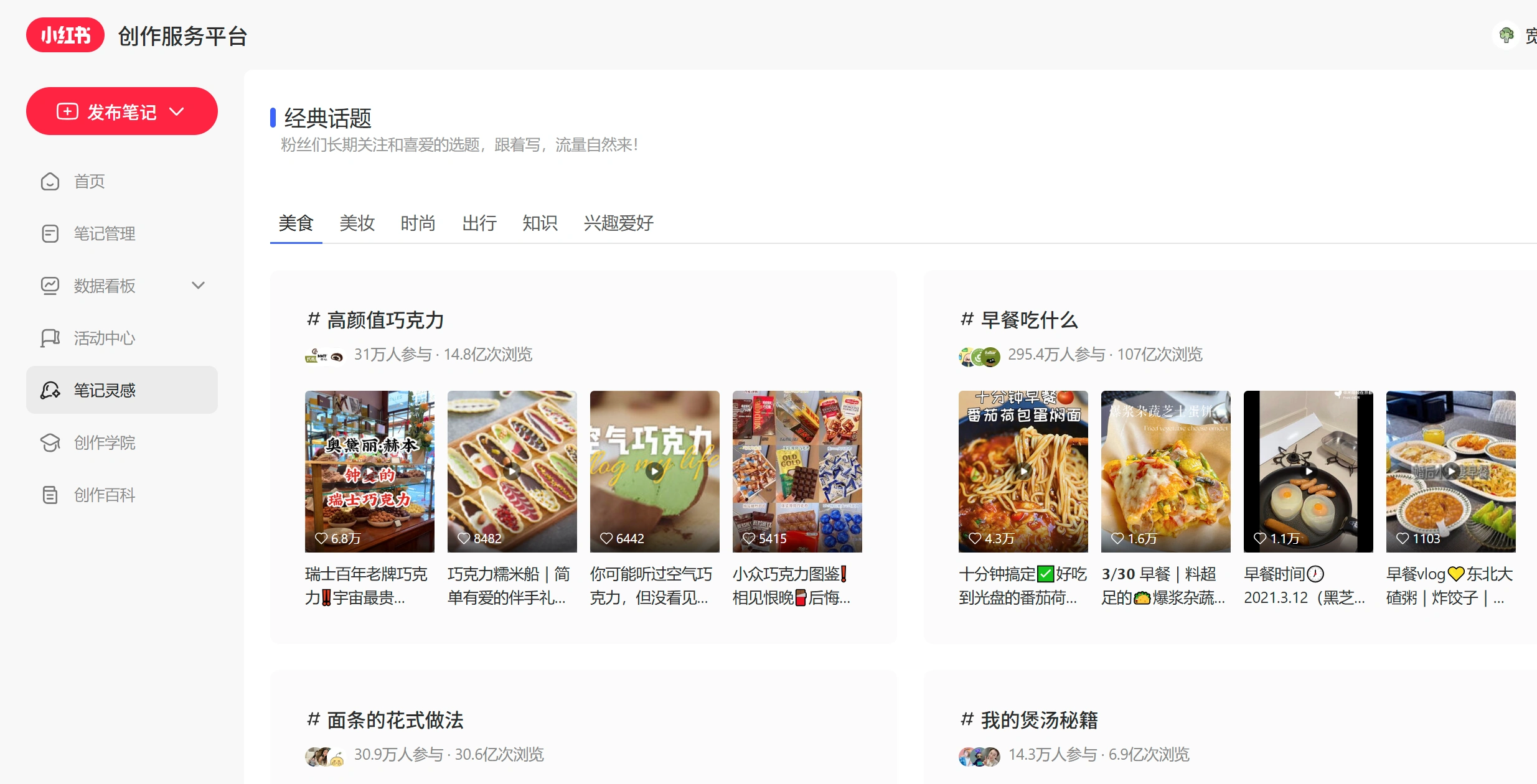
1. Content Creation and Layout Tools
These tools help you quickly nail graphics and videos that match Xiaohongshu's style.
Creation and Layout
UPlog / Fire Rabbit Toolbox: Especially recommended for beginners. It lets you one-click import content from platforms like WeChat Official Accounts and automatically restores formatting. It has lots of hit-template designs, can intelligently layout long blocks of text, and even lets you publish directly to Xiaohongshu with one click—super efficient.
Gaoding AI / Canva: Plenty of templates for Xiaohongshu covers and supporting graphics. Even without any design background, you can quickly produce attractive image assets.
Kuaixie Hongshu Tong AI: An AI-powered writing tool designed for Xiaohongshu users. Just enter keywords to generate various types of Xiaohongshu notes. It also supports extracting and rewriting existing note copy. Plus, it offers a rich library of materials and AI templates.
Video Editing
CapCut (Jianying) / CapCut: Easy to use on both mobile and desktop. It features automatic subtitle recognition, a library of trending BGM tracks, and sticker effects—it's the top choice for talking-head or Vlog short videos.
JianDanPai AI: Built-in "Xiaohongshu Creation Wizard" that lets you generate viral, copy-the-fork notes with one click. It also comes with a large number of ready-made templates, copy, and trendy holiday references tailored to Xiaohongshu style—just plug and play.
Pitfall Avoidance and Quality Check
Lingke Word Check / Banned Word Detection Tools: Before publishing a note, you can automatically scan your copy for advertising law trigger words or platform-sensitive terms, effectively reducing the risk of being throttled.
2. Data Analytics and Topic Selection Tools
By studying the data, you can understand traffic trends, dissect viral notes, and find suitable collaborators and creators to partner with.
Xiaohongshu Official Backend: You must make good use of the basic "Creator Center." It lets you view core data for your account over the past 7 or 30 days, such as read-through rates and follower growth sources—it's your go-to for daily reviews.
Qian Gua Data: Feature-rich, ideal for brand placements and in-depth operations. It supports multi-dimensional creator filtering, brand marketing analysis, live-stream data monitoring, and brand sentiment tracking.
Hui Tun Data: Great value for money, especially suited for beginner bloggers. It monitors current viral posts and trending brands, and its "Low-Follower Viral Posts Leaderboard" feature helps you quickly find creative inspiration worth mimicking.
Huo Shao Yun Data / Xin Hong Data: The former excels at quickly viewing and dissecting viral notes; the latter stands out in e-commerce rankings and category trend monitoring.
3. Collaboration and Monetization
Once you've built up a certain follower base and want to monetize through Xiaohongshu, you can't do without these official tools:
Pugongying Platform: Xiaohongshu's official brand collaboration platform where bloggers and brands conduct legitimate paid partnerships.
Juguang Platform: Xiaohongshu's one-stop ad placement platform, ideal for brands running performance-based ads.
Haowu Experience: You can apply directly within the Xiaohongshu app. It's perfect for bloggers to receive free products from brands and then post notes about their experience.
4. Daily Operations
Multi-Platform Distribution: If you run multiple social media platforms simultaneously, you can use tools that support multi-account management for bulk distribution and data aggregation, saving you the hassle of switching back and forth between accounts.
Idea Capture: In daily life, you can use your phone's built-in notes app or tools like Flomo to jot down topic ideas or feedback from followers at any time, gradually building up your own topic library.
5. Tips for Choosing Tools
Since we're beginners, start with a few basic tools: CapCut for video editing, UPlog or Gaoding Design for graphics, and Xiaohongshu's official backend for data. Once your account is running smoothly and you have more advanced needs, then consider bringing in professional third-party data analytics tools.









