
 Script Planner Assistant▸
 AI Apps
 AI News
Google Stitch vs Figma: In-Depth AI Design Tool Comparison for 2026
小编 ·

Google Stitch vs Figma: In-Depth AI Design Tool Comparison for 2026
Google Stitch—is it really a Figma killer? This article puts Stitch and Figma side by side, comparing their generation logic, collaboration features, code output, and pricing. It also explores how ai design tools are reshaping workflows, helping you pick a UI design tool that fits your style.
The core difference between Stitch and Figma actually lies in their design philosophies and target users—the two are more complementary than direct competitors. Here's a fitting analogy: Stitch is like a microwave, while Figma is like a full kitchen.
Put simply, Stitch excels at rapid idea generation from 0 to 1, while Figma specializes in fine-tuning from 1 to 100 and team collaboration.
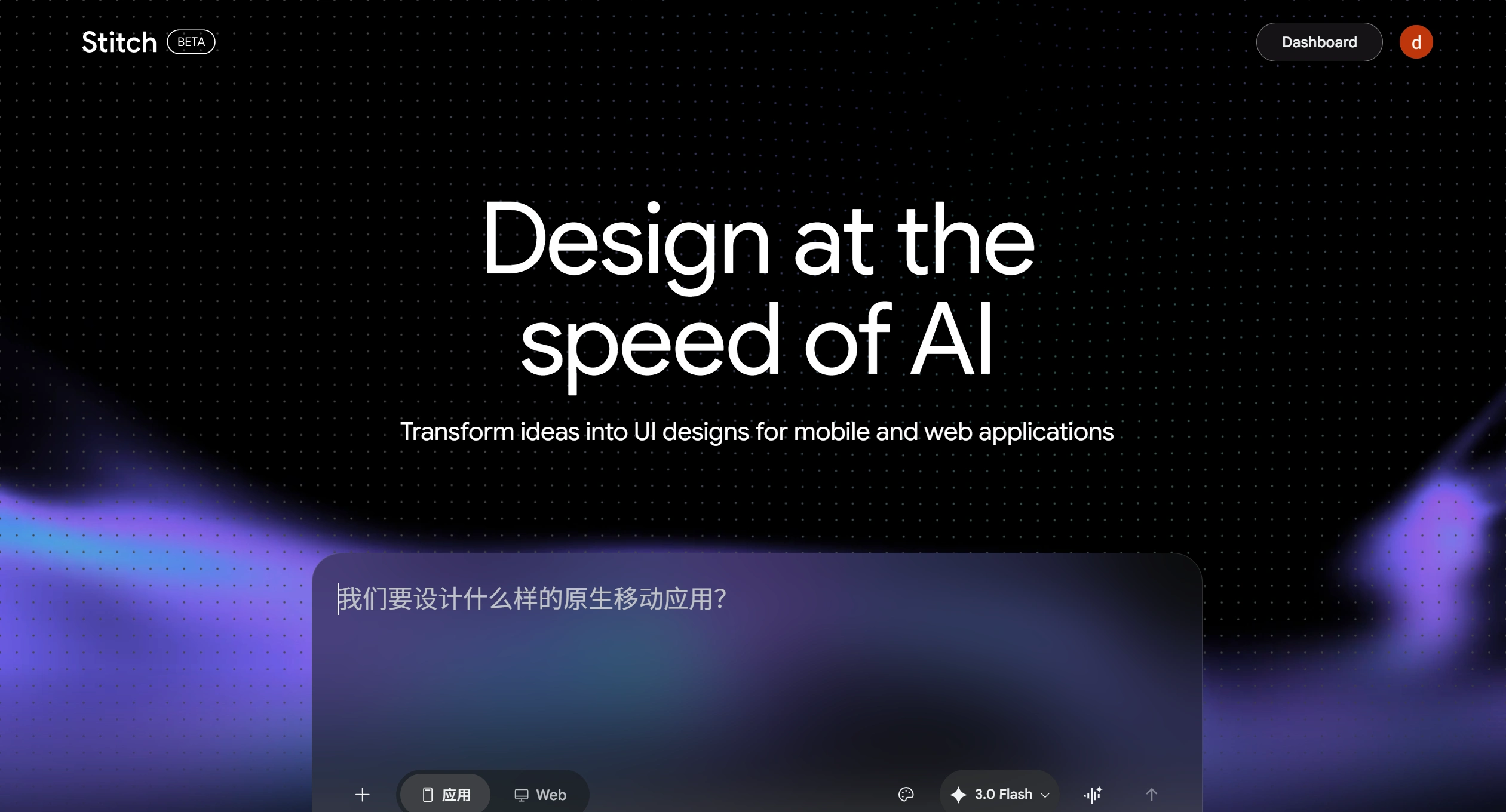
🎯 Core Philosophy: AI Generation vs. Manual Precision
Google Stitch: Its approach is called "Vibe Design." Just describe your idea, goal, or the feeling you're going for, and the AI will quickly generate interface prototypes. It mainly tackles "blank canvas anxiety," giving you several design options to review within minutes.
Figma: It pursues "pixel-perfect precision." Designers must build, drag, and tweak each element one by one, maintaining full control to ensure the final result matches exactly what's in their head.
🛠️ Features & Collaboration: Rapid Prototyping vs. Systematic Design
| Comparison Dimension | Google Stitch | Figma |
|---|---|---|
| 🎯 Core Capability | AI-driven text-to-UI / image-to-UI, voice interaction | Vector editing, component systems, Auto Layout |
| ⚙️ Workflow | Rapid concept generation, ideal for "0 to 1" exploration | Refined design and iteration, ideal for "1 to 100" polishing |
| 🤝 Collaboration Network | Focused on human-AI collaboration, using formats like DESIGN.md to hand off to developers | Mature real-time multi-user collaboration, comments, version history, and permission management |
| 🌐 Ecosystem | Still in early stages, ecosystem not yet mature | Over 2,000 community plugins and rich design resources |
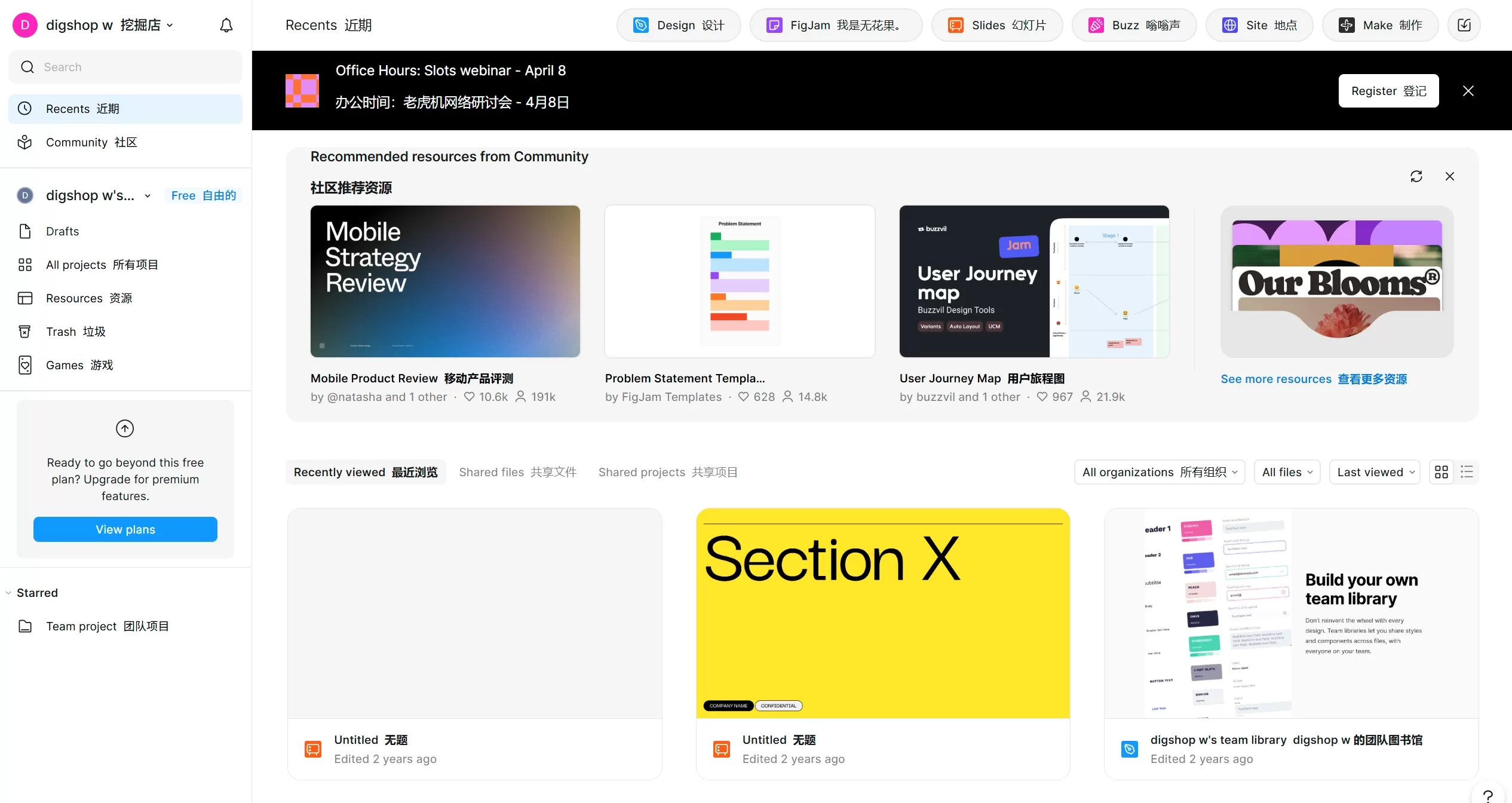
💰 Cost & Barrier to Entry: Free & Low Barrier vs. Paid & Professional
Google Stitch: Currently an experimental project from Google Labs, completely free (though with monthly generation limits). Almost no design barrier—product managers, developers, and entrepreneurs can all use it to quickly turn ideas into something visible.
Figma: Professional commercial software. Professional, Organization, and Enterprise editions all require paid subscriptions. Primarily aimed at professional designers, with a learning curve to use effectively.
🤝 Real-World Workflow: Integration, Not Replacement
In practice, Stitch and Figma don't replace each other—they form an efficient "hybrid workflow":
Diverge with Stitch: Spend a few minutes letting Stitch generate a dozen different design concepts and layouts to quickly test whether ideas hold up.
Filter directions: Pick 1-3 of the most promising directions from the AI's output.
Refine in Figma: Import the selected designs into Figma, make pixel-level adjustments, build reusable components, complete interaction logic, and review with the team.









