
 Script Planner Assistant▸
 AI Apps
 AI News
From Beginner to AI Pro with OpenClaw: 15 Must-Have OpenClaw Skills
小编 ·

From Beginner to AI Pro with OpenClaw: 15 Must-Have OpenClaw Skills
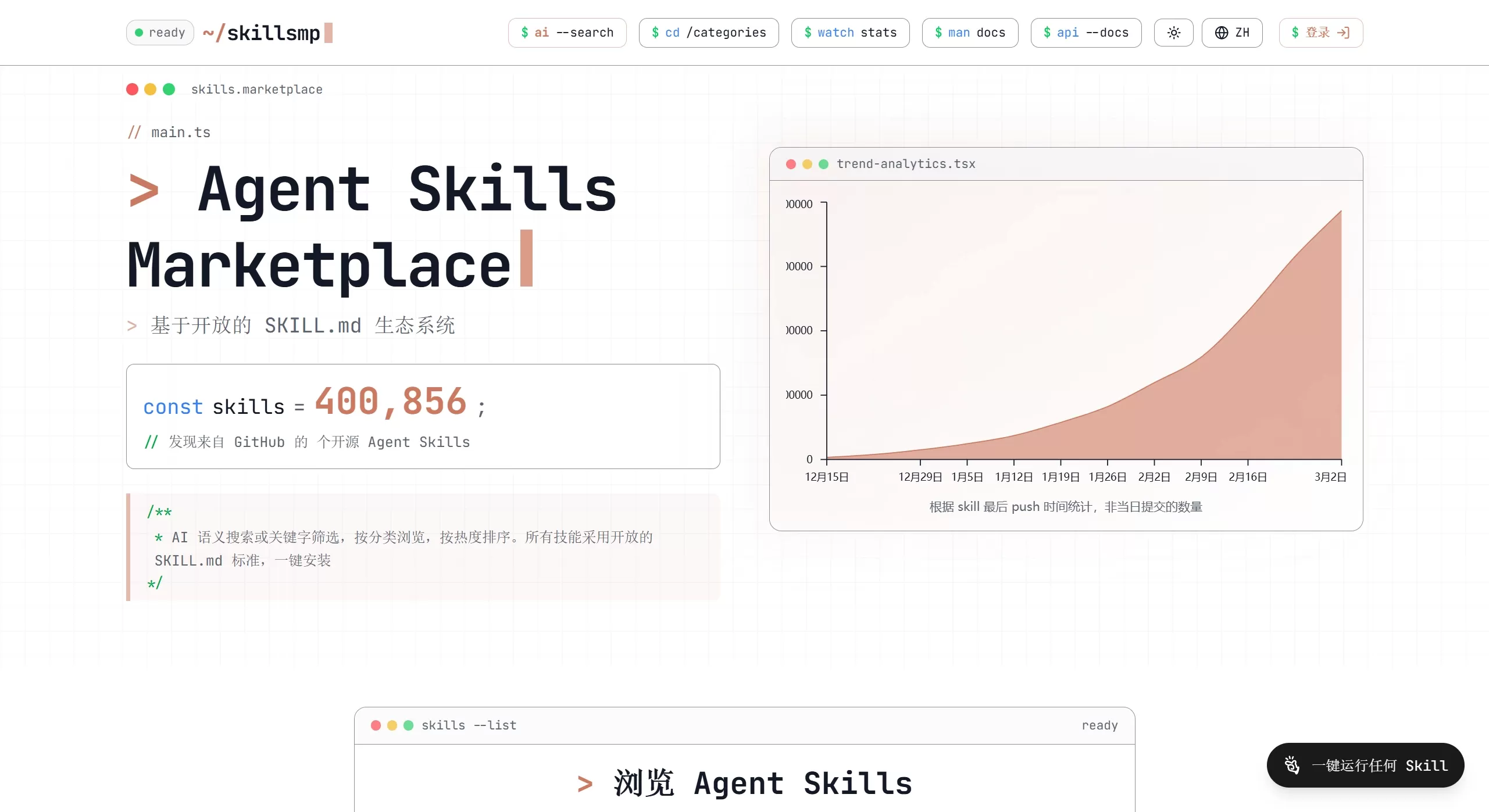
There are already a lot of OpenClaw Skills out there, but not many of them are truly useful. Don't install them blindly—here are some of the most practical OpenClaw Skills recommended for you. These skills form the foundation for OpenClaw's "long-arm" capabilities, and they can save you a lot of detours, helping you go from a beginner to an AI expert.
Recommended OpenClaw Skills
I. Essential Basic Skills
The following 5 are the basics—you need to install them before you can get real work done.
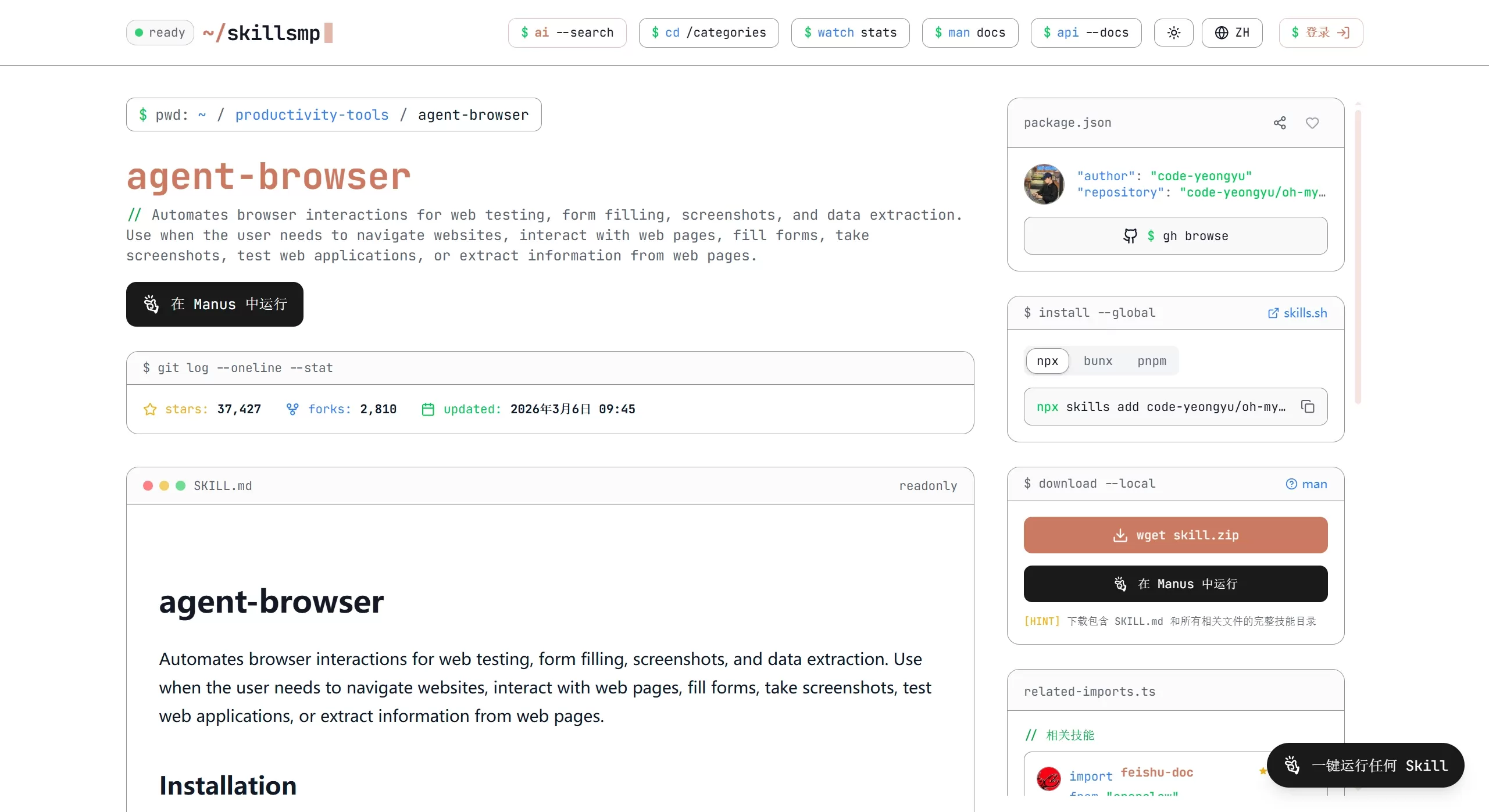
agent-browser: Lets the AI browse the web on its own. It can click links, fill out forms, and look up data.
file-manager: Manages files. Reading, writing, searching, and organizing folders all rely on it.
search-research: Does research. It goes deeper than a regular search, and can find papers, news, and even summarize them.
code-executor: Runs code. It can write Python or JS in a secure environment, and handle math, drawing charts, or fixing bugs.
calendar-scheduler: Manages your time. Keeps your schedule and sets reminders. Mac users can just use the system's built-in one for better integration.
II. Skills for Getting Work Done
Depending on what you specifically want to do, pick and install them. For example, if you're a developer, you can install the following 3:
git-helper: Automatically commits code and manages branches.
server-monitor: Keeps an eye on servers and automatically alerts you when something goes wrong.
log-analyzer: Reads logs and finds the cause of errors.
Skills for Office Work
email-manager: Replies to emails and saves attachments.
doc-converter: Converts file formats, such as PDF to Word.
meeting-assistant: Takes notes during meetings and automatically generates to-dos.
Skills for Creative Work
image-generator: Generates images.
video-summarizer: Watches videos and provides summaries.
Skills Exclusive to Mac Users
apple-notes: Directly reads and writes Notes.
shortcuts-runner: Triggers shortcuts on your phone.
How to Install and Manage OpenClaw Skills
See what's available:
Type openclaw skills list to see the list, or go to skillsmp to search and install.
Install:
Type openclaw skills install <skill name>.
For example: openclaw skills install agent-browser.
Enable/disable and remove:
Turn off: openclaw skills toggle <skill name>
Remove: openclaw skills uninstall <skill name>
Update: openclaw skills update all
A Few Suggestions
Don't be greedy: Installing too many will cause lag and slow responses. Start with the ones listed above, and add more only when you need them.
Pay attention to security: For features involving files and the network, don't grant excessive permissions.
Look for the official label: There are many skills in the community. Try to pick ones with the "Verified" tag, or find them in the official recommended list—don't randomly download obscure ones.
Once you've set up all the above, your OpenClaw will become an assistant that can really get things done.









