
 Script Planner Assistant▸
 AI Apps
 AI News
Seedance 2.0 Beginner's Guide: How to Get Started
小编 ·

Seedance 2.0 Beginner's Guide: How to Get Started
Seedance 2.0 is an AI video model launched by ByteDance. It can generate high-quality videos, supports various types of material input, and allows you to freely combine and control the process with different assets. Here is a detailed tutorial:
Seedance 2.0 Entry Point
Seedance 2.0 is currently mainly accessed through the "Jimeng" platform: Jimeng AI
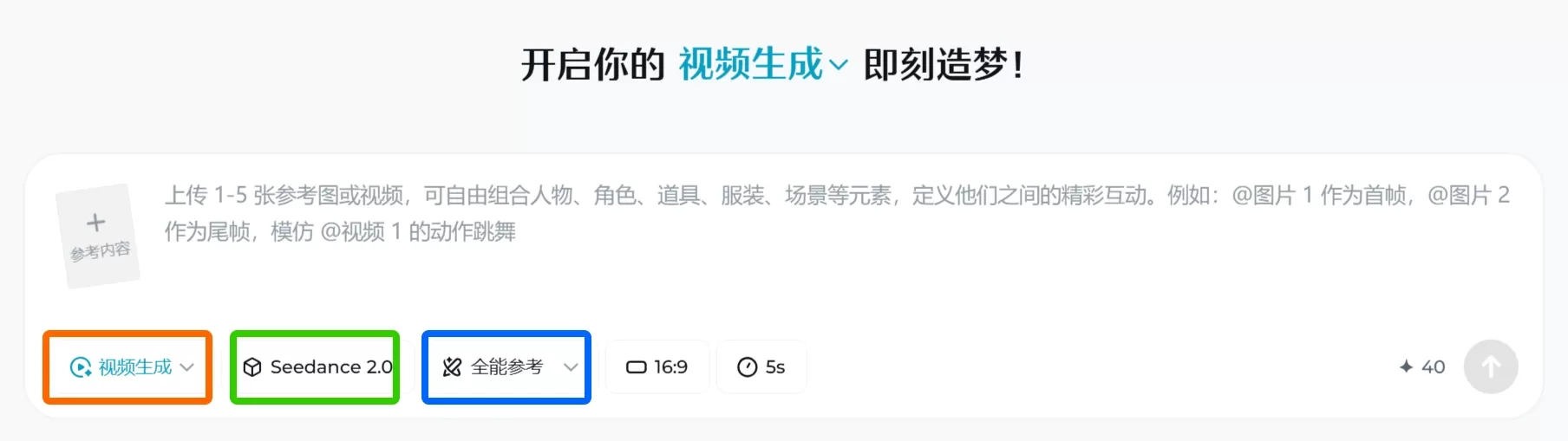
Seedance 2.0 Basic Usage Steps
1. Choose a Mode
○ First and Last Frame: Suitable when you only have one image and some ideas.
○ Universal Reference: Allows mixing images, videos, and audio together, with stronger functionality—recommended.
2. Upload Assets (Up to 12)
○ Up to 9 images, 3 videos, and 3 audio files each, with each file no longer than 15 seconds.
○ It's recommended to upload the most important style or rhythm assets first.
3. Write the Prompt (Key Step)
○ Use the @ symbol to specify assets. Type @ in the input box to see the list of uploaded files.
○ Examples:
■ @image1 is the main character, action references @video1.
■ Use @audio1 as the background music.
■ Completely mimic the camera work of @video2.
○ Formula: [Who/What] + [What to do] + [Where/Environment] + [Lighting/Style]
4. Generate and Adjust
○ Click Generate; if you're not satisfied with the result, you can retry.
○ You can add native sound effects or smooth out the motion in the footage.
○ Once done, just download it directly.
Parameter Settings
● Motion Bucket: A higher value means larger motion amplitude; a lower value means subtler motion.
● Aspect Ratio: 9:16 is suitable for TikTok, 16:9 is suitable for YouTube.
● Duration: It's recommended to start trying with 4–6 seconds.
Some Tips
● Writing Prompts: The more specific the description, the better—e.g., "sunset," "neon lights." You can also exclude things you don't want, such as "blurry" or "body distortion."
● Using Multiple Assets Well: Clearly tell the AI what each file is for, e.g., "reference the camera movement of this video." When there are many files, check that the @ names are correct.
● Maintaining Character Consistency: To keep a character looking the same across different videos, reuse the same face image and specify it in the prompt.
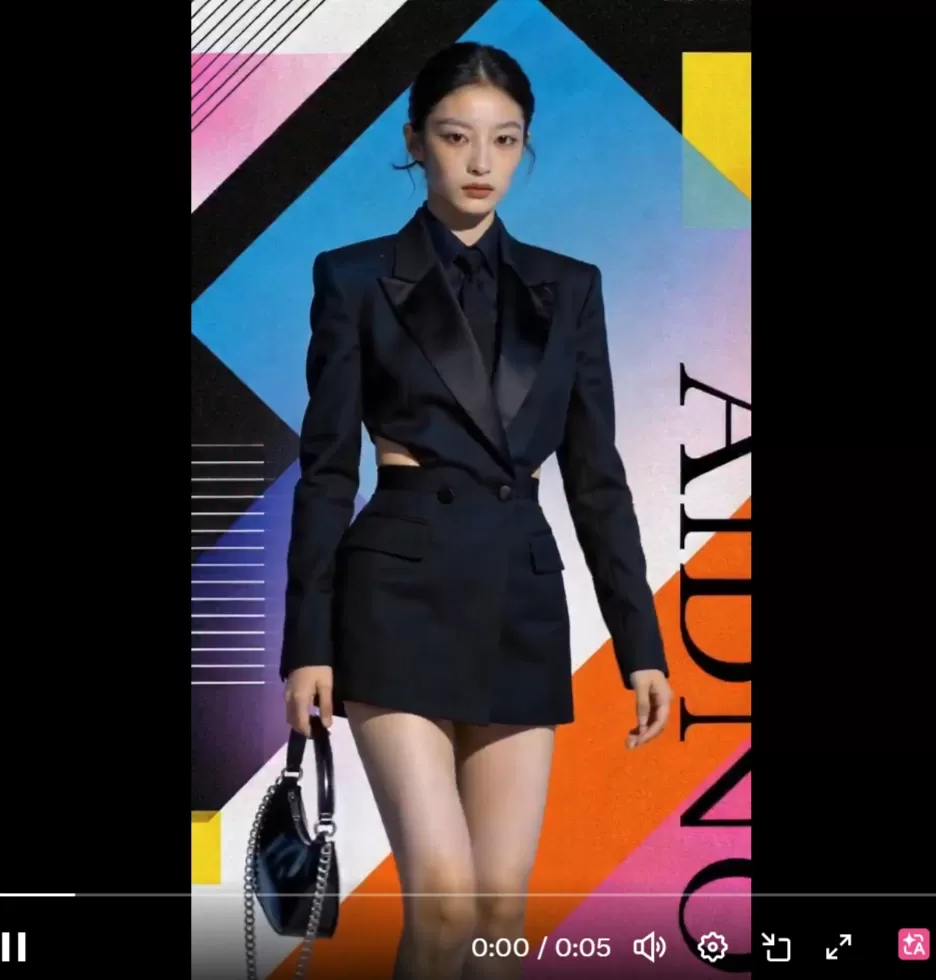
Here is an example:
prompt:
海报中的女生在不停的换装,服装参考@图片1@图片2的样式,手中提着@图片3的包,视频节奏参考@视频
The following video is a piece of rhythmic music and cannot be uploaded.
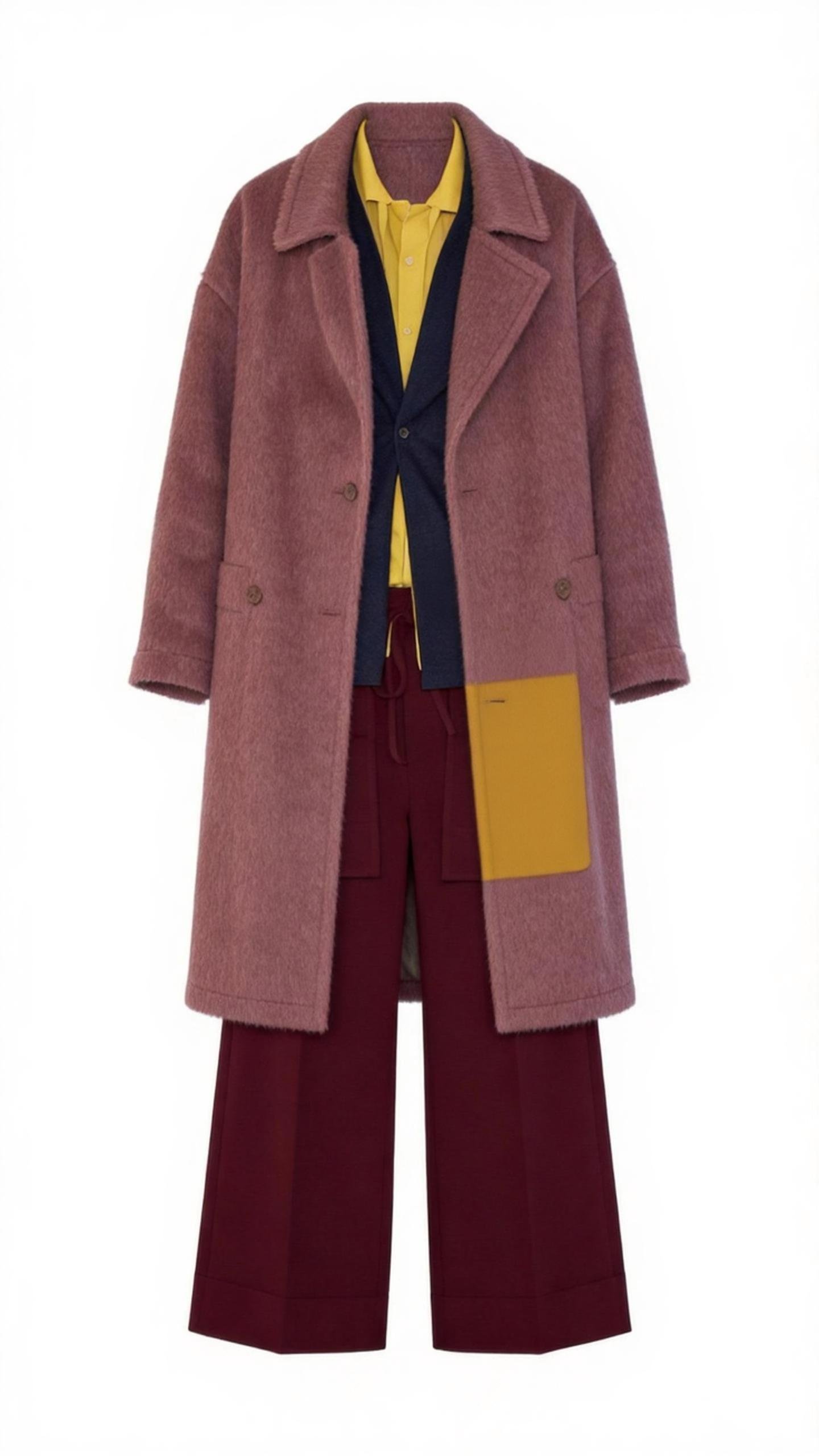
Image 1
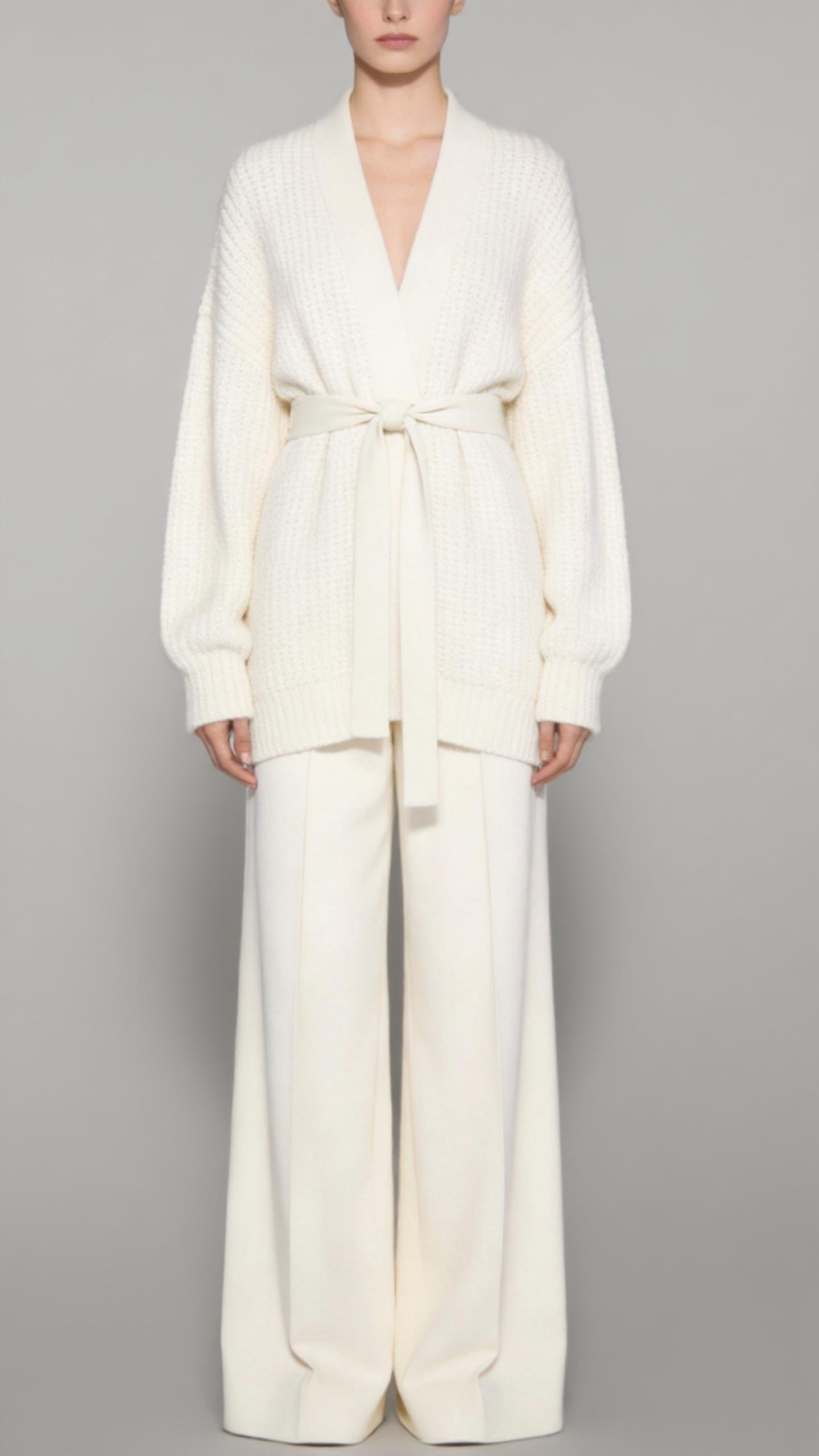
Image 2
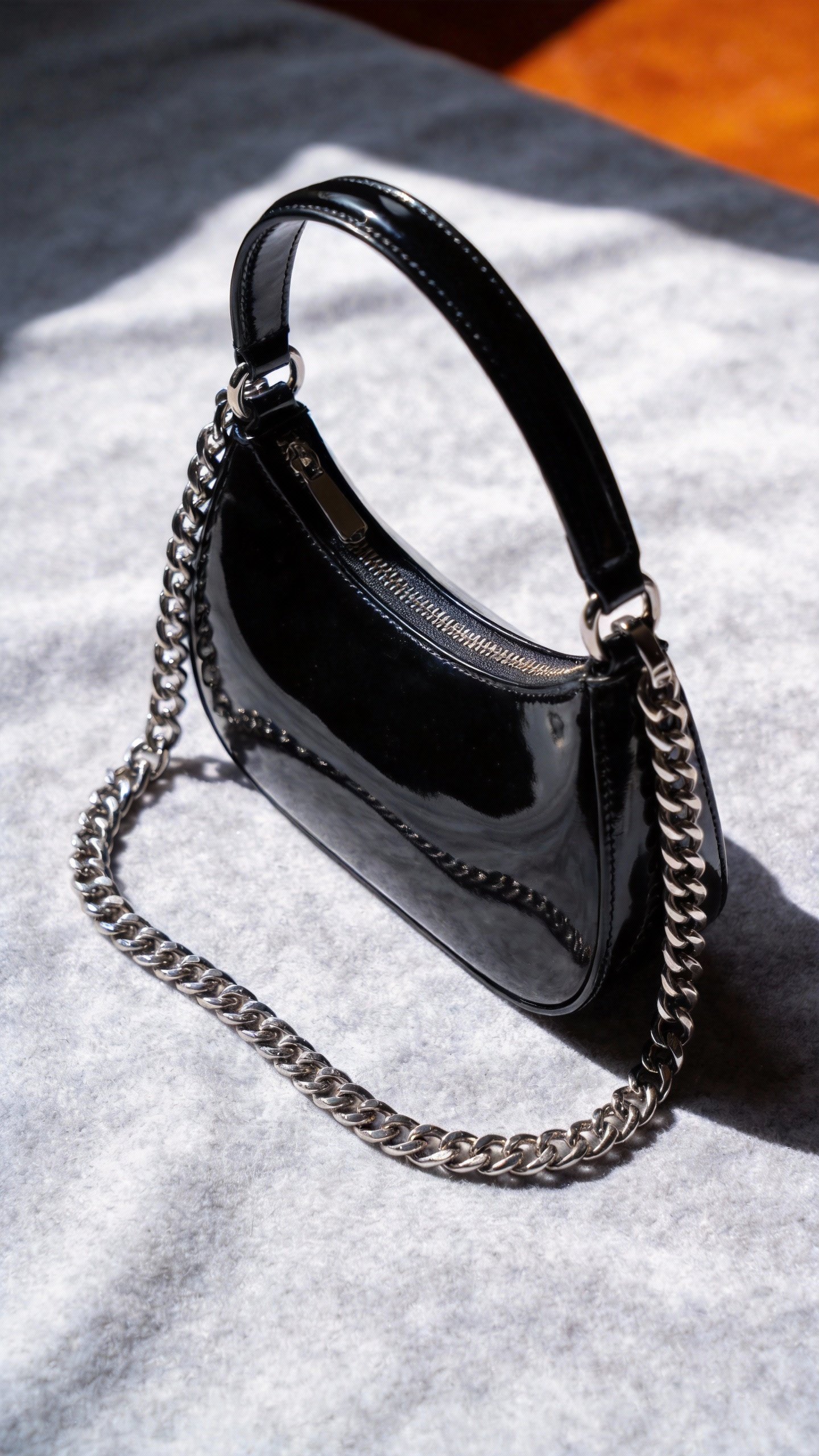
Image 3
Result:
Seedance 2.0 Use Cases
● Great for quickly creating short videos, marketing ads, and tutorial demos.
● Turn storyboard images directly into videos, saving editing hassle.
● Easily re-dub original videos with a different language.









