
 Script Planner Assistant▸
 AI Apps
 AI News
Glass: An Invisible AI Desktop Assistant That Captures Screen & Audio in Real Time
小编 ·

Glass: An Invisible AI Desktop Assistant That Captures Screen & Audio in Real Time
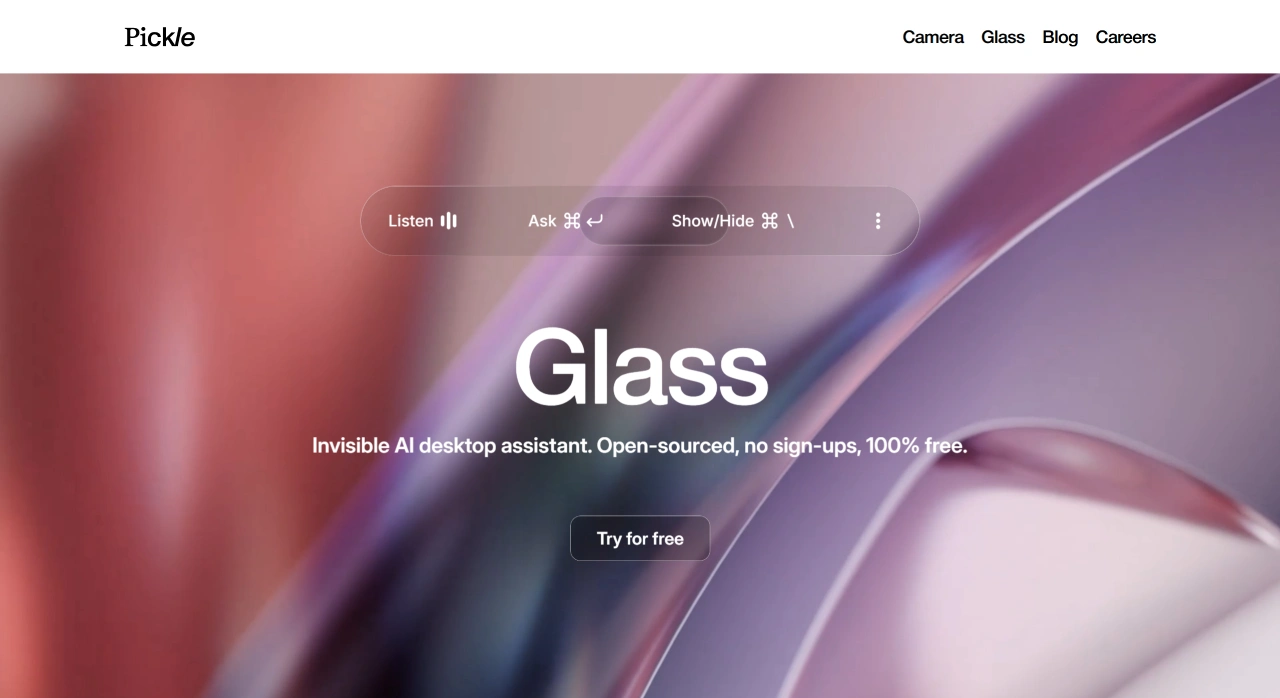
Glass is an open-source desktop AI assistant developed by the Pickle team, designed specifically for macOS, with the goal of becoming a user's "digital brain extension." It runs in the background, capturing screen and audio content in real time, understanding the context of user actions, and transforming this information into structured knowledge to provide instant feedback. Glass can serve as a personal productivity tool and meeting recording assistant, automatically generating meeting minutes, distilling action items, and providing support in conversations to improve team communication efficiency.
Core Features
Real-time Meeting Recording: Listens to meeting audio in real time, generates detailed records and summaries, and organizes them into structured notes for easy reference and sharing. When encountering complex terminology or questions, it can quickly provide background knowledge and solutions, improving meeting efficiency.
Learning Assistance: Analyzes documents or web pages browsed by the user, distills key information, and generates study notes to help users better understand and master the content, improving learning efficiency.
Programming Support: Observes code interfaces, provides real-time debugging suggestions and code optimization solutions, helping developers quickly solve problems and improve programming efficiency and code quality.
Instant Information Processing: Captures screen and audio information in real time, understands context, and transforms daily interactions into structured knowledge, making it easy for users to access relevant information at any time.
Shortcut Control: Quickly summon the main interface, trigger Q&A, or move positions via keyboard shortcuts, eliminating the need for mouse operations, reducing distractions, and helping users stay more focused.
Scenario Applications
Glass is not only suitable for meeting scenarios but can also be used for learning assistance and programming support. It can analyze documents or web pages browsed by the user, organize key information, and generate study notes; during programming, it can provide real-time debugging suggestions and code optimization solutions.
Operating Characteristics
Glass runs locally with an "invisible design," does not capture or record by default, and does not appear in screenshots, screen recordings, or the Dock, protecting privacy while achieving discreet and efficient operation.
Usage Steps
Download and Install: Visit Glass's GitHub page, download the installation package suitable for macOS, and install it.
Launch the Program: After installation is complete, launch with one click, and Glass will run in the background.
Shortcut Settings: Familiarize yourself with and set up shortcuts for quick operation, achieving mouse-free operation.
Model Integration (Optional): You can integrate mainstream large models such as OpenAI and Anthropic Claude, freely switching API Keys or using the default service.
Start Trying: Use Glass in meetings, learning, or programming scenarios, and it will capture information in real time and provide assistance.
Glass supports multi-model integration, allowing users to freely switch API Keys or use the official default service. Currently, Glass only supports macOS, but Windows and Linux versions are under development. The project has accumulated over 1,800 stars and more than 300 forks on GitHub.
Official Website: https://pickle.com/glass
GitHub: https://github.com/pickle-com/glass









