
 Script Planner Assistant▸
 AI Apps
 AI News
How to Create Animated Labubu Phone Wallpapers with AI
小编 ·

How to Create Animated Labubu Phone Wallpapers with AI
Want to use AI to create Pop Mart Labubu dynamic wallpapers and earn a little extra cash? You can give the steps below a try — nothing too complicated, just follow along.
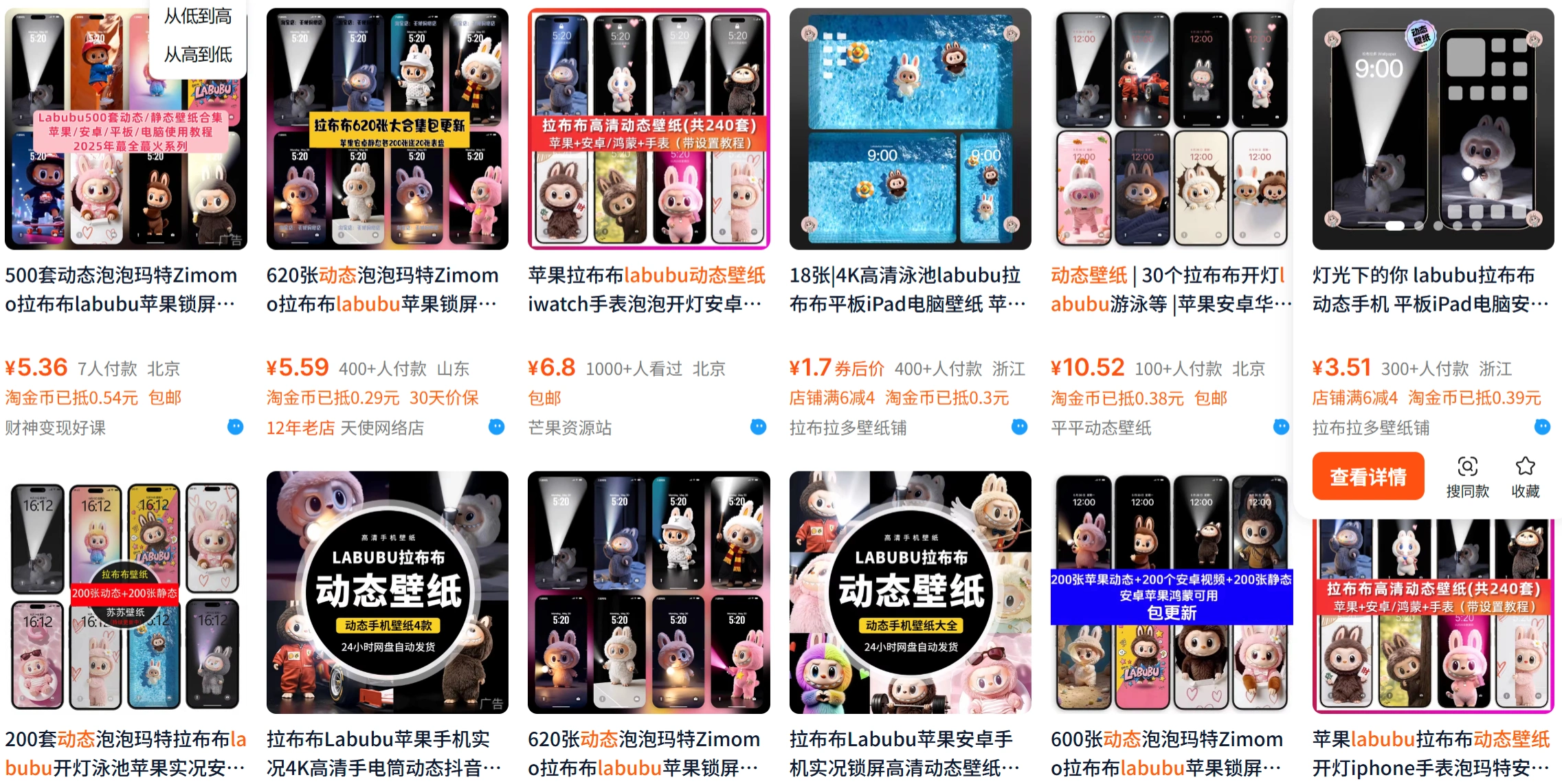
1. Find Reference Images & Visualize the Scene
Before you start, take a look at what Labubu actually looks like — don't let AI just guess. Here are some places to find images:
International platforms: Search "Labubu" or "PopMart" on Pinterest and Instagram (images posted by the official accounts are the most reliable).
Domestic platforms: Huaban has lots of fan-drawn artwork; you can screenshot the official images directly from the PopMart website; search "labubu" on Douyin/Xiaohongshu and pick scenes from trending videos.
While looking at the images, note the details: How big are Labubu's eyes? How sharp are the teeth? Is the fur fluffy or flat? Does the color lean pink or blue? You'll need these later.
Then think about the scene you want — for example, "Labubu in a spacesuit sitting on the moon" or "Labubu waving with a rainbow in the background". The more specific, the better. Don't just say "cute Labubu", or AI might generate something weird.
2. Generate Static Images with AI
Once you have an idea, you can ask AI to generate the image. There are several tools available now:
1. General AI drawing tools (beginner-friendly)
Domestic options like "Jimeng AI" and "Kling AI" are easy to use — open the app, type in your prompt directly (for example, "Labubu in a spacesuit, starry background"), upload a reference image to help, and hit generate.
International options like "MidJourney" and "DALL·E3" are more powerful, but they may not capture IP styles like Labubu accurately — it's recommended to upload a reference image first, then tweak your prompt.
2. Dedicated models (closer to the official look)
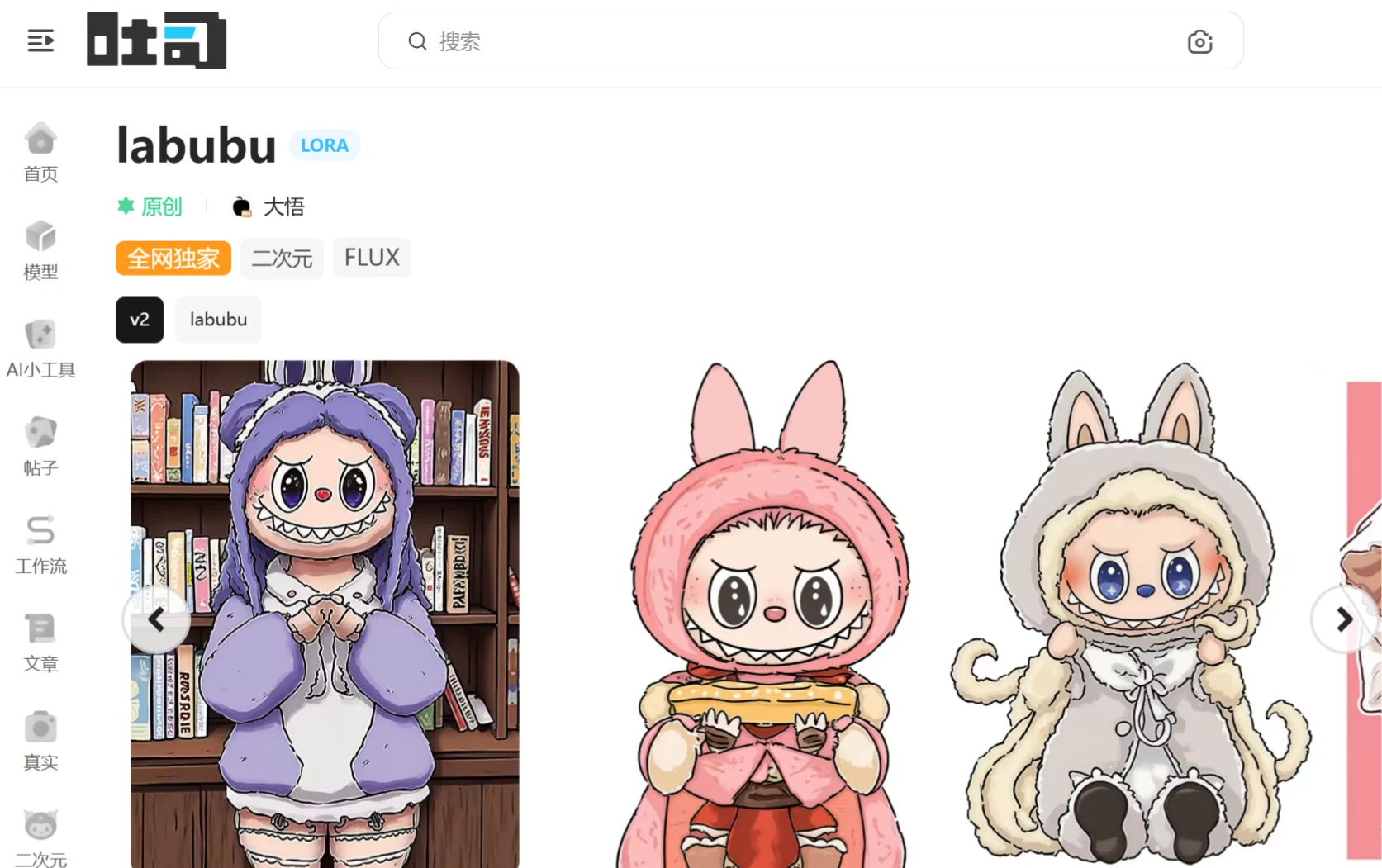
If the faces generated by general AI look too off, try the "Labubu" models on platforms like "Tusi AI" and "StarryAI" (essentially AIs that have been specifically trained on Labubu's art style). You can generate images without a reference, but you may need to try a few times and adjust parameters (for example, "set the sampler to DPM++ 2M Karras" and "set the steps to 28").
Tip: Try multiple prompt combinations — for example, generate several versions of "Labubu dancing + neon background" and "Labubu waving + rainbow" and pick the best one.
3. Bring the Image to Life
Once you have a static image, the next step is to use AI tools to turn it into a video. Here are some recommendations:
Domestic options like "Jimeng AI" and "Kling AI" both work well — they're easy to use and the free quota is usually enough. For example, upload an image in Jimeng AI and write "Labubu waving, slow motion"; after generation, check whether the hands and feet look distorted (for instance, if the hands turn into "four sticks", just cut and start over).
International options like "Runway" and "Pika" deliver better results, but they require a VPN. Pika handles cartoon styles better and is great for Labubu; PixVerse AI also works well and handles details more delicately.
Don't make the motion too complex! A 1–3 second loop works best — for example, "wave once", "spin around", or "blink". Anything longer may cause lag.
4. Convert the Video into a Dynamic Wallpaper Format
Phone lock-screen wallpapers typically require "Live Photo" (Apple only) or a video wallpaper (Android).
iPhone users: Use "Meitu Xiuxiu" to import the video, trim it, and export directly as a Live Photo. Alternatively, use the "IntoLive" app (the free version is enough) to adjust the loop speed, add a filter, and save.
Android users: If your system supports video wallpapers (for example, on Xiaomi or OPPO devices), just set the MP4 file as your wallpaper directly. If not, you can download apps like "Wei Suoping" or "Video Dynamic Wallpaper" to convert it.
5. Set the Lock-Screen Wallpaper
iPhone: Go to "Settings" > "Wallpaper" > "Add New Wallpaper", choose the Live Photo from your album, toggle on the "Live Photo" option, adjust the position, then tap "Set as Wallpaper Screen".
Android: Find "Video Wallpaper" in the wallpaper settings or import it through a third-party app. On some devices, you may need to long-press the lock screen and select "Dynamic Wallpaper".
Things to Keep in Mind
Copyright: Using it yourself is fine, and posting it on your WeChat Moments is okay too, but don't use it commercially (for example, selling phone cases printed with this wallpaper), or the official team may come after you.
Phone performance: Older phones may lag, so it's better to try shorter videos first (a 1-second loop runs more smoothly than a 3-second one).
AI costs: Most tools provide enough free quota. If you want to generate more, go ahead and top up — but don't buy an expensive package all at once.
Following this workflow, you should be able to create a moving Labubu wallpaper. Try a few times, and you'll find one you're happy with!









