
 Script Planner Assistant▸
 AI Apps
 AI News
Ecne AI Podcaster: Generate Podcasts from a Single Keyword
小编 ·

Ecne AI Podcaster: Generate Podcasts from a Single Keyword
Ecne AI Podcaster is an AI tool that automatically generates podcasts. Just provide a keyword, and it will search for information, write scripts, and complete voiceover and background music, producing a complete podcast video.
Main Features
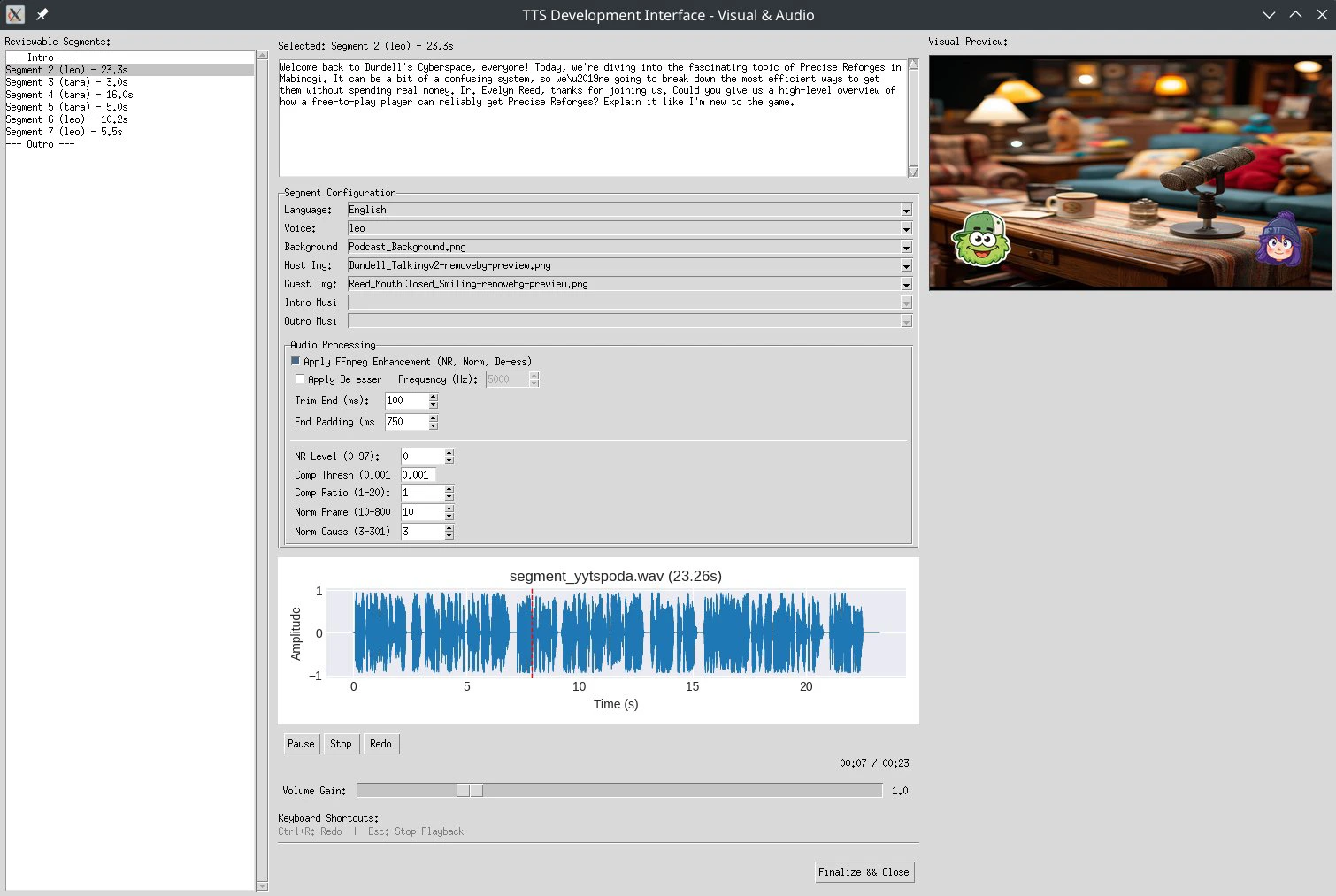
Web Control Panel: Provides an easy-to-use control panel interface that makes it simple to complete the entire podcast creation workflow.
Script Generation: Uses AI for research and script writing, supporting script generation from topics, keywords, or documents.
Podcast Production: Uses high-quality TTS technology (such as Orpheus) and video assembly features.
Docker Integration: Automatically sets up the TTS backend via Docker.
Multi-Voice Support: Supports different host and guest voices, including male and female voices.
Installation Steps
1. Clone the repository and run the installation script:
git clone https://github.com/ETomberg391/Ecne-AI-Podcaster
cd Ecne-AI-Podcaster
chmod +x Installer.sh
./Installer.sh
2. Start the web control panel:
./run_control_panel.sh
3. Access the web interface: Open http://localhost:5000 in your browser.
Prerequisites
Operating System: Linux (such as Ubuntu/Debian) is recommended.
Software Dependencies: Git, Python 3.8+, Docker, and FFmpeg need to be installed. If using an NVIDIA GPU, it is recommended to install the NVIDIA Container Toolkit to optimize TTS performance.
Workflow
Configure Settings: Add API keys and select an LLM model.
Generate Script: Enter a topic/keyword or upload a document.
Create Podcast: Select a script, configure voices, and generate a video.
Download: Access completed podcasts from the history page.
Project Link
https://github.com/ETomberg391/Ecne-AI-Podcaster









