
 Script Planner Assistant▸
 AI Apps
 AI News
Bland TTS Complete Tutorial Guide
小编 ·

Bland TTS Complete Tutorial Guide
What is Bland TTS?
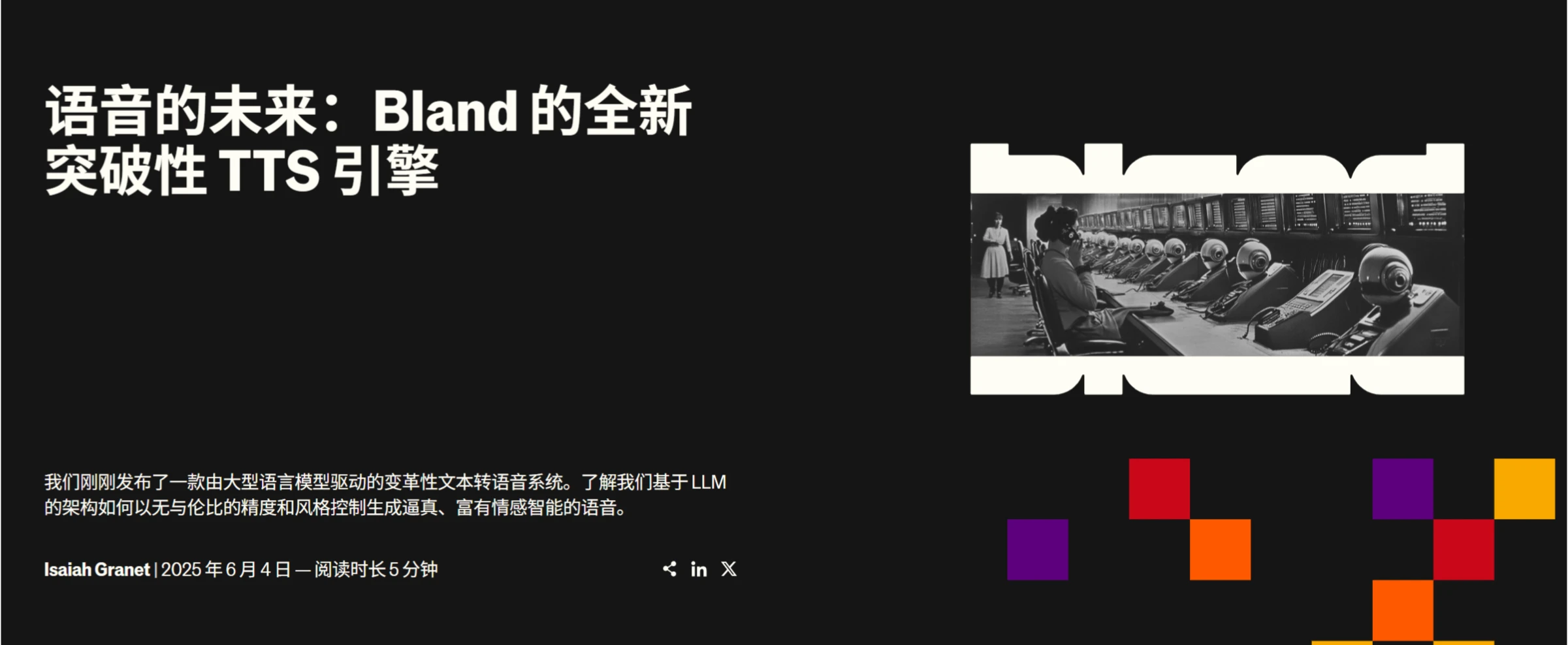
Bland TTS is a text-to-speech (TTS) tool developed by Bland AI. With its astonishing voice cloning capabilities and advanced features, it redefines the field of AI voice and marks a qualitative leap in AI voice technology—from "able to speak" to "good at speaking."
Bland TTS offers one-click cloning of any voice, supports style mixing, and can intelligently adjust tone and emotion based on context to generate natural and fluent speech. Notably, it can also simulate non-verbal sound effects such as laughter and sighs, making voice expression more lifelike. Currently, the tool has been applied in scenarios such as intelligent customer service, content creation, virtual assistants, and education & entertainment.
Bland TTS User Guide
Register and Log In
Visit the Bland official website (https://www.bland.com/) and follow the on-page instructions to register and log in.
Voice Cloning (Optional)
Prepare samples: If you want the system to learn and replicate a personal voice, prepare 3-6 voice samples; if you need to generate sound effects or mixed voices, provide correspondingly labeled samples as well.
Upload samples: Upload the prepared voice samples in the designated area on the official website and wait for the system to process and learn.
Text Input and Feature Selection
Enter text: Fill in the text content you want to convert into speech in the input box.
Feature selection
Voice style control: If voice cloning has been completed, you can select different voice styles; you can also precisely control tone by manually adding tags such as <happy><serious>. For example, adding a <solemn> tag before major news text will cause the system to automatically read it with appropriate intonation, speed, and emotional variation.
Sound effect generation: Enter sound effect tags such as (dog bark) or (laughter) in the corresponding locations, and the system will generate the corresponding sound effects; if you have labeled custom voice samples, you can also upload them for the system to memorize and reproduce; supports interleaving various sound effects within dialogue to enhance expressiveness.
Voice mixing (optional): Provide multiple voice samples and the system will automatically blend them into a new voice, retaining the characteristics of the original voices while ensuring coherent and natural output. This is suitable for scenarios such as brand-exclusive voice design, unified multilingual spokesperson voices, and custom character voices for virtual personas.
Parameter adjustment (optional): Fine-tune parameters such as speech rate, intonation, and volume according to your actual needs until you are satisfied with the result.
Generate Speech
After completing the above settings, click the "Generate" button, and Bland TTS will convert the text into speech and play it. You can preview the generated speech first; if unsatisfied, return to modify the relevant settings and regenerate.
Download
Once satisfied with the generated speech, you can choose to download it to your local computer.
Developer Integration
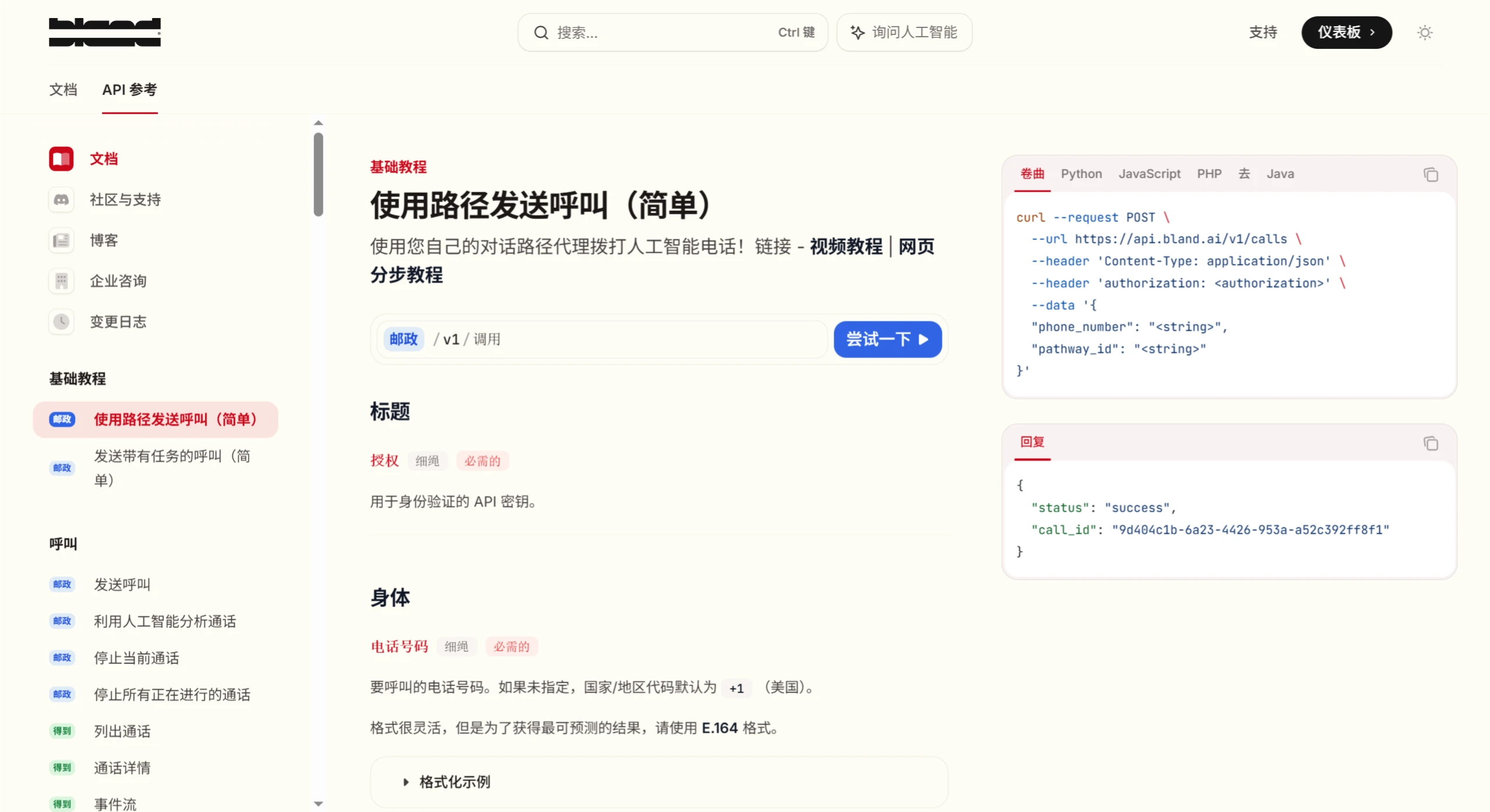
In addition to the basic features above, developers can also integrate the tool into their own applications via API. For API details, visit the Bland AI official website (https://docs.bland.ai/api-v1/post/calls-simple-pathway), or refer to the official blog (https://www.bland.com/blog) for more technical details.
Enterprise User Solutions
Enterprise users can visit (https://www.bland.com/for-enterprises) to use the tool for building AI customer service systems, developing voice-based sales or service systems, creating unique brand-exclusive voices, and more—enabling seamless 24/7 service and improving customer satisfaction.









