
 Script Planner Assistant▸
 AI Apps
 AI News
ParseStudio: A Python Library to Simplify PDF Parsing
小编 ·

ParseStudio: A Python Library to Simplify PDF Parsing
What is ParseStudio?
When processing PDF documents, extracting text, tables, and images is often cumbersome, and the different libraries each have their own usage patterns, which makes the code repetitive and hard to manage. ParseStudio, a Python library, offers a simplified approach by integrating multiple parsers into a single unified interface, allowing users to complete PDF document parsing with just a few lines of code. The library brings together three engines—Docling, PyMuPDF, and Llama Parse—enabling flexible handling of text, table, and image extraction tasks. The main features of ParseStudio include: a modular design, the ability to extract multiple types of content simultaneously, a clean API design, automatic conversion of tables to Markdown format, inclusion of metadata when extracting images, and support for batch processing of multiple PDF files. For developers with some Python experience, ParseStudio is a practical tool.
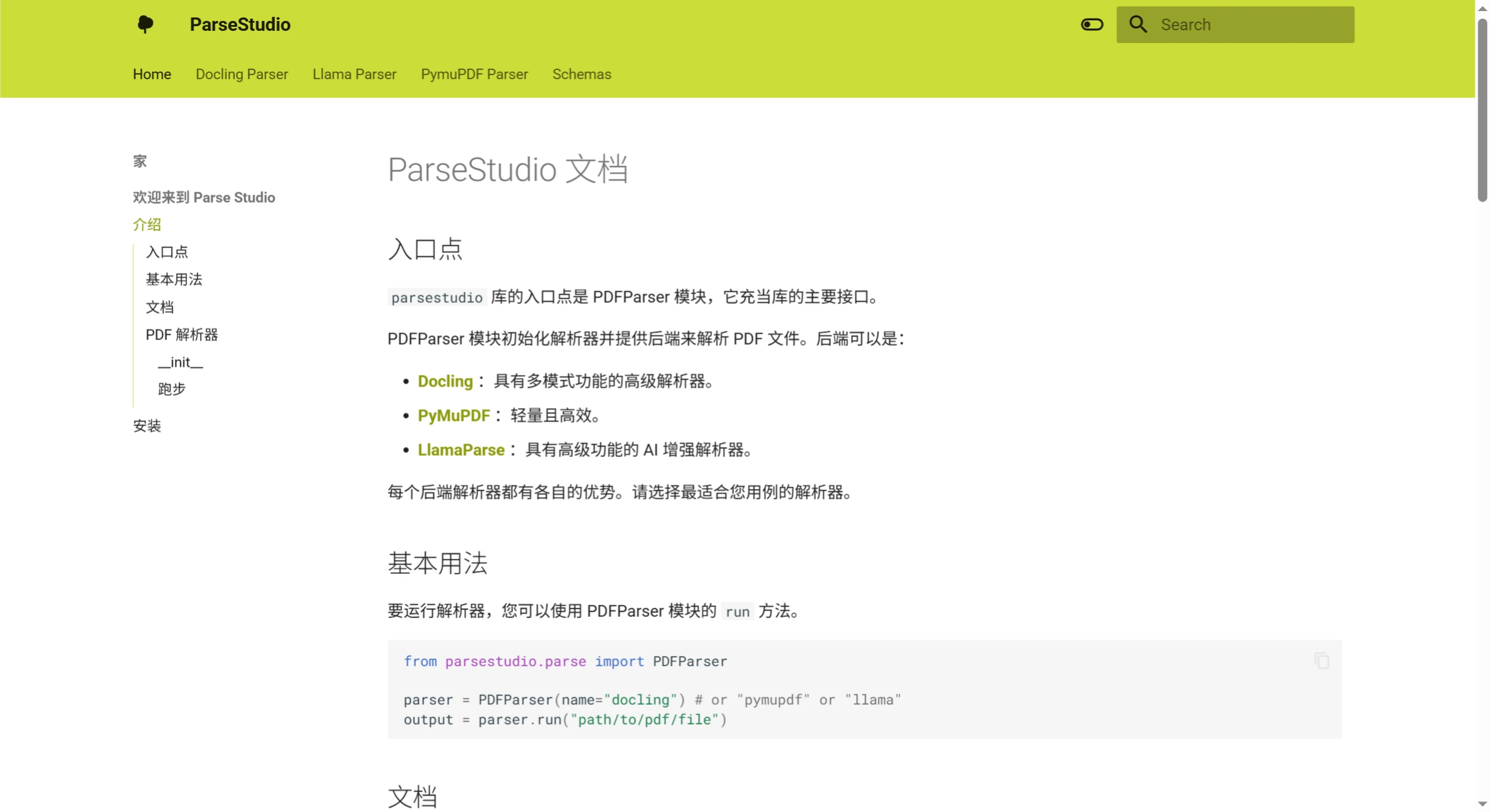
Main Features of ParseStudio
Modular design: Multiple parsing backends can be selected, such as Docling, PyMuPDF, and Llama Parse, to meet different needs.
Multimodal parsing: Capable of seamlessly extracting text, tables, and images.
Unified syntax: Simplifies interaction with different backends by providing a unified interface.
Extensibility: Parsing behavior can be easily adjusted through additional parameters.
User-friendly: Abstracts away backend-specific complexities so users can focus on extracting content.
How to Install ParseStudio
Install using pip:
pip install parsestudio
Install from source:
git clone https://github.com/chatclimate-ai/ParseStudio.git
cd ParseStudio
pip install .
Getting Started with ParseStudio
Import and initialize the parser:
from parsestudio.parse import PDFParser
# Initialize with the desired parser backend
parser = PDFParser(parser="docling")  # options: "docling", "pymupdf", "llama"
Parse a PDF file:
outputs = parser.run(["path/to/file.pdf"], modalities=["text", "tables", "images"])
# Access text content
print(outputs[0].text)
# Access tables
for table in outputs[0].tables:
print(table.markdown)
# Access images
for image in outputs[0].images:
image.image.show()
metadata = image.metadata
print(metadata)
Supported parsers
Docling: Suitable for detailed layout analysis of complex documents, supporting OCR and precise table extraction.
PyMuPDF: Lightweight and efficient, ideal for fast processing.
LlamaParse: Cloud-based and AI-enhanced extraction, suitable for scenarios requiring advanced features.
Github: https://github.com/chatclimate-ai/ParseStudio









