
 Script Planner Assistant▸
 AI Apps
 AI News
BrowserBee: A Privacy-First Chrome Extension for Web Automation
小编 ·

BrowserBee: A Privacy-First Chrome Extension for Web Automation
What is BrowserBee?
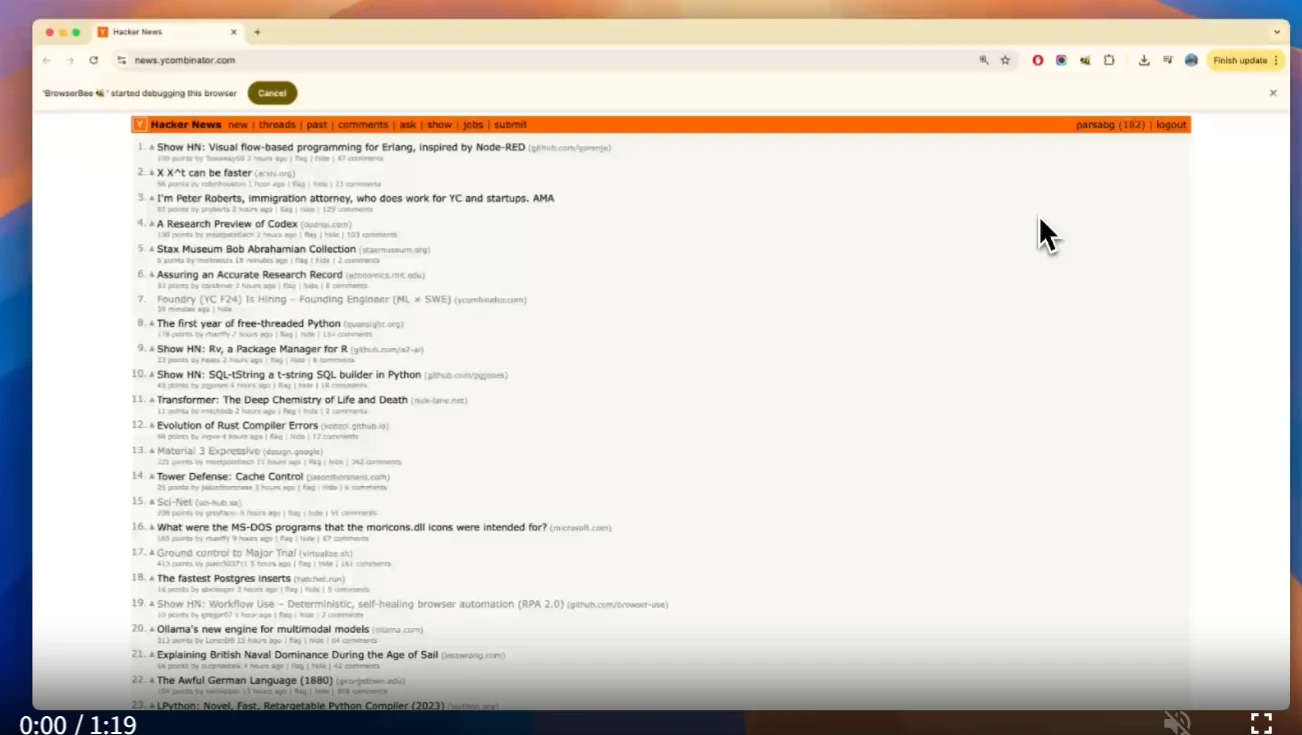
BrowserBee is an open-source Chrome extension that controls the browser through natural language instructions to automate web operations. It combines the parsing capabilities of language models with Playwright's automation features, enabling users to complete various tasks more efficiently while emphasizing privacy protection.
BrowserBee Features
Privacy Protection: BrowserBee's operations are mainly completed within the local browser, only communicating with the LLM provider, with no other data transmission involved.
Multi-Model Support: Supports multiple mainstream LLM providers, such as Anthropic, Openai, Gemini, and Ollama.
Rich Tool Set: Provides various tools for navigation, tab management, page interaction, observation, mouse, and keyboard operations.
Memory Function: Can store and reuse useful operation sequences to improve efficiency.
User Approval Workflow: Requires explicit user approval when performing sensitive operations (such as purchases or posting social media updates).
Cost Tracking: Tracks LLM token usage and expenses, helping users manage costs.
BrowserBee Use Cases
Social Media Management: Check notifications, summarize messages, and assist with replies.
News Aggregation: Collect and summarize the latest headlines from your favorite news sources and blogs.
Personal Assistant: Handle daily tasks, such as reading and sending emails, booking flights, etc.
Research Assistant: Collect and organize information such as companies, job listings, market trends, or academic papers.
Knowledge Bookmarking and Summarization: Quickly summarize articles, extract key information, and save them.
BrowserBee Installation and Usage
Installation Steps
You can install BrowserBee through the following steps:
git clone https://github.com/parsaghaffari/browserbee.git
cd browserbee
Install Dependencies
npm install
Build the Extension
npm run build
Load the extension in Chrome
Visit chrome://extensions/.
Enable "Developer mode" in the upper right corner.
Click "Load unpacked extension" and select the dist directory.
The BrowserBee options page should automatically pop up. On that page, set your LLM API key (such as Anthropic, OpenAI, Gemini) or configure Ollama.
How to Use
Click the BrowserBee icon in the Chrome toolbar, or press Alt+Shift+B to open the side panel.
Enter an instruction, for example: "Go to Google, search for Cicero, and click the first result".
Press the Enter key and wait for BrowserBee to complete the task.
Advantages and Limitations
Advantages:
Privacy-first, data does not go through third-party backends.
Open-source and transparent, users can inspect and modify the code themselves.
Offers multiple LLM options, so users can choose based on their needs.
Memory features can improve efficiency for repetitive tasks.
Limitations:
Requires manual installation and configuration of the LLM API key.
Currently only supports the Chrome browser.
Using LLMs will incur certain costs.
Users need to learn how to express instructions more effectively.
Project Link
https://github.com/parsaghaffari/browserbee









