
 Script Planner Assistant▸
 AI Apps
 AI News
Workflow Use: An Open-Source Browser Automation Tool
小编 ·

Workflow Use: An Open-Source Browser Automation Tool
What is Workflow Use?
Workflow Use is an open-source browser automation tool built on Playwright that effectively boosts enterprise automation efficiency. Users only need to record browser operations once to generate repeatable, deterministic workflows. Compared with traditional LLM-based approaches, Workflow Use runs 10 times faster and reduces costs by approximately 90%. This makes it particularly well-suited for high-frequency tasks such as form filling and PDF downloads.
The core features of Workflow Use include: creating continuously runnable workflows through a single recording, automatically fixing execution errors, and intelligent data filtering.

Workflow Use Features
No manual input required: workflows can be generated simply by demonstrating the process, lowering the barrier to use and eliminating the need for complex programming knowledge or manual coding.
Variable extraction support: it can automatically extract key information from forms, making it convenient to use these variables for follow-up operations within the workflow, thereby improving workflow flexibility and adaptability.
Self-healing capability: when a workflow fails, it has the ability to automatically repair itself, reducing the need for manual intervention and improving workflow stability and reliability.
Application scenarios combined with browser automation
Data collection: workflows can be set up to automatically open a browser, visit specific websites, extract the required data, and save it to a designated location. For example, collecting product information and pricing data from e-commerce sites, or collecting article content and publication times from news sites.
Form filling and submission: automatically fill in web forms such as registration forms, login forms, and surveys, and submit them. This is extremely useful in scenarios like batch account registration and batch data submission, saving significant time and effort.
Web operation automation: simulate user actions in the browser, such as clicking links and buttons, switching pages, and scrolling. For example, automatically browsing web content, clicking ads for statistics, or automatically turning pages to retrieve more information.
Automated testing: used for automated testing of web applications to verify whether web functions work normally, whether the interface displays correctly, and whether links are valid. Workflows can automatically execute a series of test steps, improving testing efficiency and accuracy.
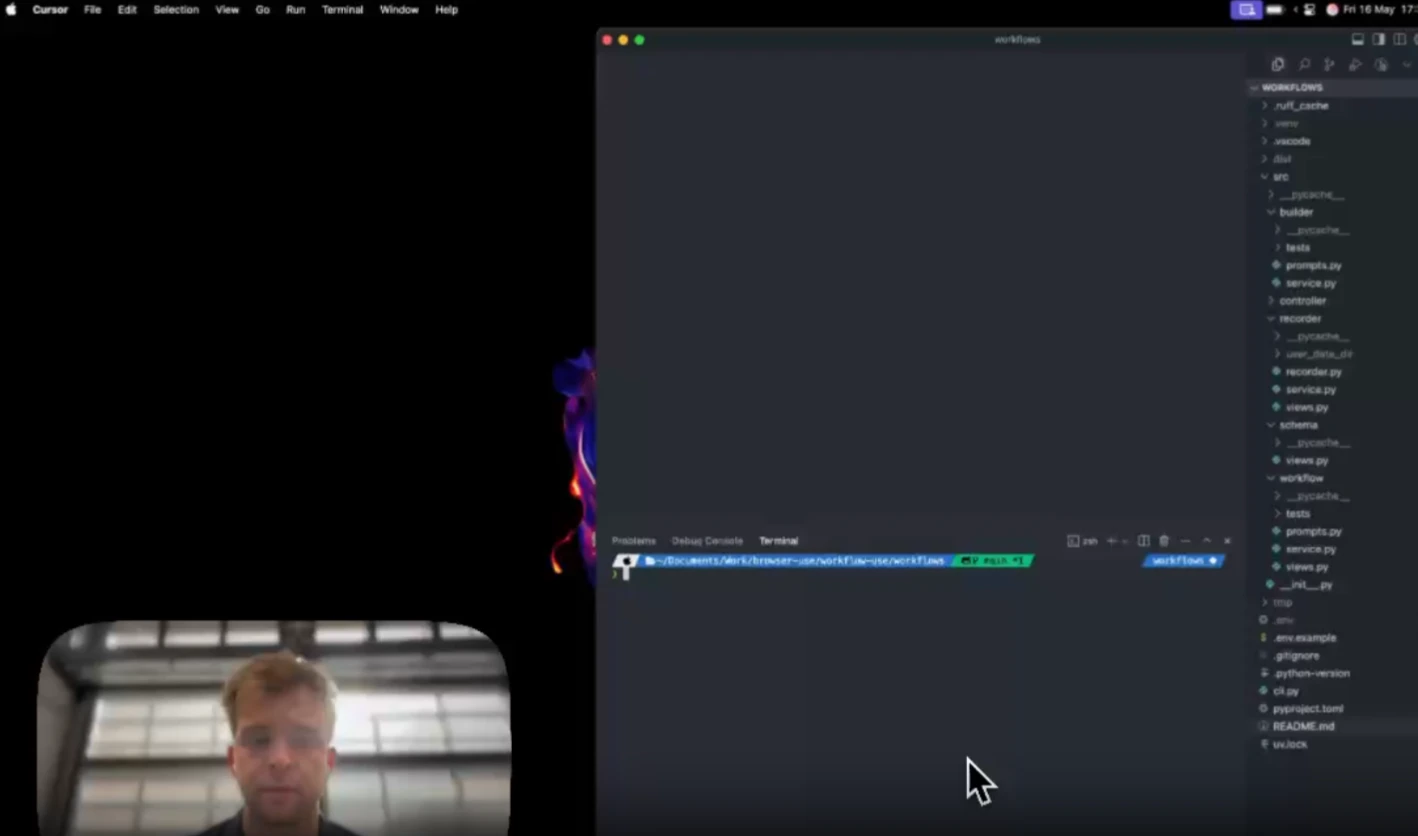
Workflow Use Application Example
Take collecting product information from an e-commerce site as an example. Suppose we want to collect the name, price, and image link of mobile phones on a certain e-commerce platform:
Create a new Workflow Use workflow.
Add an "Open Browser" step to the workflow, specifying the URL of the e-commerce site to visit.
Add an "Extract Information" step, using the relevant selectors or regular expressions to extract details such as the mobile phone name, price, and image link, and store these details as variables.
Add a "Save Data" step to save the extracted information to a local file or database.
Set the execution frequency of the workflow, such as running on a schedule every day, to obtain the latest product information.
Project Link
Github:https://github.com/browser-use/workflow-use









