
 Script Planner Assistant▸
 AI Apps
 AI News
PapersGPT For Zotero: An Open-Source Tool to Boost Your Research Efficiency
小编 ·

PapersGPT For Zotero: An Open-Source Tool to Boost Your Research Efficiency
What is PapersGPT For Zotero
When reading papers, you often get a headache from the specialized terminology and complex content. If you want to quickly grasp the key points of an article or write a literature review, that takes even more time and effort. Recently I discovered a pretty useful open-source tool: PapersGPT For Zotero. This plugin integrates many powerful models together and can be used directly within Zotero. It helps you quickly "chat" with literature, making reading papers much easier. For example, you can use local open-source models with one click, and process multiple papers at the same time. It also comes with some academic-scenario prompts that are very convenient to use. Most importantly, it processes data locally, so you don't have to worry about privacy, and it integrates tightly with Zotero, making literature management and chatting very smooth.
Main Features of PapersGPT For Zotero
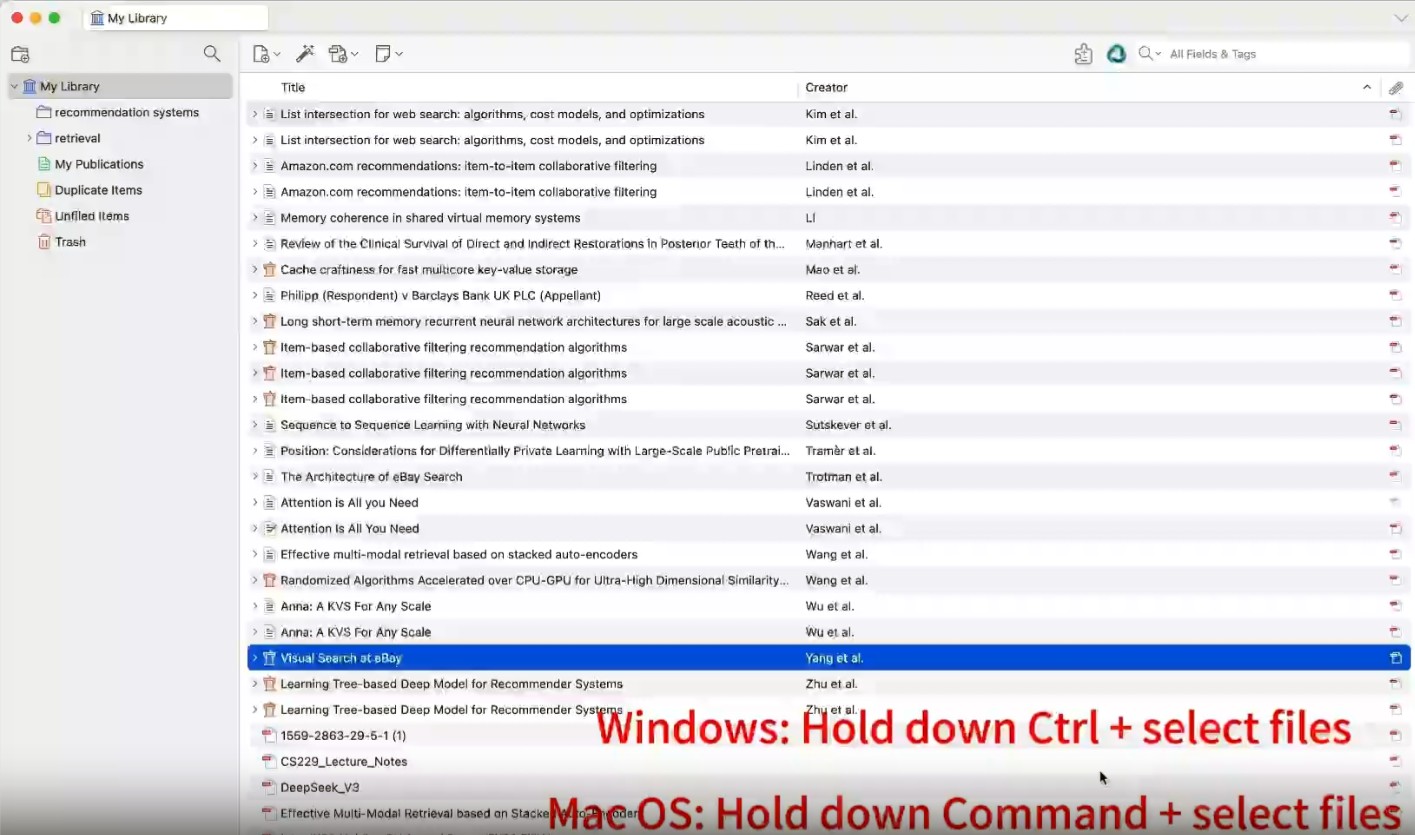
Chat with multiple PDF files: Users can select multiple files or collections, then have a conversation with the ai model. Built-in prompts are provided for generating literature reviews, theoretical frameworks, future directions, etc., and users can also directly enter any text or prompt to chat.
Multiple state-of-the-art commercial LLMs to choose from: Integrated with OpenRouter, which includes almost all state-of-the-art commercial models, and users can access all models with a single key press. Supported models include Qwen3, Gemini 2.5 Pro/Flash, GPT-4.1, DeepSeek, Claude Sonnet 3.7, and more.
Multiple latest open-source free local LLMs (for Mac users): Supports various open-source free models such as Qwen 3, Gemma 3, DeepSeek-R1-Distill-Llama, etc. These models can be automatically downloaded, installed, and used, with data stored locally to ensure privacy and security.
Seamless integration with Zotero: Syncs directly with the Zotero library, allowing users to manage and chat with documents within the Zotero interface.
How to Use PapersGPT For Zotero
Installation: Download the plugin file papersgpt.xpi and install it through Zotero's Tools > Add-ons menu.
Launch: Press the shortcut key in Zotero (MacOS: command + enter, Windows: ctrl + enter) to launch the plugin.
Select an LLM model: Windows users can switch between OpenAI, Claude, and Gemini models with one click; Mac users, in addition to the above commercial models, can also choose Gemma 3, DeepSeek-R1-Distill-Llama, and more.
Chat with PDFs in Zotero: Open any PDF file and start asking questions, PapersGPT will process the document and provide insightful answers.
Manage insights: Save, export, or share the insights, answers, and annotations extracted from conversations.
Exit: Press the esc key to exit.
Building the Plugin
If users want to build the plugin themselves, they can follow these commands:
git clone https://github.com/papersgpt/papersgpt-for-zotero.git
cd papersgpt-for-zotero
npm install
npm run build
The built plugin file papersgpt.xpi will be generated in the build directory.
Applications of PapersGPT For Zotero
Research assistance: Summarize research papers, identify key concepts, and quickly answer questions.
Academic writing: Generate insights for literature reviews, and dive deep into specific sections of papers.
Collaborative projects: Share annotated PDFs and answers with colleagues and teams for smoother collaboration.
Project Link
https://github.com/papersgpt/papersgpt-for-zotero









