
 Script Planner Assistant▸
 AI Apps
 AI News
GitFriend: AI-Powered GitHub Assistant That Auto-Generates READMEs
小编 ·

GitFriend: AI-Powered GitHub Assistant That Auto-Generates READMEs
What is GitFriend?
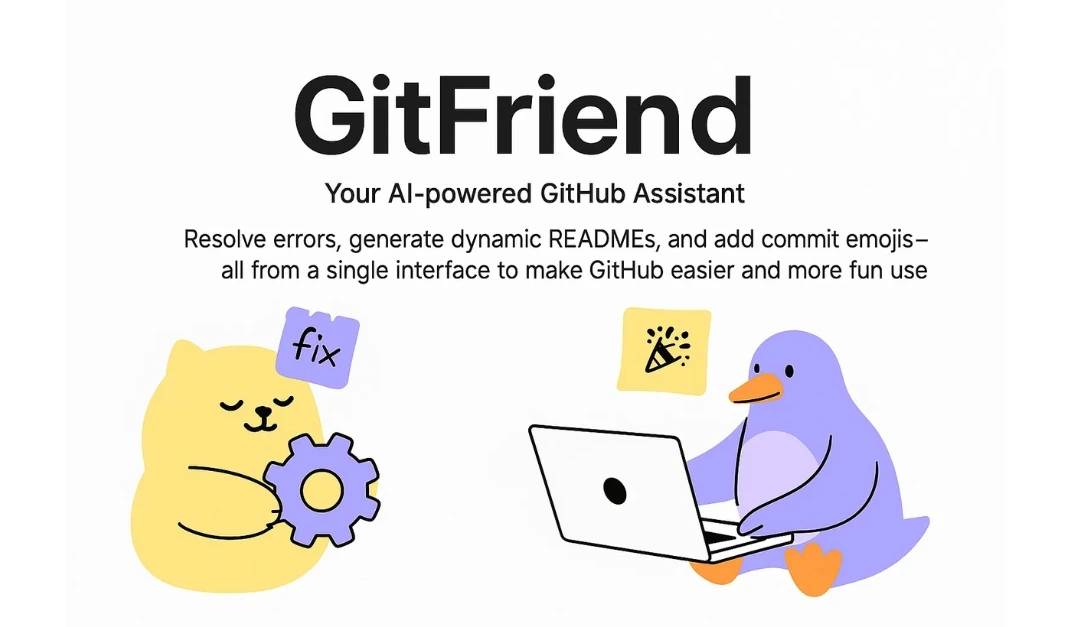
GitFriend is an AI-powered GitHub assistant built with React, TypeScript, and Firebase. It helps users answer questions related to Git and GitHub through AI chat, troubleshoot common errors, and automatically generate customized README files based on the project information provided by the user, making project documentation easier. It also adds emojis to commit messages to improve readability, helping users manage and use GitHub more efficiently.
GitFriend Main Features
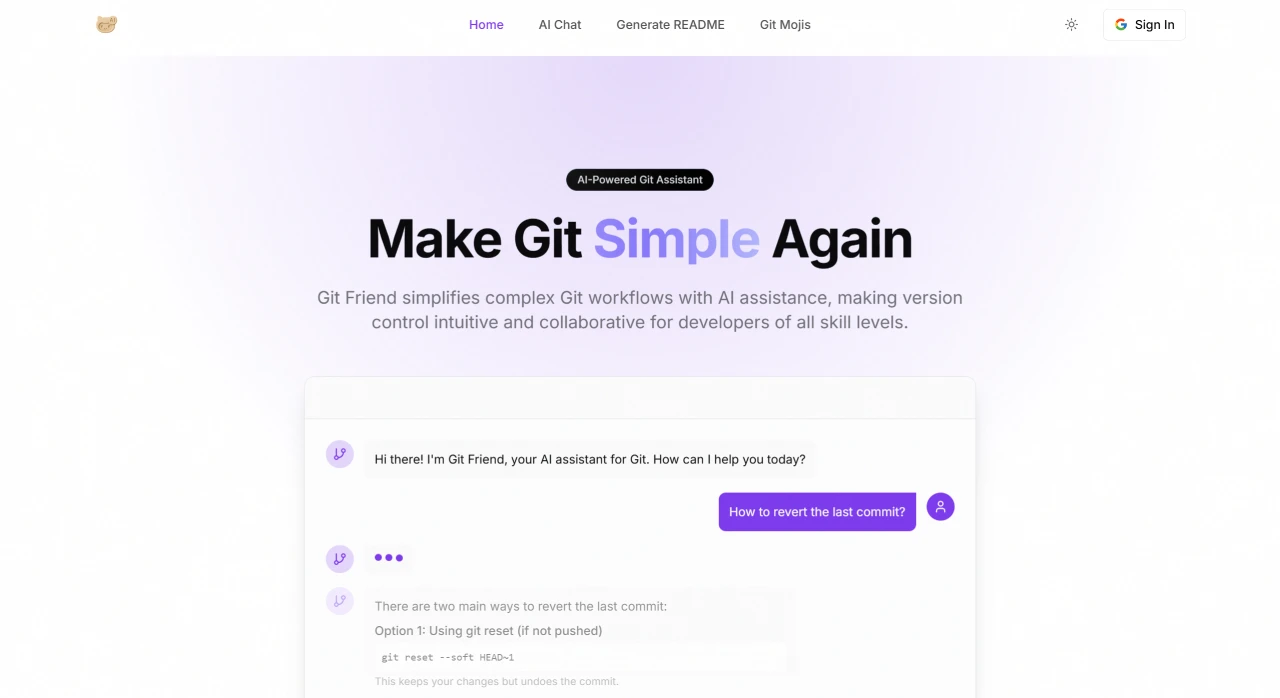
AI Chat Support: Through intelligent AI chat functionality, users can quickly resolve Git and GitHub-related issues and learn Git commands and best practices.
Dynamic README Generation: Users can input basic project information (such as name, description, tech stack, etc.), and GitFriend will automatically generate a professional README file, with support for custom templates.
Gitmoji Support: Following the Gitmoji specification, it adds fun and meaningful emojis to commit messages, improving the readability of commit history.
GitFriend Technical Architecture
GitFriend uses TypeScript, CSS, and JavaScript as its programming languages, leverages React and Next.js to build the user interface, interacts with GitHub via Octokit, uses Firebase for user authentication and data storage, employs TailwindCSS for styling, and integrates Groq to power AI features—forming a complete technical architecture.
GitFriend Tech Stack
Programming Languages: TypeScript, CSS, JavaScript.
Frameworks/Libraries: React, Next.js, Octokit, Radix UI, Firebase, TailwindCSS.
Development Tools: Node, npm.
AI Integration: Groq.
Who is GitFriend for?
Open Source Contributors: Quickly generate professional README files to attract more potential contributors.
Team Leaders: Maintain consistency across team repositories through standardized README templates and Gitmoji commit message conventions.
GitHub Beginners: Learn Git commands and best practices quickly with the help of AI chat.
Documentation Teams: Simplify the document creation and updating process, improving documentation quality.
Using and Deploying GitFriend
Before getting started, users need to have Node.js (v16 or above) and npm (v8 or above) installed, a Google account for login authentication, and the relevant API keys. To deploy, first clone the repository, install dependencies, configure the environment variables in the .env.local file, and finally start the development server to access and use it locally.
Project Links
GitHub:https://github.com/krishn404/Git-Friend
Official Website:https://www.gitfriend.xyz/









