
 Script Planner Assistant▸
 AI Apps
 AI News
DeerFlow: An Intelligent Research Assistant Built on LangChain and LangGraph
小编 ·

DeerFlow: An Intelligent Research Assistant Built on LangChain and LangGraph
What is DeerFlow?
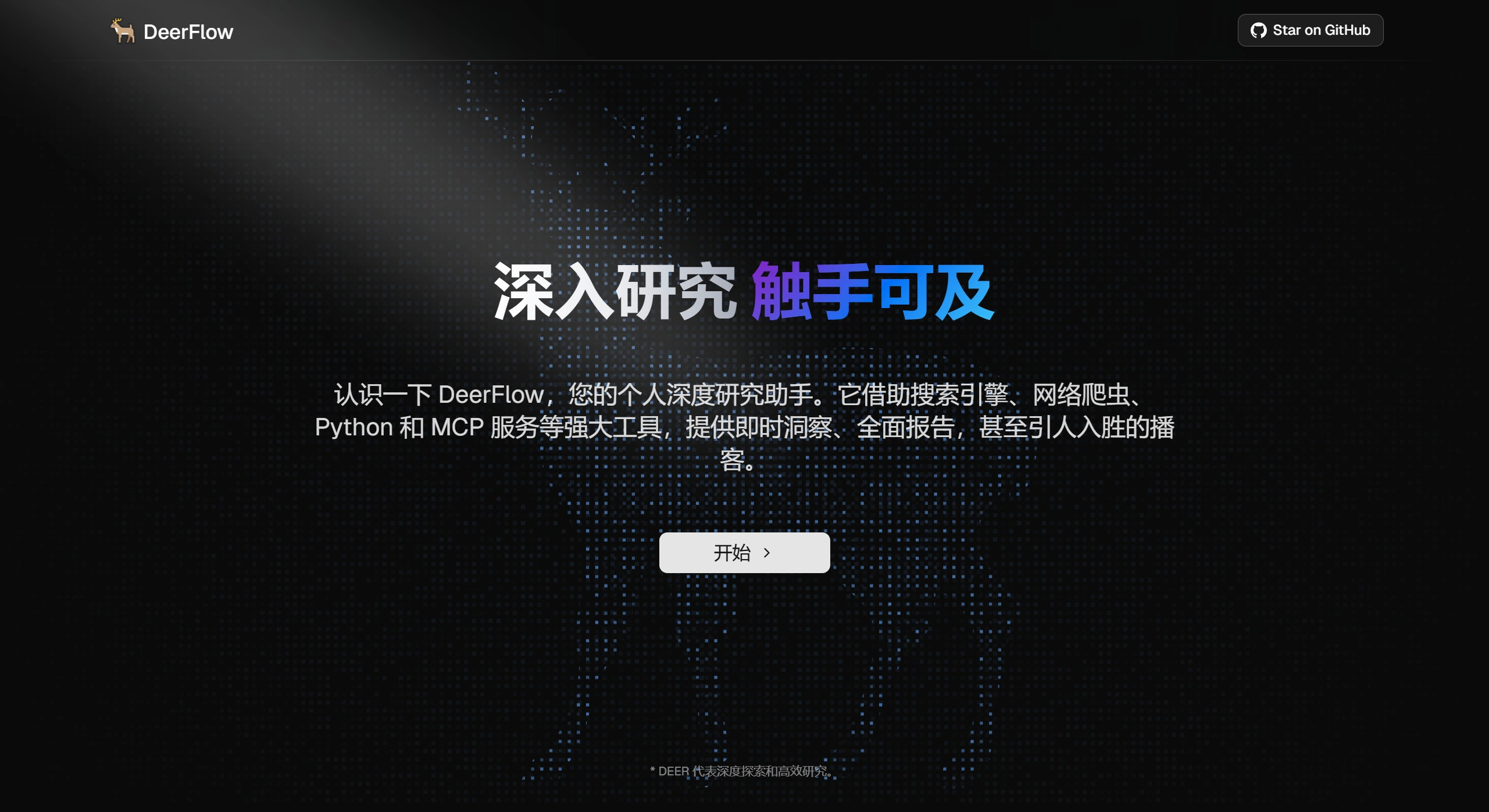
DeerFlow is an open-source intelligent research assistant by ByteDance, built on the LangChain and LangGraph frameworks. It supports dynamic task iteration, seamless MCP integration, automatic generation of research plans, human-in-the-loop collaboration, and even podcast and ppt generation. It combines language models with tools such as web search, web crawling, and Python code execution to quickly deliver in-depth and comprehensive reports. It also achieves seamless integration with ByteDance's internal MCP (Model Control Platform), enhancing automation and accuracy. In addition, DeerFlow optimizes the human-machine collaboration experience, allowing users to intervene at any time to adjust the research plan and ensure that results meet expectations.
DeerFlow Core Architecture
Multi-agent architecture: Built on the LangGraph architecture, adopting a modular multi-agent system design. The system consists of roles such as a coordinator, planner, research team, and report generator. The coordinator manages the lifecycle of the research process, the planner is responsible for task decomposition and research plan generation, the research team includes researchers and code analysts who are responsible for specific information gathering and technical tasks, and the report generator organizes the research results into a report.
Open-source framework based on LangStack: Built on top of the open-source LangChain and LangGraph frameworks, with clear code structure and concise logic, lowering the learning curve.
DeerFlow Main Features
Dynamic task iteration: Automatically generates and optimizes task plans based on research requirements, ensuring an efficient and flexible research process.
Multi-tool integration: Supports web search, Arxiv academic resource retrieval, web crawling, and Python code execution, providing strong support for researchers in academic literature collection and analysis.
Multimodal content generation: Not only generates in-depth research reports, but also supports generating podcast scripts, PPTs, and other diverse content to meet the needs of different scenarios.
Seamless MCP integration: Combined with ByteDance's internal MCP (Model Control Platform), it achieves higher automation and accuracy.
LLM integration: Supports integration with most models via litellm, supports open-source models such as Qwen, is compatible with OpenAI's API interface, and the multi-layer LLM system is suitable for tasks of different complexity.
Human-machine collaboration: Supports modifying research plans interactively using natural language, as well as automatically accepting research plans; supports Notion-like block editing, allowing AI optimization, including AI-assisted polishing, sentence shortening, and expansion.
DeerFlow Application Scenarios
Academic research: For researchers, DeerFlow provides strong support in academic literature collection and analysis. Its Arxiv search feature can quickly locate high-quality academic resources, saving researchers' time. Researchers can use it to efficiently complete full-process automation from research plan formulation to content generation, significantly reducing labor costs.
Content creation: Content creators can use DeerFlow to generate podcast scripts and audio, automatically create PowerPoint presentations, and provide customizable templates, greatly simplifying the content creation and presentation process.
Enterprise internal knowledge management and research: By combining with ByteDance's internal MCP (Model Control Platform), DeerFlow achieves higher automation and accuracy. Enterprises can use it to organize, analyze, and research internal knowledge, improving knowledge management efficiency.
DeerFlow Installation Steps
Environment Preparation
Ensure that the system meets the following minimum requirements:
Python: version must be 3.12+.
Node.js: version must be 22+.
Installation Steps
Clone the repository:
git clone https://github.com/bytedance/deer-flow.git
cd deer-flow
Install dependencies:
uv sync
This step automatically creates a virtual environment and installs all required packages.
Configure environment variables:
cp .env.example .env
Add your API keys in the .env file as needed, such as Tavily, Brave SEARCH, Volcano Engine TTS, etc.
Configure the model and API keys:
cp conf.yaml.example conf.yaml
Configure the LLM model and API keys in the conf.yaml file as needed. For specific configuration, refer to docs/configuration_guide.md.
Install the PPT generation tool:
brew install marp-cli
If you are using another operating system, refer to the official Marp CLI documentation for installation.
Install Web UI dependencies (optional):
cd deer-flow/web
pnpm install
If you don't have pnpm installed, you can use npm install or yarn install instead.
Starting the Project
Run the project:
uv run main.py
This will run the project using the console UI.
Start the Web UI (if the Web UI dependencies are installed):
On macOS/Linux:
./bootstrap.sh -d
On Windows:
bootstrap.bat -d
Then visit http://localhost:3000 in your browser to view the Web UI.
Development and debugging
If you need to develop or debug, you can use LangGraph Studio:
Run LangGraph Studio locally:
On Mac:
curl -LsSf https://astral.sh/uv/install.sh | sh
uvx --refresh --from "langgraph-cli[inmem]" --with-editable . --python 3.12 langgraph dev --allow-blocking
On Windows/Linux:
pip install -e .
pip install -U "langgraph-cli[inmem]"
langgraph dev
After starting, visit the Studio UI link (such as https://smith.langchain.com/studio/?baseUrl=http://127.0.0.1:2024) for debugging.
Related Links
Project official website: https://deerflow.tech
GitHub repository: https://github.com/bytedance/deer









