
 Script Planner Assistant▸
 AI Apps
 AI News
FlowGram.AI: An Open-Source Node-Based Workflow Engine by ByteDance
小编 ·

FlowGram.AI: An Open-Source Node-Based Workflow Engine by ByteDance
What is FlowGram.ai?
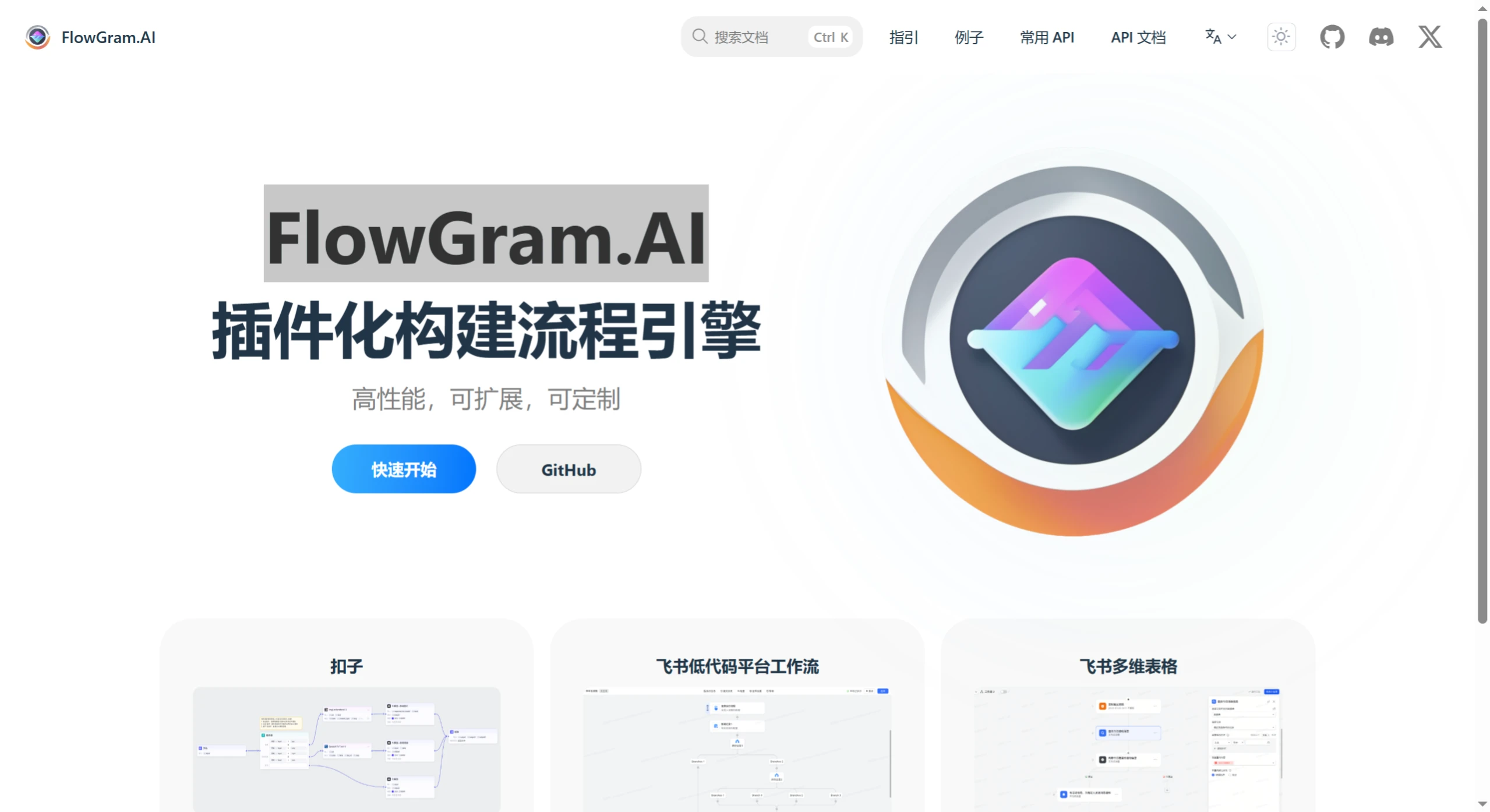
FlowGram.AI is an open-source, node-based workflow building engine developed by ByteDance. It helps developers quickly create workflows with either fixed layouts or freely connected layouts.
FlowGram.AI Core Features
Dual Layout Modes: It offers two layout modes: fixed layout and free layout. In the fixed layout, nodes are constrained to a preset grid, making it suitable for standardized processes with clear hierarchies, such as enterprise approvals and order processing. It can also automatically generate code skeletons. The free layout, on the other hand, allows nodes to be placed more flexibly with freer connections, making it suitable for mind maps, algorithm prototypes, and other scenarios. It also enables real-time two-way synchronization between flowcharts and code.
Interaction Best Practices: It integrates a series of interaction best practices, such as Motion animations for smooth transitions when nodes change. It supports modularity, allowing grouping and branch folding. It provides batch operations, such as marquee selection and dragging, as well as batch copy and paste. It supports layout switching, including horizontal/vertical mode toggling. It also offers auxiliary layout features, such as guides, snap-to-align, auto-arrangement, and thumbnails, to deliver an intuitive, user-friendly interface and a smooth interaction experience.
AI Empowerment Enhancement: In the FlowGram.AI version, it features intelligent suggestions—for example, when working on a data cleaning node, it can recommend the next possible step of "outlier detection." It also performs risk prediction: according to internal test data, it can intercept up to 83% of type errors and 64% of potential infinite loop risks during the workflow testing phase. Additionally, it can automatically generate documentation for built workflows, solving the problem of "legacy code with no documentation."
Powerful Extensibility: It provides core components such as a canvas engine, node engine, and variable engine, on top of which developers can build their own business logic and custom nodes. The canvas engine extends interactions through layered architecture, the node engine handles node form rendering and validation, and the variable engine manages variable references between nodes. The material library is used to extend nodes and UI components. By layering canvas interactions and using IOC dependency injection for extension, developers can listen to specific node data through dependency injection. The variable engine features scope constraint capabilities, and a large number of internal features are exposed in a plug-in-based manner.
FlowGram.AI Technical Architecture
Custom Canvas-Based Rendering Engine: Specifically optimized for complex scenarios like flowcharts, it supports a very large number of nodes (200+ nodes while maintaining a smooth 60FPS, with some data even mentioning smooth operation with tens of thousands of nodes), with fluid zooming and scrolling. It adopts an ECS-like data partitioning approach and MobX's reactive mechanism, ensuring efficient, lag-free rendering.
Web Worker Parallelization: Time-consuming computations are offloaded to the background so they don't block the main thread, keeping the interface responsive at all times.
Intelligent Caching: Loading speed is improved by 40%, allowing even large projects to open instantly.
FlowGram.AI Application Scenarios
"Coze" Workflow: Used to build complex AI Bot conversation logic and tool invocation flows.
Feishu Low-Code Platform / Bitable: Users can build approval processes and automation tasks through a visual interface.
Enterprise Process Automation: For example, building decision trees through the fixed layout can reduce sorting error rates and improve processing speed.
Algorithm Prototypes / Data Pipelines: The free layout is suitable for exploratory, iterative work, and some even use it for image generation workflows like ComfyUI.
How to Use
An online demo is provided, allowing users to experience it directly in the browser. Local installation is also supported—by running a simple command (such as npx @flowgram.ai/create - app@latest), a project template can be quickly set up for developers to dive deeper into development.
Related Links
Official Website:https://flowgram.ai/
GitHub Repository:https://github.com/bytedance/flowgram.ai









