
 Script Planner Assistant▸
 AI Apps
 AI News
SmartPDFs: An AI Tool for Quickly Summarizing and Segmenting PDF Documents
小编 ·

SmartPDFs: An AI Tool for Quickly Summarizing and Segmenting PDF Documents
What is SmartPDF?
SmartPDF is a project that leverages ai technology to process PDF files. It can quickly summarize and segment PDF content — feed it a PDF document and it will break it down into a concise, segmented summary that captures the core content, making it quite useful for users who frequently need to read large, lengthy PDFs. SmartPDF is powered by the Llama 3.3 model on the Together AI platform.
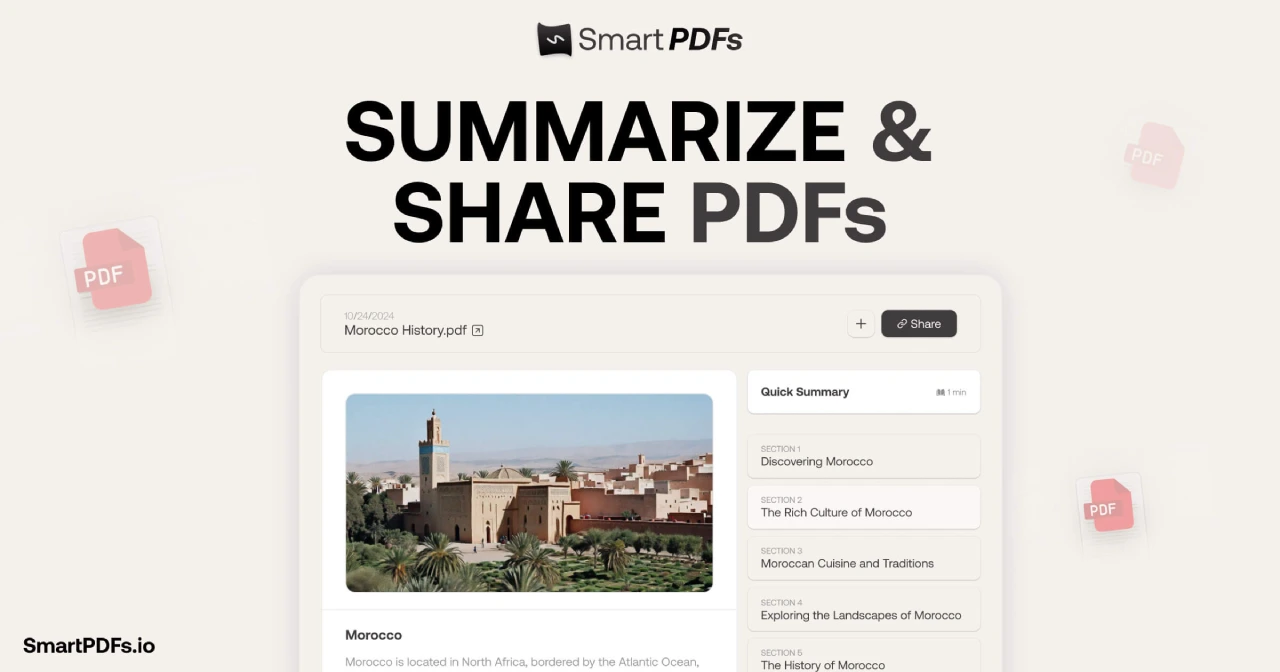
SmartPDF Main Features
PDF Text Extraction: Uses the pdfjs-dist library to extract text from PDF files and splits the text into appropriately sized chunks.
export async function getPdfText(pdf: PDFDocumentProxy) {
// 实现 PDF 文本提取逻辑
}
export async function chunkPdf(pdf: PDFDocumentProxy) {
// 实现 PDF 文本分块逻辑
}
Content Summarization: Calls the /api/summarize endpoint to apply AI technology in summarizing each text chunk, while generating corresponding titles.
export async function summarizeStream(chunks: Chunk[], language: string) {
// 实现文本块总结逻辑
}
Image Generation: Based on the summary content, calls the /api/image endpoint to use AI to generate images that match the summarized content.
export async function generateImage(summary: string) {
// 实现图像生成逻辑
}
PDF Sharing: Saves the summarized content, images, and original PDF file information to the database, and generates a shareable link.
export async function sharePdf({
pdfName,
pdfUrl,
imageUrl,
sections,
}) {
// 实现 PDF 分享逻辑
}
Project Tech Stack
Frontend: Uses React as the base framework, with next-s3-upload enabling file uploads to an S3 bucket.
Backend: Uses Next.js API routes to handle endpoint requests and invokes AI models for content summarization and image generation.
AI Model: Uses the Llama 3.3 model on the Together AI platform.
Database: Uses Prisma and Neon database to store PDF information and summarized content.
Project Run Steps
1. Clone the repository:
git clone https://github.com/Nutlope/smartpdfs.git
cd smartpdfs
2. Install dependencies:
pnpm install
3. Configure environment variables: Set the necessary environment variables in the .env file, such as S3 bucket information, AI model API keys, etc.
4. Run the project:
pnpm dev
Project Links
Official Website:https://www.smartpdfs.ai/
Github:https://github.com/Nutlope/smartpdfs









