
 Script Planner Assistant▸
 AI Apps
 AI News
How to Use the AI Poetry Feature on JD.com: A Step-by-Step Guide
小编 ·

How to Use the AI Poetry Feature on JD.com: A Step-by-Step Guide
JD.com launched its AI poetry-writing feature on May 7, 2025, primarily offering customized acrostic poetry services for Mother's Day. Users can search "AI写诗" (AI Poetry) within the JD app, enter their mother's name, and generate an exclusive poem that weaves blessings into the traditional form of Chinese verse, adding a sense of ceremony to the holiday. Powered by natural language processing technology, the feature automatically matches rhyming words based on the name entered and generates a four-line acrostic poem. For example, entering "李芳" can produce a poem such as "李花香溢满庭芳,芳华岁月伴儿长." Users can choose to save the poem or share it on social platforms.
Tutorial on Using JD.com's AI Poetry Feature:
Open the JD app: Make sure you have the JD app installed and are logged into your account.
Search for "AI写诗": Type "AI写诗" into the search bar of the JD app.
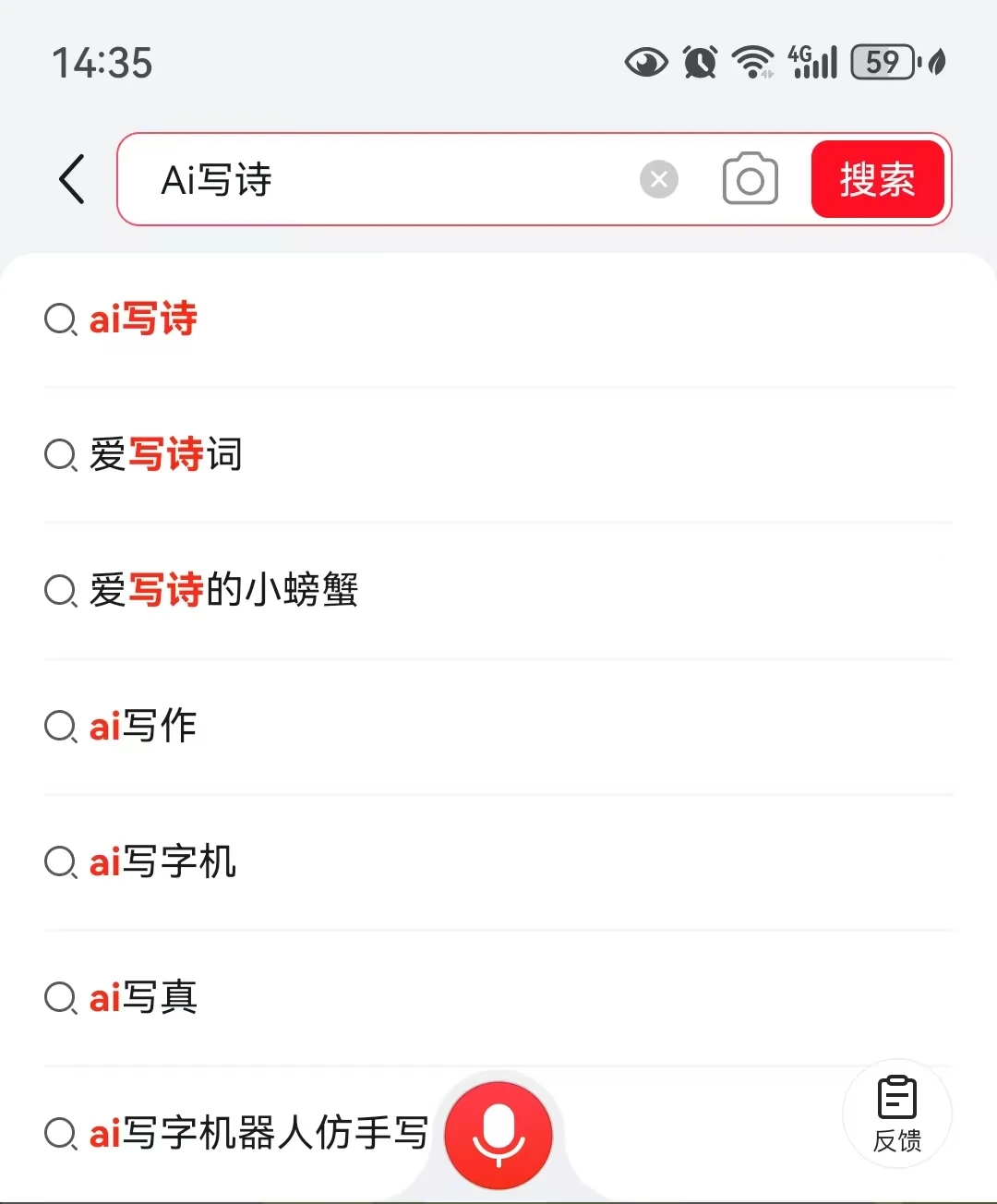

Enter your mother's name: After entering the AI poetry page, input your mother's name.

Generate an exclusive poem: The AI system will automatically generate an acrostic poem based on the name you entered.
Save or share: The generated poem can be saved to your phone or shared on social platforms such as WeChat or Weibo.
In addition, during Mother's Day on May 11, JD.com also launched a synchronized themed campaign on its platform. After users generate their acrostic poems, they can participate in a lucky draw, with prizes including flower gift boxes and health monitoring devices.









