
 Script Planner Assistant▸
 AI Apps
 AI News
Excel MCP Server: AI Assistant for Excel Operations
小编 ·

Excel MCP Server: AI Assistant for Excel Operations
What is Excel MCP Server?
Excel MCP Server is a practical AI tool that allows users to directly operate Excel files without installing Microsoft Excel software. It can create, read, and modify spreadsheet data, apply formatting, create charts and pivot tables, functioning like a professional Excel assistant. In addition, users can use it through MCP clients such as Cursor and Claude. Interested users are welcome to give it a try.
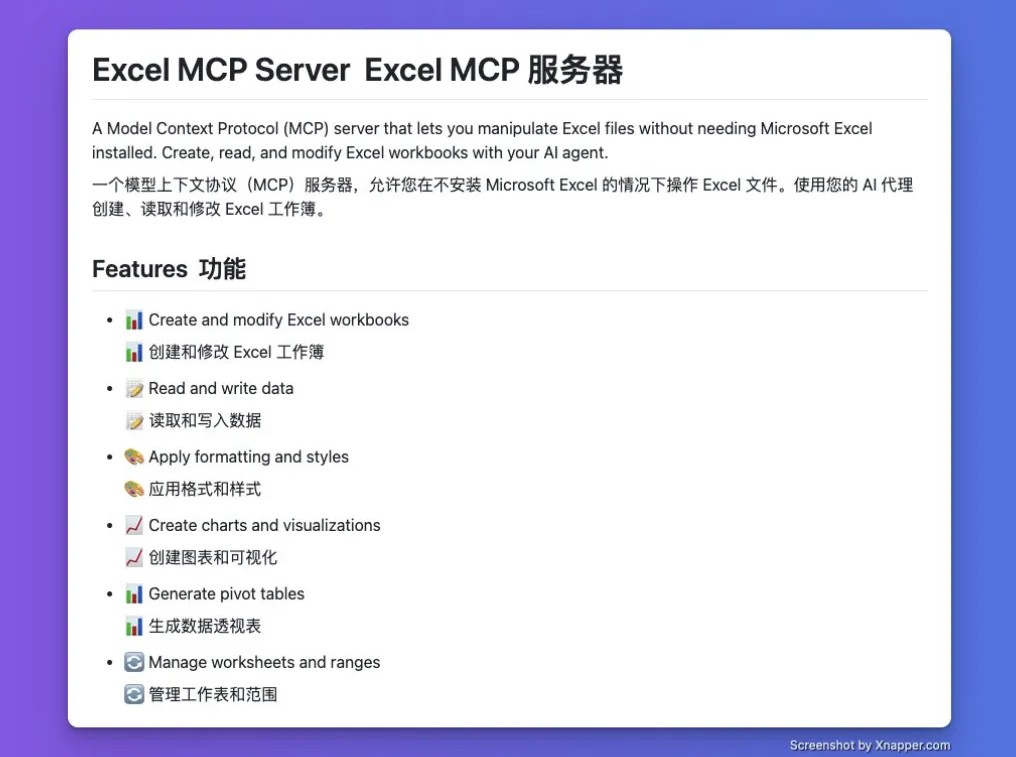
Excel MCP Server Features
File Operations: Create, read, and modify Excel workbooks.
Data Processing: Support reading and writing data, including reading text values, writing text values, reading formulas, and writing formulas.
Formatting and Styling: Apply formats and styles.
Charts and Pivot Tables: Create charts and pivot tables.
Worksheet and Range Management: Manage worksheets and ranges.
Other Features: Some versions support real-time editing of Excel files, capturing screen images of Excel files, and more.
How Excel MCP Server Works
MCP Server adopts a Client-Server architecture. The client is responsible for establishing a connection with the server and initiating requests, such as reading Excel file content and writing data. After receiving the request, the server calls the corresponding resources or tools according to the request type to handle the task, for example, reading the data of a specific worksheet in a designated Excel file, and then returns the processing results to the client.
Installing Excel MCP Server
Install via npm: Node.js 20.x or a higher version must be installed first. On Windows systems, add the specific configuration to the MCP server configuration for automatic installation; on other platforms, corresponding configuration methods are also available for installation.
Install via Smithery: You can use the command
npx -y @smithery/cli install @negokaz/excel - mcp - server --client claudeto automatically install Excel MCP Server for the Claude desktop version.
Use Cases for Excel MCP Server
Data Processing and Analysis: Users can leverage this tool through AI assistants to directly operate Excel files for data processing and analysis without installing Microsoft Excel software, making it convenient and efficient.
Automation Tasks: In some automated workflows, Excel MCP Server can be used to achieve automatic reading, writing, and processing of Excel files, such as automatically generating reports and summarizing data.
Integration with AI: As an open-source project, it supports seamless integration with multiple AI clients and can be combined with AI assistants to complete operations on Excel files through natural language instructions, improving work efficiency. For example, a user can ask the AI assistant "Extract last month's sales data from sales_data.xlsx and generate a bar chart," and the AI assistant will use Excel MCP Server to complete the corresponding operation.
Project Address
GitHub Repository:https://github.com/haris-musa/excel-mcp-server









