
 Script Planner Assistant▸
 AI Apps
 AI News
Rowboat: Quickly Build and Deploy AI Agents with Natural Language
小编 ·

Rowboat: Quickly Build and Deploy AI Agents with Natural Language
What is Rowboat?
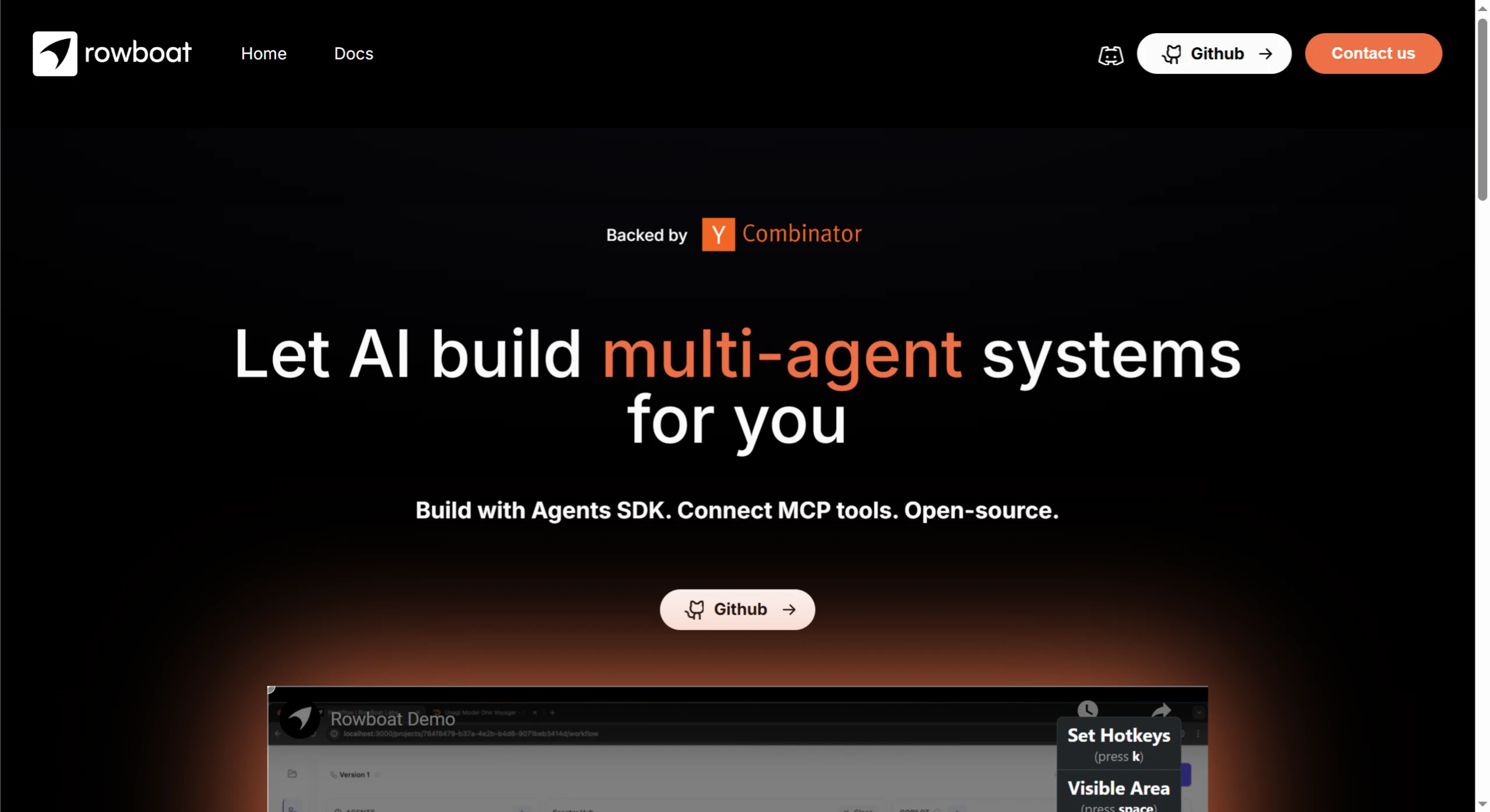
Rowboat is an open-source low-code AI integrated development environment, specifically designed for building MCP tools for multi-agent assistants. Through a visual interface and AI-assisted development features, it helps users start from an idea and quickly build multi-agent workflows with AI assistance.
Core Features of Rowboat
AI Copilot Automated Workflow Generation: Users only need to describe their requirements in natural language, and Rowboat's AI Copilot will automatically generate the agent structure and tool configuration. For example, describing "Build an intelligent assistant for a food delivery company to handle delivery status and missing item issues," Rowboat can quickly generate the corresponding multi-agent workflow.
Visual Design and Configuration: Provides an intuitive graphical interface that allows users to easily define agent roles, instructions, and tool connections. This visualization makes complex workflow design simple and easy to understand.
Flexible Tool Integration: Supports connecting multiple MCP tools, giving agents specific capabilities. For example, connecting databases, APIs, or other external systems to enable agents to perform actual business operations.
Real-time Interactive Testing: Users can test agent behavior in real time during the building process, checking tool invocation parameters and results. This interactive testing environment helps quickly discover and resolve issues.
API and SDK Integration: Provides stateless HTTP APIs and Python SDK, making it convenient to integrate agents into existing applications or websites. For example, workflows can be triggered with simple HTTP requests or Python code.
Technical Advantages of Rowboat
Rapid Building: From idea to workflow generation in only 3-5 minutes.
High Reliability: Workflow running stability reaches 99.9%, maintaining smooth operation even under high load.
Scalability: Users can add new agents or tools at any time to extend workflow functionality.
Rowboat Use Cases
Customer Service Automation: Quickly build intelligent customer service systems to handle customer inquiries, complaints, and problem resolution.
Cross-Department Task Coordination: Connect workflows from different departments to achieve efficient cross-department collaboration.
Complex Business Processing: Handle complex business processes such as order processing and logistics coordination for cross-border e-commerce. By breaking tasks into multiple agents, each agent focuses on specific tasks, achieving efficient collaboration.
Personal Assistant Development: Can be used to develop personal assistants providing weather queries, schedule management, and other services. With simple natural language descriptions, users can quickly generate personalized intelligent assistant workflows.
Installing Rowboat
1. Set the OpenAI Key
Set OPENAI_API_KEY in the environment variables:
export OPENAI_API_KEY=your-openai-api-key
2. Clone the Repository and Start Docker
Clone the Rowboat repository locally, and use Docker Compose to start the project:
git clone [email protected]:rowboatlabs/rowboat.git
cd rowboat
docker-compose up --build
3. Access the Application
Visit http://localhost:3000 in your browser to use the application.
Integration Methods
1. HTTP API
Use the HTTP API for interaction. Example code:
curl --location 'http://localhost:3000/api/v1//chat' \
--header 'Content-Type: application/json' \
--header 'Authorization: Bearer' \
--data '{
"messages": [
{
"role": "user",
"content": "tell me the weather in london in metric units"
}
],
"state": null
}'
2. Python SDK
Use the Python SDK to interact with Rowboat agents. Example code:
from rowboat import Client, StatefulChat
from rowboat.schema import UserMessage, SystemMessage
# Initialize the client
client = Client(
host="http://localhost:3000",
project_id="",
api_key=""
)
# Create a stateful chat session (recommended)
chat = StatefulChat(client)
response = chat.run("What's the weather in London?")
print(response)
# Or use the low-level client API
messages = [
SystemMessage(role='system', content="You are a helpful assistant"),
UserMessage(role='user', content="Hello, how are you?")
]
# Get response
response = client.chat(messages=messages)
print(response.messages[-1].content)
Project Links
Official Website: https://www.rowboatlabs.com/
Github: https://github.com/rowboatlabs/rowboat









