
 Script Planner Assistant▸
 AI Apps
 AI News
PdfMathtranslate: An Open-Source PDF Translation Tool Designed for Scientific Papers and Math Formulas
小编 ·

PdfMathtranslate: An Open-Source PDF Translation Tool Designed for Scientific Papers and Math Formulas
What is PdfMathtranslate?
PdfMathtranslate is an open-source PDF document translation tool, also known as pdf2zh, specifically designed for translating scientific papers and mathematical formulas. It preserves the original layout and formatting, and supports multiple languages and translation services.
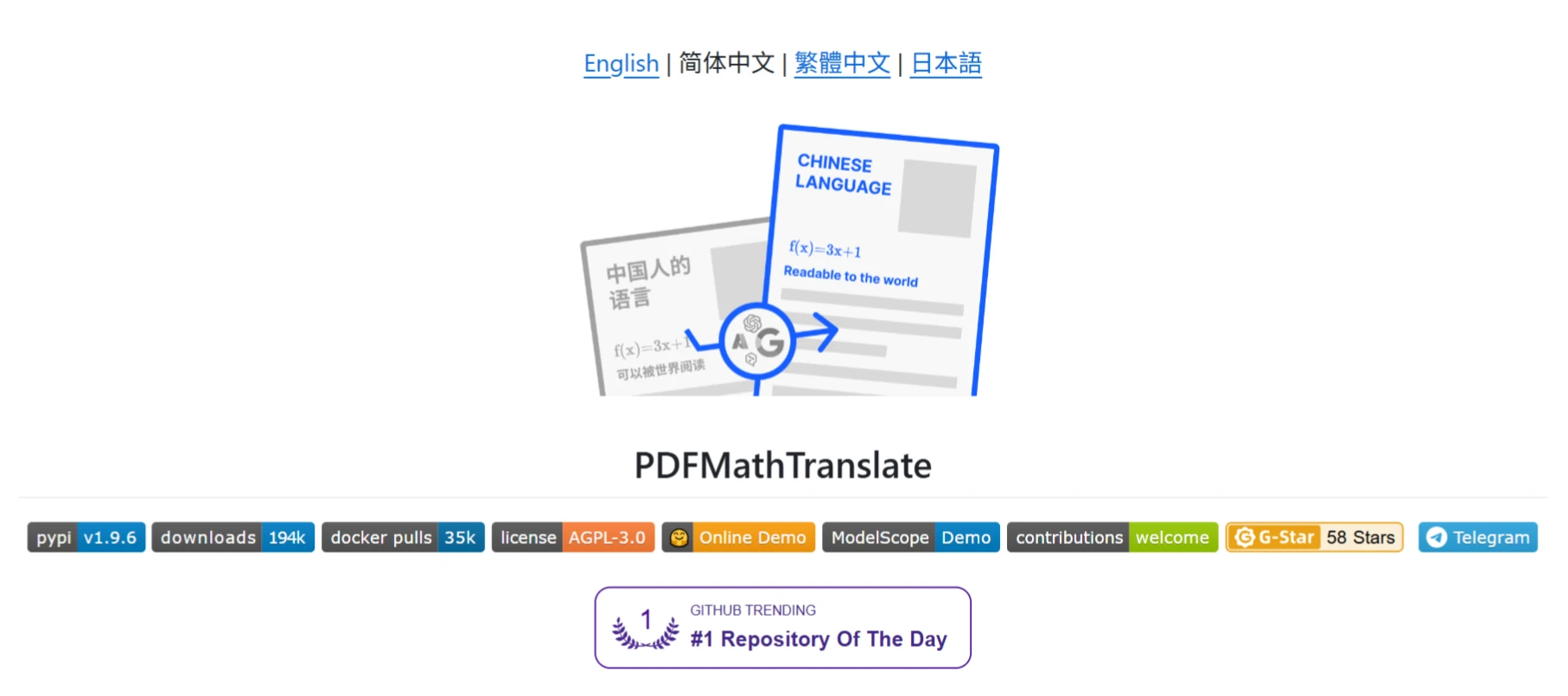
Features of PdfMathtranslate
Preserves Original Layout: Fully preserves formulas, figures, table of contents structure, annotations, and other professional content in PDF documents, ensuring that the translated document matches the layout of the original. This keeps both the professional content and readability of the document intact, saving users the extra time and effort of reformatting. Translated documents can be used directly for academic communication, teaching material preparation, and similar scenarios.
Bilingual Comparison: Supports generating bilingual comparison documents, making it convenient for users to compare the original and translated text, greatly improving reading and comprehension efficiency.
Multi-language Support: Supports translation between multiple source and target languages. Not only can it translate English literature into Chinese, but it also supports many other language combinations, including common languages such as English, Chinese, French, German, Japanese, and more, meeting the needs of users worldwide.
Multiple Translation Services: Compatible with various translation services such as Google, DeepL, Ollama, Openai, Azure OpenAI, Bing, Zhipu, DeepSeek, Qwen Translation, etc. Users can choose the most suitable translation service based on their needs and preferences. This flexibility allows the tool to adapt to different use cases and quality requirements.
Multiple Usage Methods:
Command Line Tool: Suitable for users familiar with command line operations, offering a rich set of parameter options for quick document translation and bilingual comparison. For example, it supports full document translation, partial document translation, and specifying target languages.
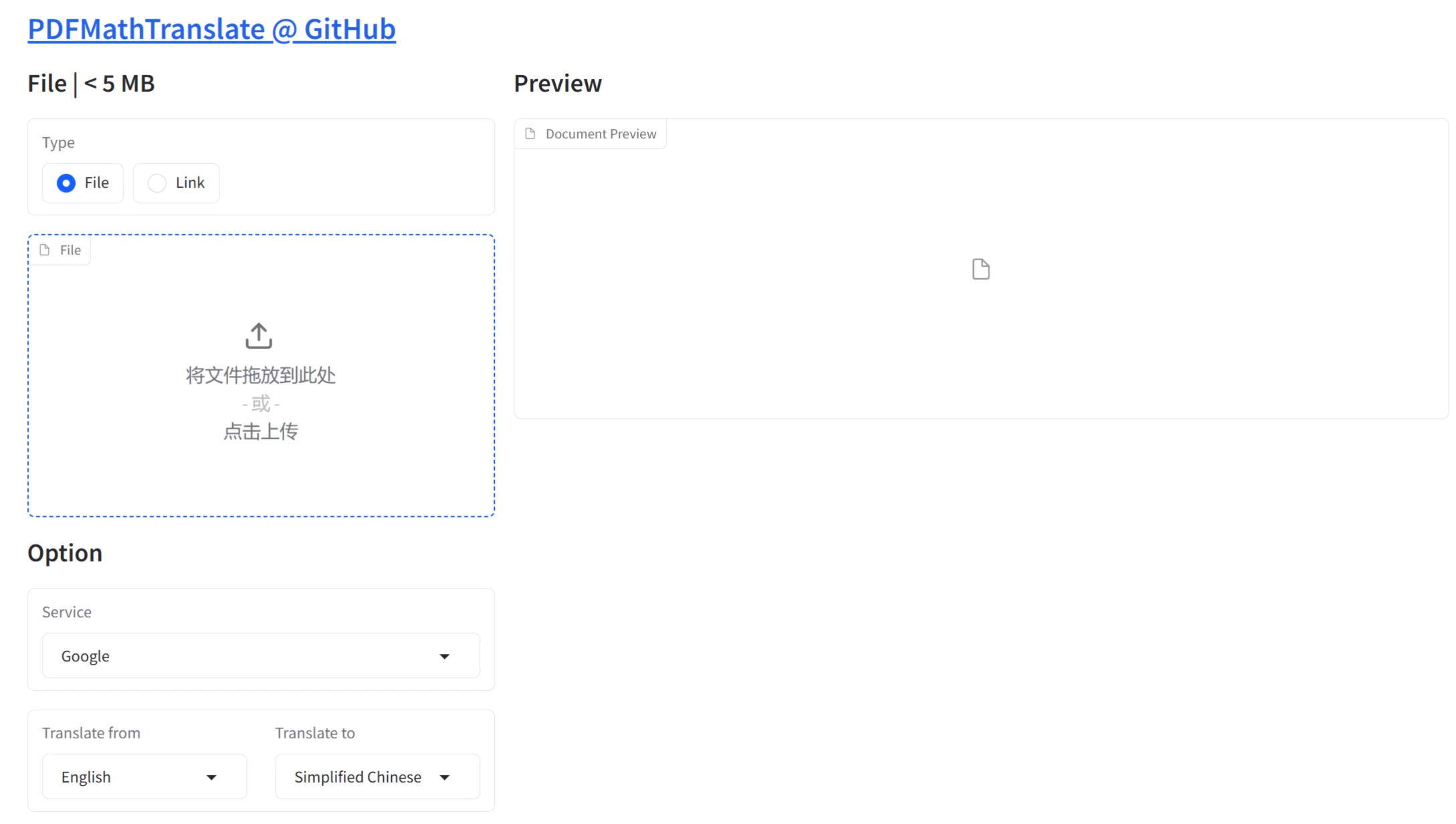
Graphical Interface: A user-friendly web interface suitable for users unfamiliar with the command line, accessible through a browser.
Containerized Deployment: Supports Docker deployment, making it easy to run on servers or cloud environments. It ensures consistent environments, avoids dependency conflicts, and supports cross-platform deployment.
Zotero Plugin: Seamlessly integrates into the reference management tool Zotero, allowing academic researchers to directly translate PDF files.
Online Service: Provides public free services such as HuggingFace Demo and ModelScope Demo, but the computing resources of online services are limited, so excessive use should be avoided.
Efficient Translation Performance: Supports multi-threaded translation, greatly improving translation speed. For large documents, users can adjust the number of threads according to their hardware conditions to achieve the best performance while maintaining stability. In addition, the tool supports partial document translation, allowing users to translate only specified pages, further improving efficiency.
Precise Layout Analysis: By integrating advanced models such as DocLayout-YOLO, it intelligently recognizes document layout, accurately distinguishing between different elements such as body text, formulas, figures, and annotations, ensuring translation accuracy and layout consistency. This precise layout analysis capability is difficult for traditional translation tools to match.
Optimized OCR Technology: To achieve accurate recognition of mathematical formulas, the OCR technology has been deeply optimized. It not only recognizes regular printed text, but has also been specially trained with algorithms for unique symbols, super/subscripts, fractions, radicals, and other complex structures in the mathematical field. Through extensive mathematical literature data as training samples, the model learns the features and patterns of various mathematical expressions, enabling it to accurately determine the type and position of each element during actual recognition.
Real-time Preview Function: During the translation process, users can use the real-time preview function to check and adjust the translated content at any time. As translation progresses, users can see partially translated content. If the translation result is unsatisfactory—such as an inaccurate term translation or a sentence that does not conform to the target language's conventions—users can make timely modifications. This interactive design greatly improves translation quality and user engagement, making the translation process more flexible and controllable.
Batch Processing Advantage: Supports processing multiple PDF documents at once, greatly improving translation efficiency. For researchers who need to process large amounts of academic literature, or teachers who need to translate multiple teaching materials, the batch processing function saves significant time and operational costs.
Technical Principles of PdfMathtranslate
Document Parsing: Uses libraries such as Pdfminer.six and PyMuPDF to parse PDF documents and extract text, formulas, and figures.
Layout Analysis: Performs layout analysis based on models such as DocLayout-YOLO to identify different elements in the document (such as text blocks, formulas, figures) and their positions.
Translation Service Interface: Integrates various translation service APIs such as Google Cloud Translation and DeepL to achieve automatic text translation.
Multi-threaded Translation: Uses tools such as MathTranslate for multi-threaded translation to improve translation efficiency.
How to Use PdfMathtranslate
Command Line Translation:
After installing Python and the tool package, run the command pdf2zh paper.pdf.
Supports advanced options, such as specifying languages -li en -lo zh, and selecting a translation service -s deepl.
Graphical User Interface:
After launching the GUI, upload a PDF file or enter an online link, select translation parameters, and click "Translate".
Docker Deployment:
Pull and run the Docker container: docker pull byaidu/pdf2zh, then visit http://localhost:7860/.
Advantages
Formula Protection: Uses placeholder technology to prevent formulas from being corrupted during translation.
Open-source and Free: Users can freely download, modify, and use it.
Multiple Output Formats: Supports exporting translation results as PDF or Word files.
Use Cases of PdfMathtranslate
Academic Research: Quickly translate scientific papers while preserving formulas and layout.
Student Learning: Helps students translate math textbooks or solution manuals.
Document Translation Services: Provides an efficient solution for the translation industry.
Online Demo:https://pdf2zh.com/
Github:https://github.com/Byaidu/PDFMathTranslate









