
 Script Planner Assistant▸
 AI Apps
 AI News
Sioyek: A PDF Reader Focused on Academic Reading
小编 ·

Sioyek: A PDF Reader Focused on Academic Reading
What is Sioyek?
When reading papers and academic articles, frequently switching between text, figures, and references is a common need. However, traditional PDF readers make handling cited figures cumbersome, especially when comparing different pages.
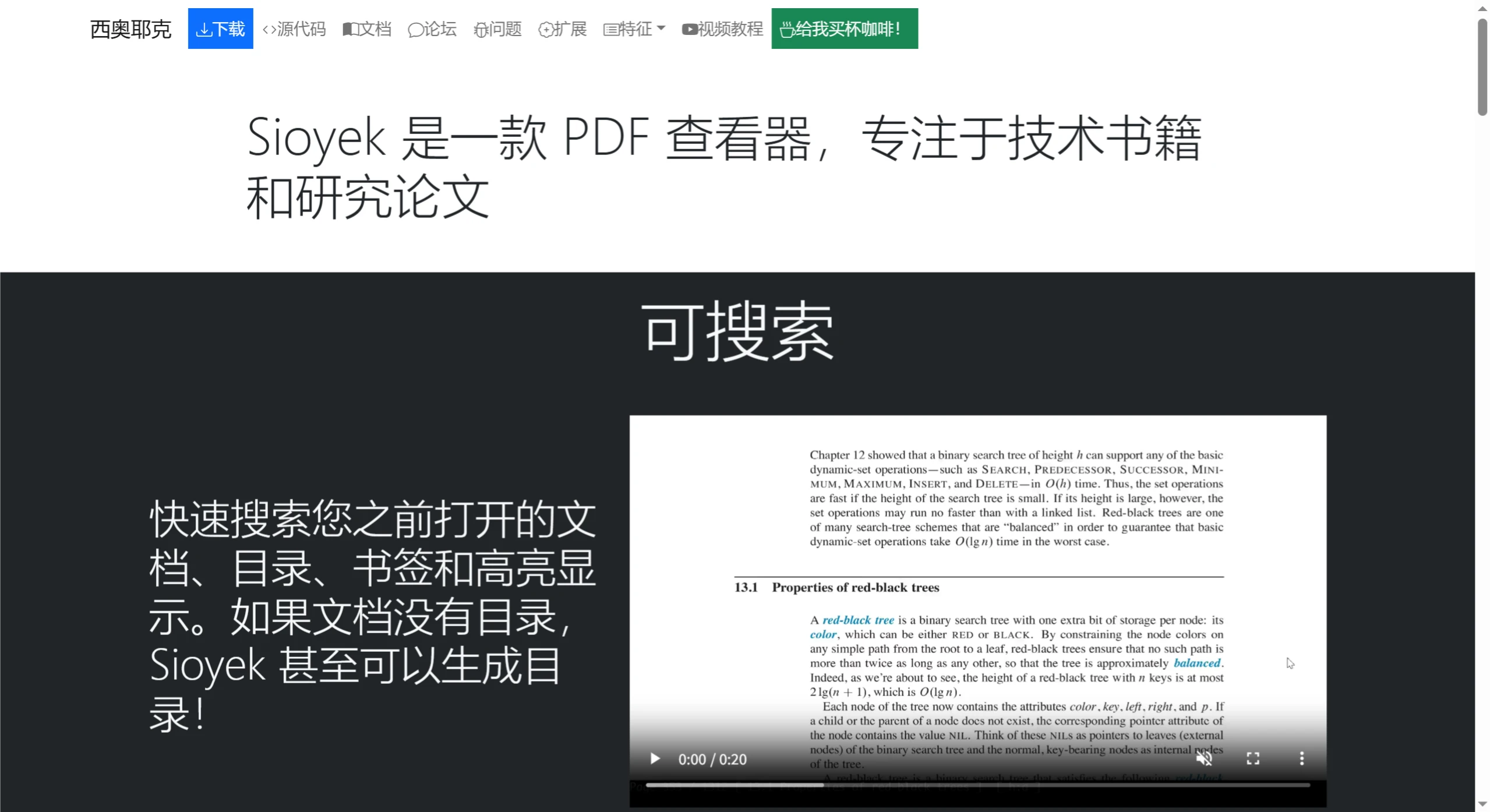
Sioyek is a PDF reader focused on reading technical books and research papers. It features a powerful search function that can search document content, table of contents, bookmarks, and highlighted sections, and can also generate a table of contents for documents that don't have one. Its smart jumping feature is convenient—even if the document has no links, it can quickly locate references, figures, and more, and search for related literature with one click. Through the Portals feature, it can create navigation between different parts of the document for easy side-by-side reading. It supports marking locations with single-character or descriptive-text bookmarks, all of which are searchable, and can highlight text in different colors, with the highlighted content also being searchable.
Main Features of Sioyek
Powerful Search: Quickly search opened documents, table of contents, bookmarks, and highlighted content, and can also generate a table of contents for documents without one.
Smart Jumping: Even if the document has no links, you can preview or jump to references (such as references, figures, formulas, etc.), and search for references on Google Scholar with one click.
Convenient Navigation (Portals): Create navigation windows in different parts of the document, so you don't need to frequently jump between related content while reading.
Marks and Bookmarks: Supports marking locations with single characters and quickly returning to them, and you can also create bookmarks with descriptive text that are searchable.
Color Highlighting: Highlight text in different colors, and the highlighted content is searchable.
Command Palette: Discover commands and keyboard shortcuts through a searchable command palette.
Keyboard-Friendly: Supports pure keyboard operation, including text selection and other functions.
Synctex Support: Automatically reloads documents for previewing changes when editing LaTeX files, and allows one-click jumping between corresponding locations in PDF and LaTeX files.
Visual Assistance (Ruler): The visual ruler can highlight the current reading line, reducing eye strain. Combined with the smart jumping feature, you can create previews and navigation without clicking on references.
Highly Customizable: All keyboard shortcuts can be changed and application behavior can be adjusted.
Extensible: Functionality can be extended through external commands and scripts, such as adding OCR, translation, and text-to-speech features.
How to Install Sioyek
Official Installer: Installers for Windows, macOS, and Linux are available, and can be downloaded from the Releases page.
Homebrew Cask (macOS): Install by running brew install --cask sioyek.
Third-party Linux Packages: Supports package managers for various Linux distributions, such as Flathub, Arch AUR, etc.
Official Website:https://sioyek.info/
Github:https://github.com/ahrm/sioyek









