
 Script Planner Assistant▸
 AI Apps
 AI News
CAD-MCP Server: Control CAD Software for Drawing via Natural Language Commands
小编 ·

CAD-MCP Server: Control CAD Software for Drawing via Natural Language Commands
What is CAD-MCP?
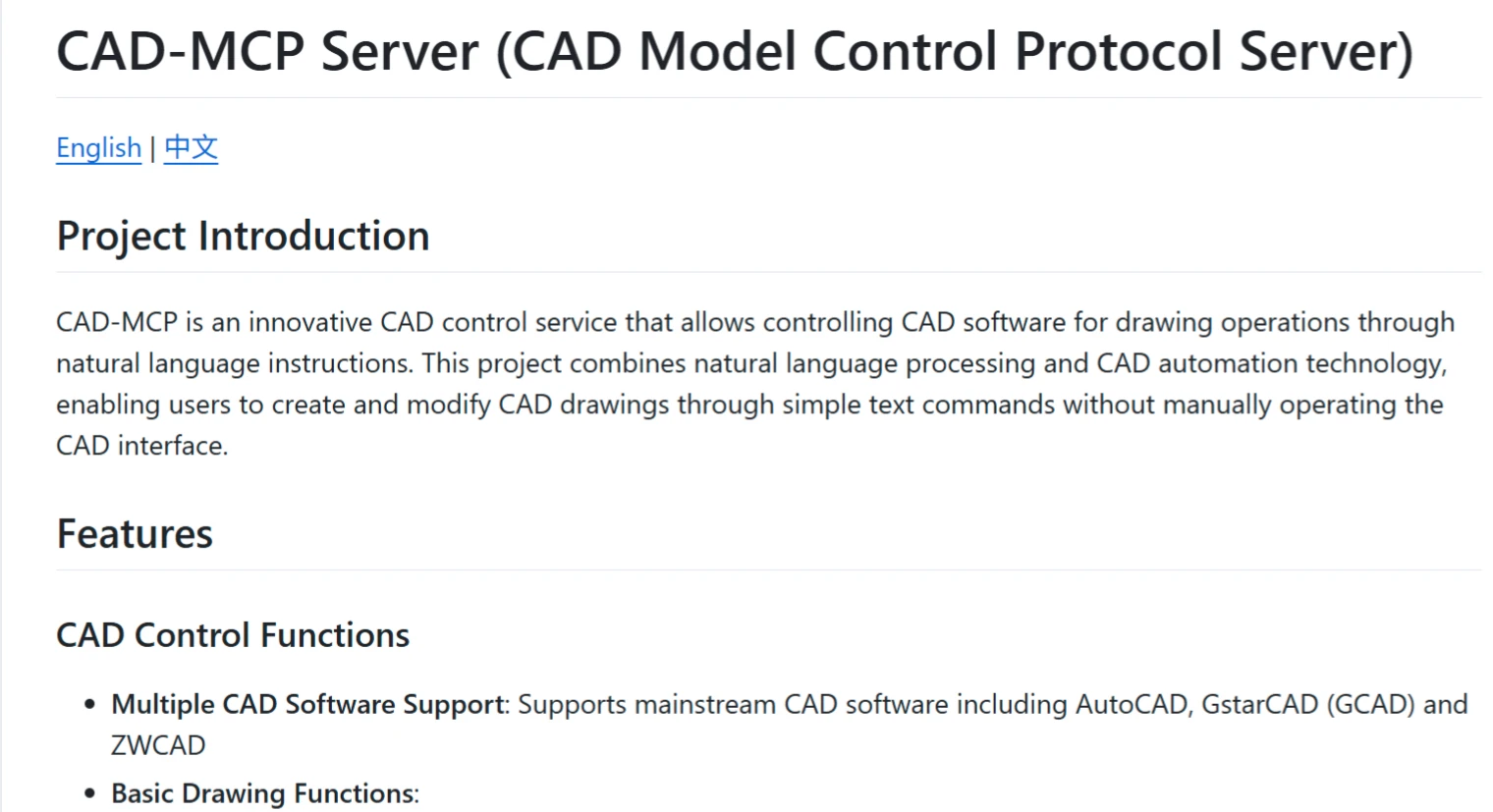
CAD-MCP is a service project used to control CAD software for drawing operations. It combines natural language processing with CAD automation technology, allowing users to create and modify CAD drawings through simple text commands without manually operating the CAD software interface.
CAD-MCP Features
CAD Control Features
Multi-CAD software support: Supports mainstream CAD software such as AutoCAD, GstarCAD (GCAD), and ZWCAD.
Basic drawing functions: Supports drawing lines, circles, arcs, rectangles, polylines, adding text, pattern fills, and dimension annotations.
Layer management: Supports creating and switching layers.
Drawing saving: Allows saving the current drawing as a DWG file.
Natural Language Processing Features
Command parsing: Parses natural language instructions into CAD operation parameters.
Color recognition: Extracts color information from text and applies it to drawing objects.
Shape keyword mapping: Supports recognition of various shape description words.
Action keyword mapping: Recognizes various drawing and editing actions.
CAD-MCP Installation and Usage
Installation Requirements
1. Dependencies
pywin32>=228    # Windows COM接口支持
mcp>=0.1.0      # 模型控制协议库
pydantic>=2.0.0 # 数据验证
typing>=3.7.4.3 # 类型注解支持
2. System Requirements
Windows operating system
Installed CAD software (AutoCAD, GstarCAD, or ZWCAD)
Configuration
The configuration file src/config.json contains the following main settings:
{
"server": {
"name": "CAD MCP Server",
"version": "1.0.0"
},
"cad": {
"type": "AutoCAD",
"startup_wait_time": 20,
"command_delay": 0.5
},
"output": {
"directory": "./output",
"default_filename": "cad_drawing.dwg"
}
}
Usage
Start the service
python src/server.py
Claude Desktop & Windsurf
Add the following configuration in claude_desktop_config.json:
{
"mcpServers": {
"CAD": {
"command": "python",
"args": [
# 你的路径,例如: "C:\\cad-mcp\\src\\server.py"
"~/server.py"
]
}
}
}
Example Code
The following is an example code for drawing a line:
python
"""绘制直线"""
def draw_line(self, start_point, end_point, layer=None, color=None, lineweight=None):
"""绘制直线"""
if not self.controller.is_running():
self.start_cad()
# 使用当前图层或指定图层
current_layer = layer or self.drawing_state["current_layer"]
result = self.controller.draw_line(start_point, end_point, current_layer, color, lineweight)
if result:
self.drawing_state["entities"].append({
"type": "line",
"start": start_point,
"end": end_point,
"layer": current_layer,
"color": color,
"lineweight": lineweight
})
self.drawing_state["last_command"] = f"绘制直线从{start_point}到{end_point}"
self.drawing_state["last_result"] = "成功"
else:
self.drawing_state["last_result"] = "失败"
return result
CAD-MCP Server supports multiple mainstream CAD software, including AutoCAD, GstarCAD, and ZWCAD, providing basic drawing functions such as drawing lines, drawing circles, and adding text, greatly improving the efficiency of CAD drawing.
Github:https://github.com/daobataotie/CAD-MCP









