
 Script Planner Assistant▸
 AI Apps
 AI News
What's New in ByteDance Trae v1.3.0?
小编 ·

What's New in ByteDance Trae v1.3.0?
On April 21, 2025, ByteDance's Trae received a milestone update. Trae v1.3.0 introduced support for the MCP protocol, .rules custom rules, multi-source context, and more. Details are as follows:
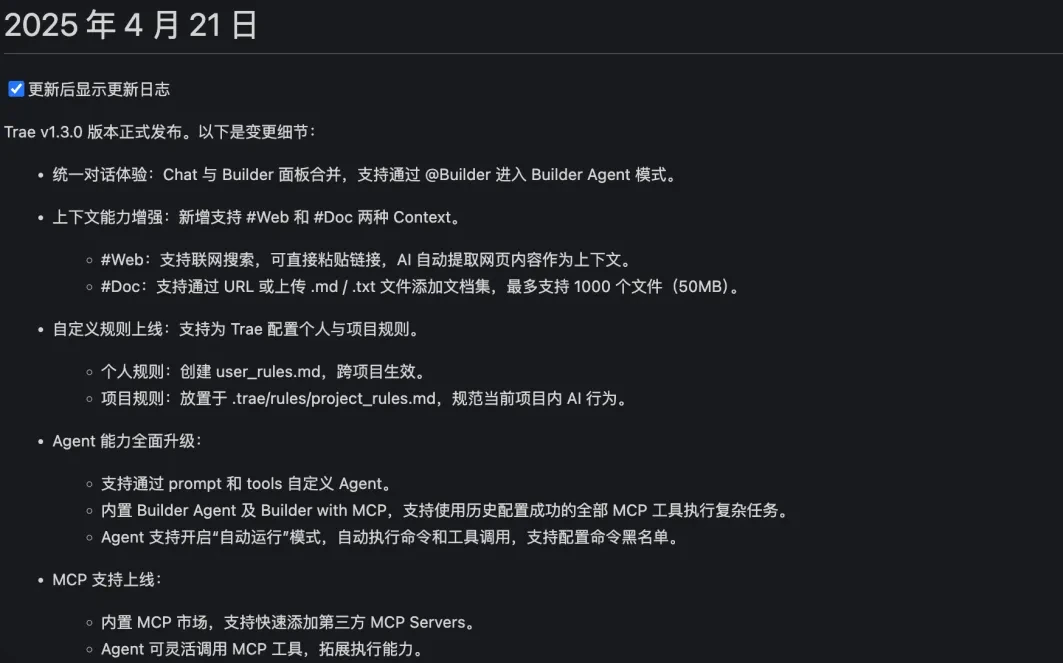
1. Unified Chat Experience
Chat and Builder panels merged: Developers can use the @Builder command to directly enter Builder Agent mode, completing the flow from code discussion to project construction without switching interfaces, simplifying the workflow and improving interaction efficiency.
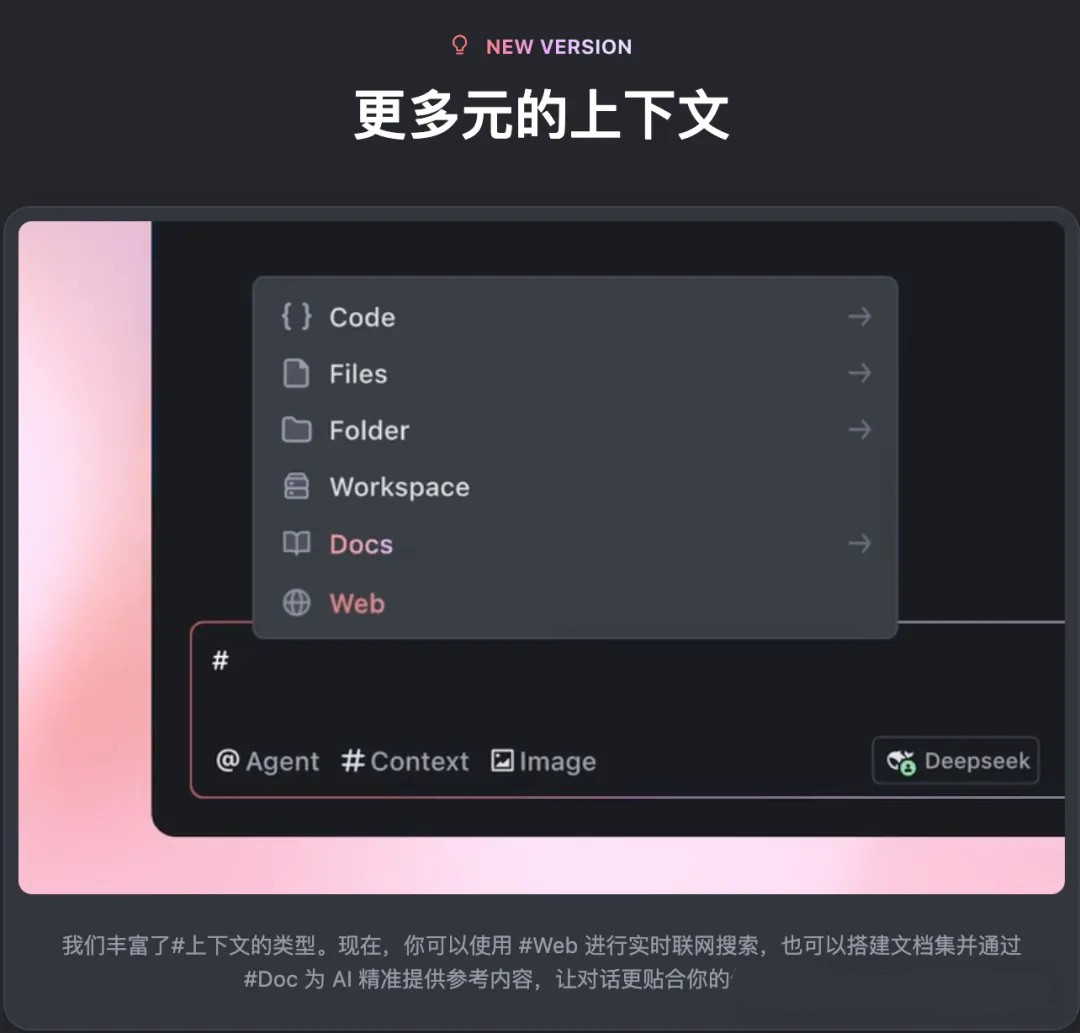
2. Enhanced Context Capabilities
Web Context: Supports web search functionality. Developers can paste a webpage link, and the AI will automatically extract the page content as context, making it easy to quickly obtain online resources and incorporate them into the development process.
Doc Context: Supports adding document sets via URL or uploading .md/.txt files, processing up to 1,000 files (50MB total), providing powerful document management support for large-scale projects.
3. .rules Custom Rules Launched
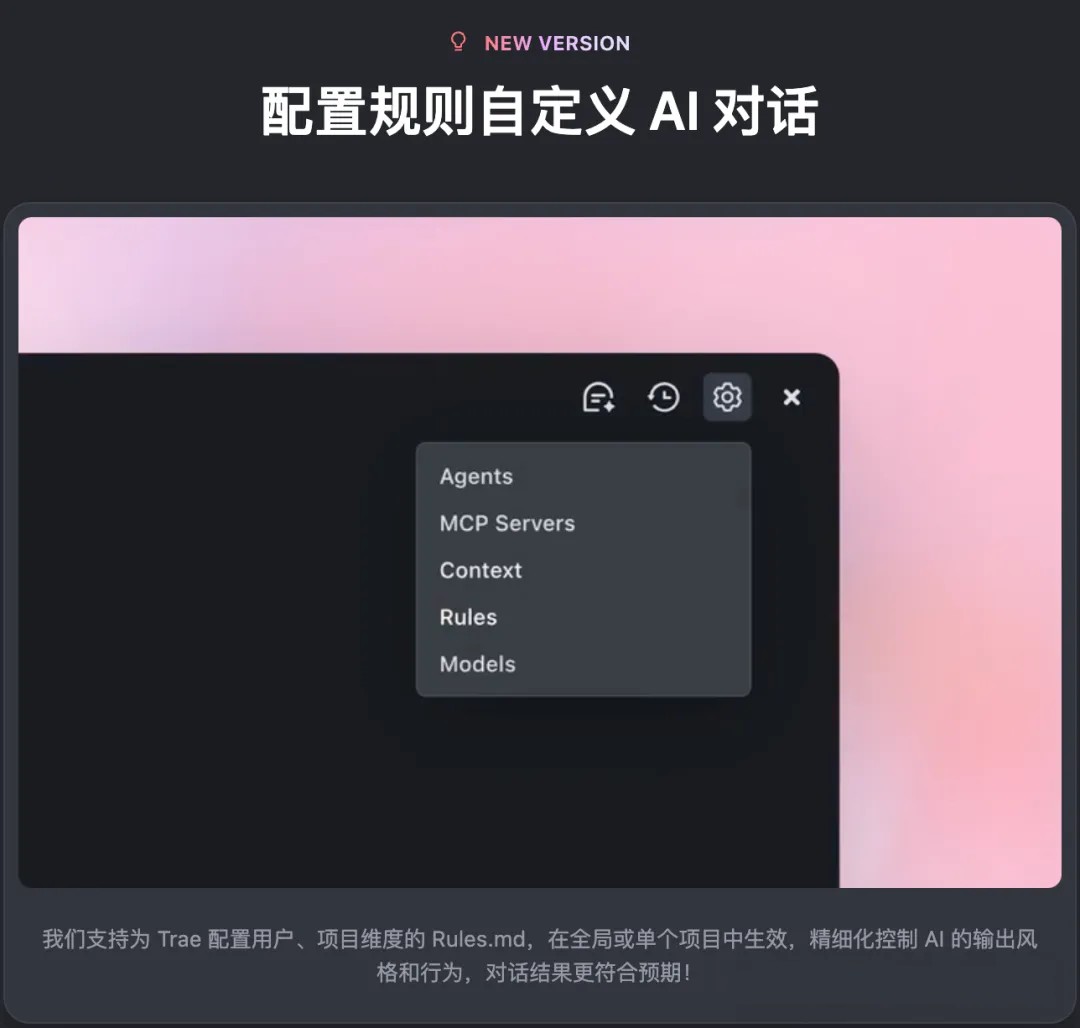
Personal Rules: By creating a user_rules.md file, developers can define rules that apply across projects, such as code style preferences or common command formats, ensuring the AI remains consistent across all projects.
Project Rules: By configuring rules in .trae/rules/project_rules.md, developers can set specifications for specific projects, such as project-specific naming conventions or debugging processes, helping maintain consistency in code and behavior during team collaboration.
4. Comprehensive Upgrade of Agent Capabilities
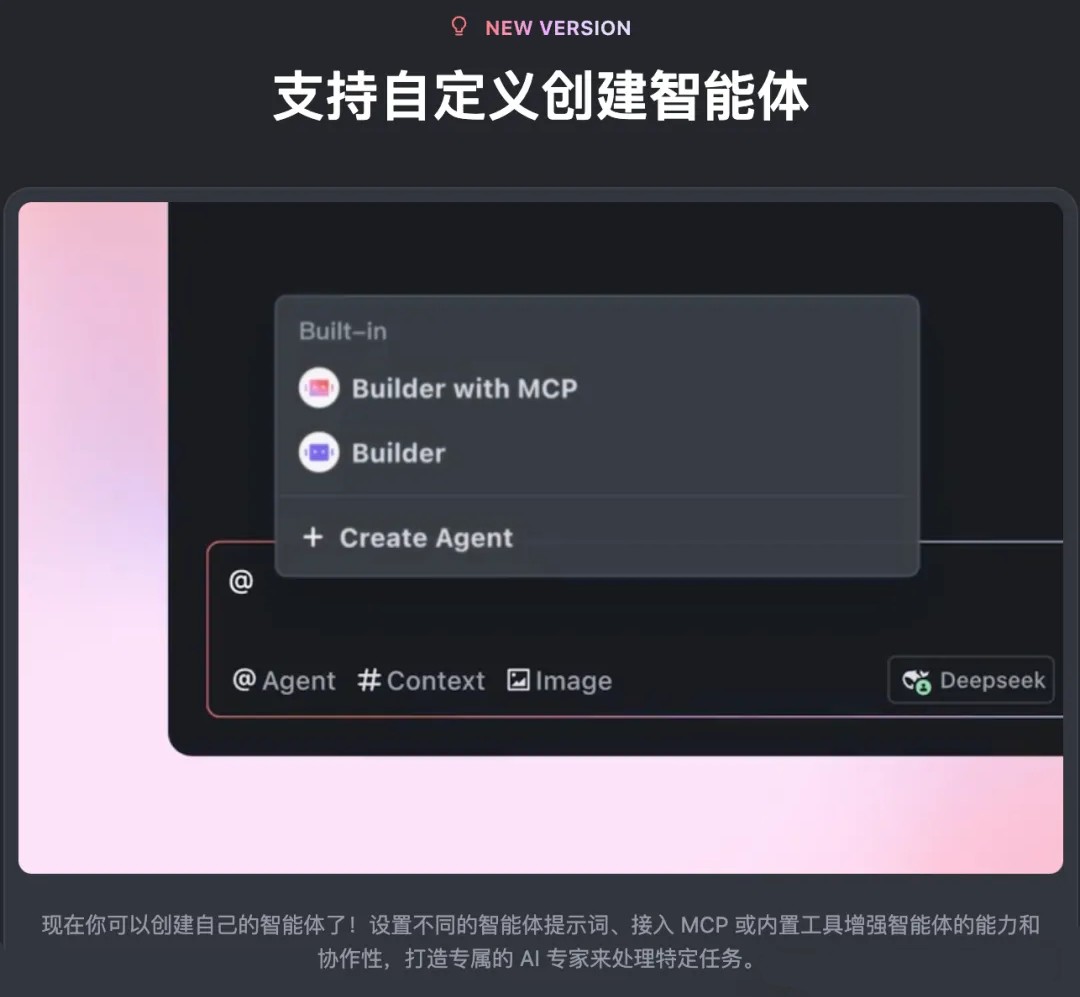
Custom Agent: Developers can freely define Agent behavior through prompts and tools to meet the needs of specific development scenarios.
Built-in Builder Agent and MCP Support: The new version includes a built-in Builder Agent and a Builder with MCP mode that supports MCP, capable of leveraging historically successfully configured MCP tools to execute complex tasks such as automated testing or cross-system integration.
Automatic Run Mode: Agent now supports an "Auto Run" mode that can automatically execute commands and tool calls. Developers can also configure a command blacklist to ensure security.
5. MCP Support Officially Launched
Built-in MCP Marketplace: Trae adds an MCP marketplace where developers can quickly add third-party MCP Servers, expanding functionality without complex configuration.
Flexible MCP Tool Invocation: Agent can dynamically invoke MCP tools, further expanding its execution capabilities, such as connecting to databases, calling APIs, or operating file systems via MCP.
At the same time, Trae v1.3.0 fixes known stability issues and optimizes the multi-file collaborative editing experience.









