
 Script Planner Assistant▸
 AI Apps
 AI News
AutoMCP: Quickly Convert Agents into MCP Servers to Simplify AI Multi-Agent Collaboration
小编 ·

AutoMCP: Quickly Convert Agents into MCP Servers to Simplify AI Multi-Agent Collaboration
What is AutoMCP?
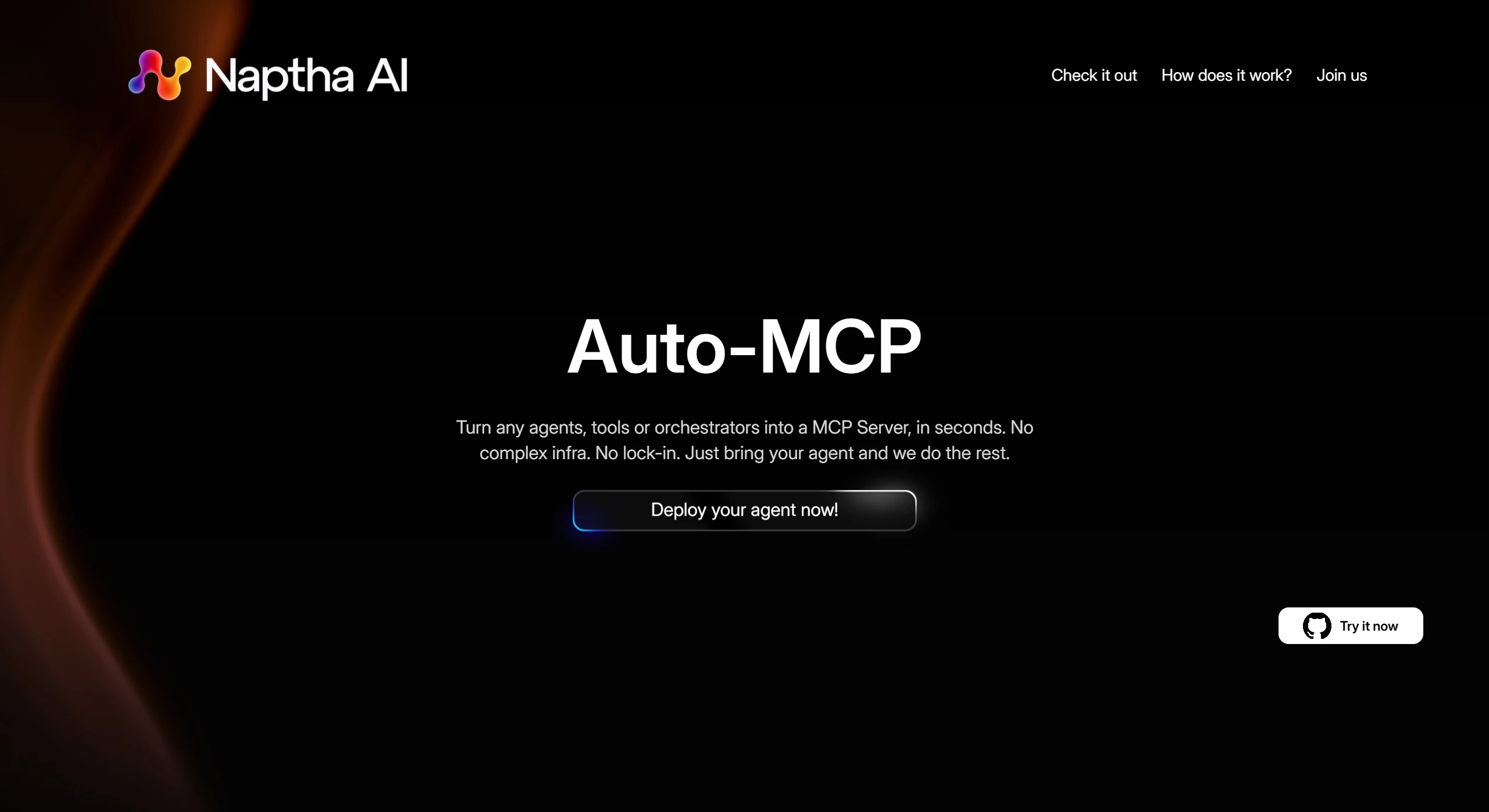
AutoMCP is a tool developed by Napthaai that converts tools, agents, and workflow orchestrators from various existing Agent frameworks (such as CrewAI, LangGraph, Llama Index, OpenAI Agents SDK, Pydantic AI, etc.) into MCP (Model Context Protocol) servers. Through this conversion, developers can expose complex logic and services based on different frameworks as a unified MCP interface. AutoMCP enables these frameworks to seamlessly integrate with clients such as Cursor and Claude Desktop.
AutoMCP Key Features
Multi-framework support: Supports multiple mainstream Agent frameworks.
Automated conversion: Automatically generates MCP server code through simple command-line operations.
Standardized interface: Provides a standardized MCP interface for easy access by different clients.
Flexible configuration: Allows users to define input schemas and environment variables, and supports multiple transport modes (such as STDIO and SSE).
How to Use AutoMCP
Installation: Can be installed via PyPI (pip install naptha-automcp).
Generate server file: Run automcp init -f <framework> in the project directory.
Configure the server: Edit the generated run_mcp.py file to configure the agent class and input schema.
Run the server: After installing the dependencies, start the server using automcp serve -t <transport mode>.
AutoMCP Advantages
Enhanced interoperability: Agent tools from different frameworks can be integrated through a unified interface.
Greater flexibility: Developers can expose services as MCP interfaces without complex adaptation.
Broader use cases: Suitable for intelligent customer service, data analysis, automated testing, and many other scenarios.
Applications of AutoMCP
AutoMCP is mainly focused on areas that require the integration of multiple AI frameworks and tools:
Intelligent customer service systems: It can be used in intelligent customer service systems to integrate Q&A tools from different frameworks, improving customer service efficiency;
Automated office work: Enables automation of tasks such as document generation and data organization;
Data analysis: It can unify the interfaces of data processing tools, accelerating the analysis workflow.
Education sector: Personalized learning,
Healthcare sector: Intelligent diagnostics, assisting in medical record analysis and diagnostic recommendations, improving the efficiency and accuracy of medical services.
The emergence of AutoMCP provides a bridge for existing Agent tools, facilitating their integration in MCP-supported environments, thereby enhancing flexibility and accessibility.
GitHub Repository:https://github.com/NapthaAI/automcp
AutoMCP Official Website:https://auto-mcp.com/









