
 Script Planner Assistant▸
 AI Apps
 AI News
Magnitude: An AI-Based End-to-End Web Testing Platform
小编 ·

Magnitude: An AI-Based End-to-End Web Testing Platform
What is Magnitude?
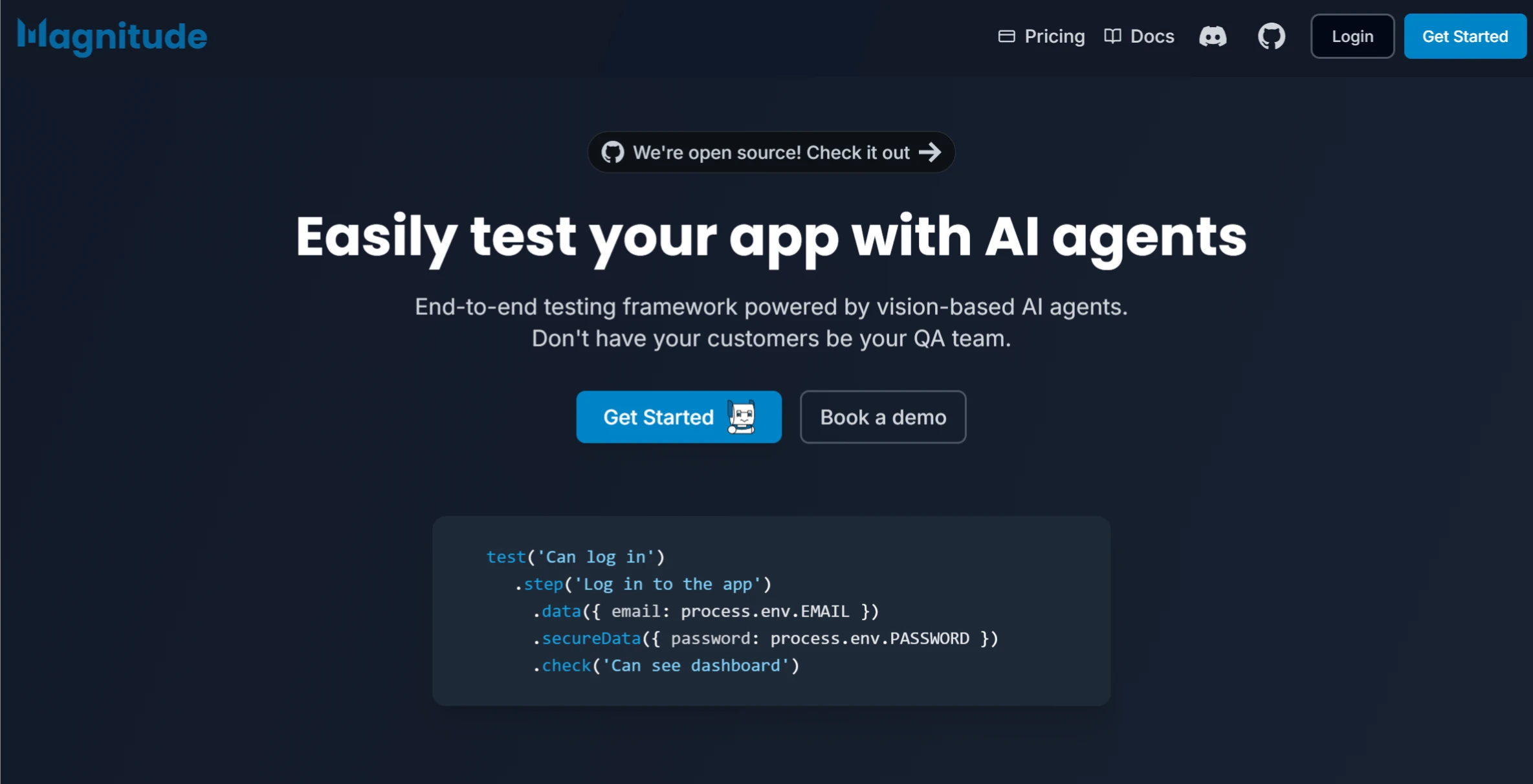
Magnitude is an AI-based end-to-end Web testing platform that simplifies the testing workflow for Web applications through natural language and visual intelligence technologies. It provides an SDK and a UI dashboard, supports both managed and self-hosted modes, and can help developers and testers quickly write, execute, and manage test cases.
Magnitude Features
Natural Language Test Authoring
Describe test cases using natural language, without writing complex code or relying on DOM elements.
示例:
TypeScript
复制
test('can log in and create company')
.step('Log in to the app')
.data({ username: '[email protected]' })
.secureData({ password: 'test' })
.check('Can see dashboard')
.step('Create a new company')
.data('Make up the first 2 values and use defaults for the rest')
.check('Company added successfully');
Visually-Driven Test Execution
Built-in visual AI agent that can recognize changes in the Web interface and automatically adjust test steps, ensuring the stability and reliability of test cases.
Test cases are highly adaptive to interface changes, requiring no frequent updates.
Managed and Self-Hosted Support
Managed service: Provides hosted browser infrastructure and LLM (Large Language Model) services, eliminating the need for users to set up their own environments.
Self-hosted: Fully open-source, supports self-hosted mode, allowing users to use their own infrastructure and LLM providers.
Test Management and Visualization
Provides a UI dashboard for managing test cases, viewing test run history and results.
Supports local execution and CI/CD pipeline integration for automated testing.
Intelligent Reasoning and Dynamic Adjustment
Built-in reasoning agent that can dynamically adjust testing strategies based on issues encountered during test execution.
Test plans can be saved and re-executed to ensure consistency across every test run.
Use Cases
Web Application Development: Quickly write and execute test cases during the development process to ensure functionality correctness and stability.
Continuous Integration/Continuous Deployment (CI/CD): Integrate into CI/CD pipelines to automate test runs and improve development efficiency.
Interface Change Testing: Thanks to its visually-driven nature, Magnitude can effectively handle interface changes and reduce test maintenance costs.
Team Collaboration: Writing test cases in natural language lowers the technical barrier for testers and facilitates team collaboration and knowledge sharing.
How to Use
1. Install the Magnitude SDK
Install the Magnitude test runner in your Node.js project:
npm install --save-dev magnitude-test
2. Initialize Magnitude
Run the following command to initialize Magnitude, which generates the basic test directory and configuration files:
npx magnitude init
3. Configure Magnitude
If using the managed service, you need to obtain a Magnitude API key and set the environment variable:
export MAGNITUDE_API_KEY=<your-api-key-here>
If using self-hosted mode, you need to configure your own LLM and browser infrastructure.
4. Write Test Cases
Write test cases using natural language, for example:
import { test } from 'magnitude-test';
test('can log in and create company')
.step('Log in to the app')
.data({ username: '[email protected]' })
.secureData({ password: 'test' })
.check('Can see dashboard')
.step('Create a new company')
.data('Make up the first 2 values and use defaults for the rest')
.check('Company added successfully');
5. Run Tests
Use the following command to run Magnitude tests:
npx magnitude run
Test results can be viewed in the Magnitude dashboard.
GitHub Repository:https://github.com/magnitudedev/magnitude
Magnitude Official Website:https://magnitude.run/









