
 Script Planner Assistant▸
 AI Apps
 AI News
What's New in Kling AI 2.0?
小编 ·

What's New in Kling AI 2.0?
Kling AI 2.0 fully upgraded its base models on April 15, including Kling 2.0 (Master Edition) and Ketu 2.0. New multimodal editing features have been added. Video generation now supports replacing, deleting, and adding elements, while image generation supports partial redrawing, image expansion, and style transfer. Let's take a closer look below.
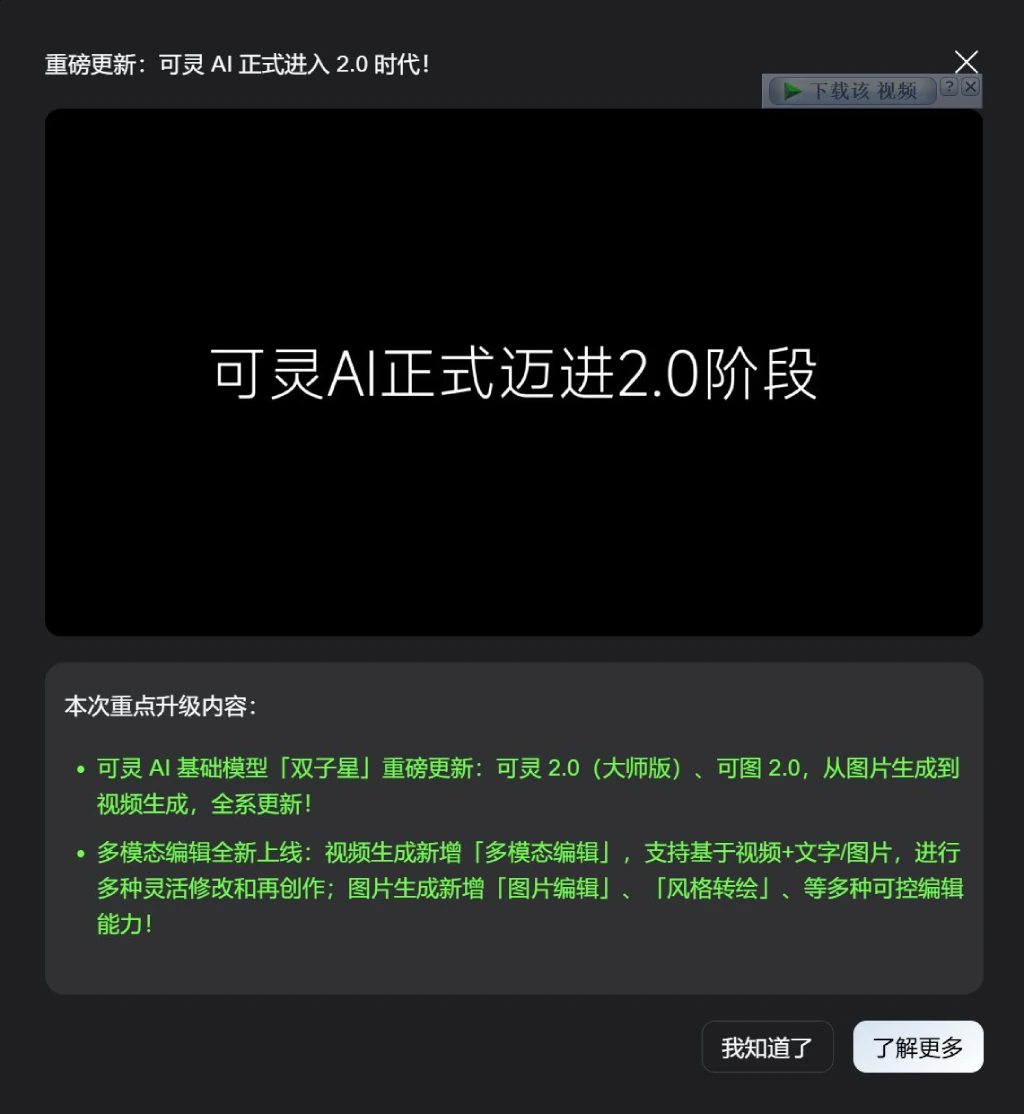
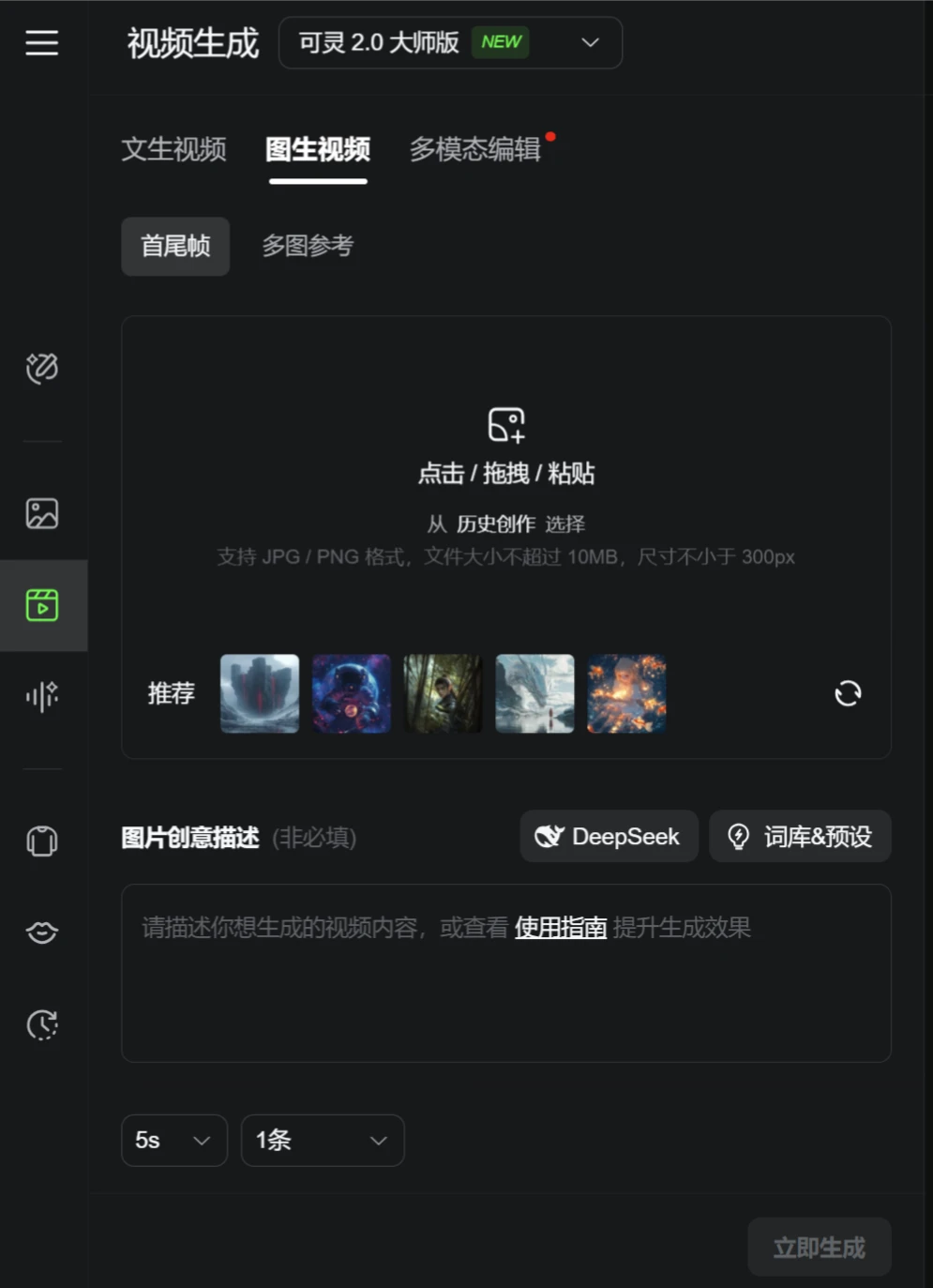
1. Base Model Updates
1. Kling 2.0 (Master Edition)
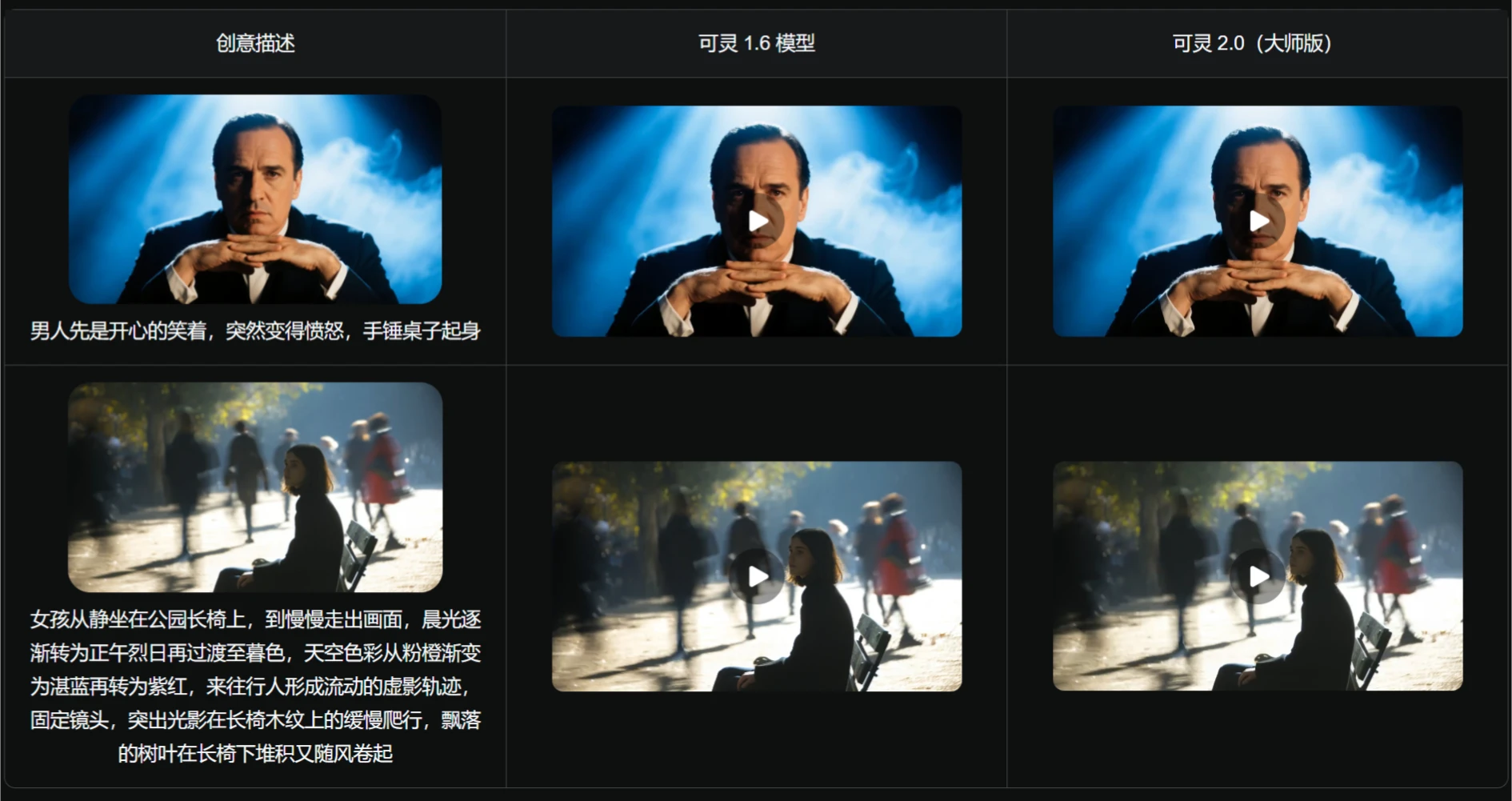
Greatly improved semantic response: Better response to actions, expressions, and camera movements, supporting descriptions of shots with more complex timelines, helping you effortlessly create blockbuster-level visuals. For example, you can describe a man first laughing happily, then suddenly becoming angry, slamming his fist on the table and standing up; or a girl sitting still on a park bench, slowly walking out of the frame, with morning light gradually turning into the blazing midday sun, then transitioning to dusk, the sky colors gradually shifting from pink-orange to deep blue and then to purple-red, passersby forming flowing blurred trails, fixed camera, highlighting the slow crawling of light and shadow on the wood grain of the bench, fallen leaves piling up under the bench and being swept away by the wind, and other complex scenes.
Greatly improved dynamic quality: Characters/subjects have greater range of motion, smoother speed, and more delicate, natural, and reasonable complex actions, making you feel immersed and fully experiencing the dynamic vitality of the video画面. For example, scenes like a dinosaur rushing toward the camera with motion blur and camera shake; or skateboarding, with the camera continuously moving around the skateboarding youth, will perform better.
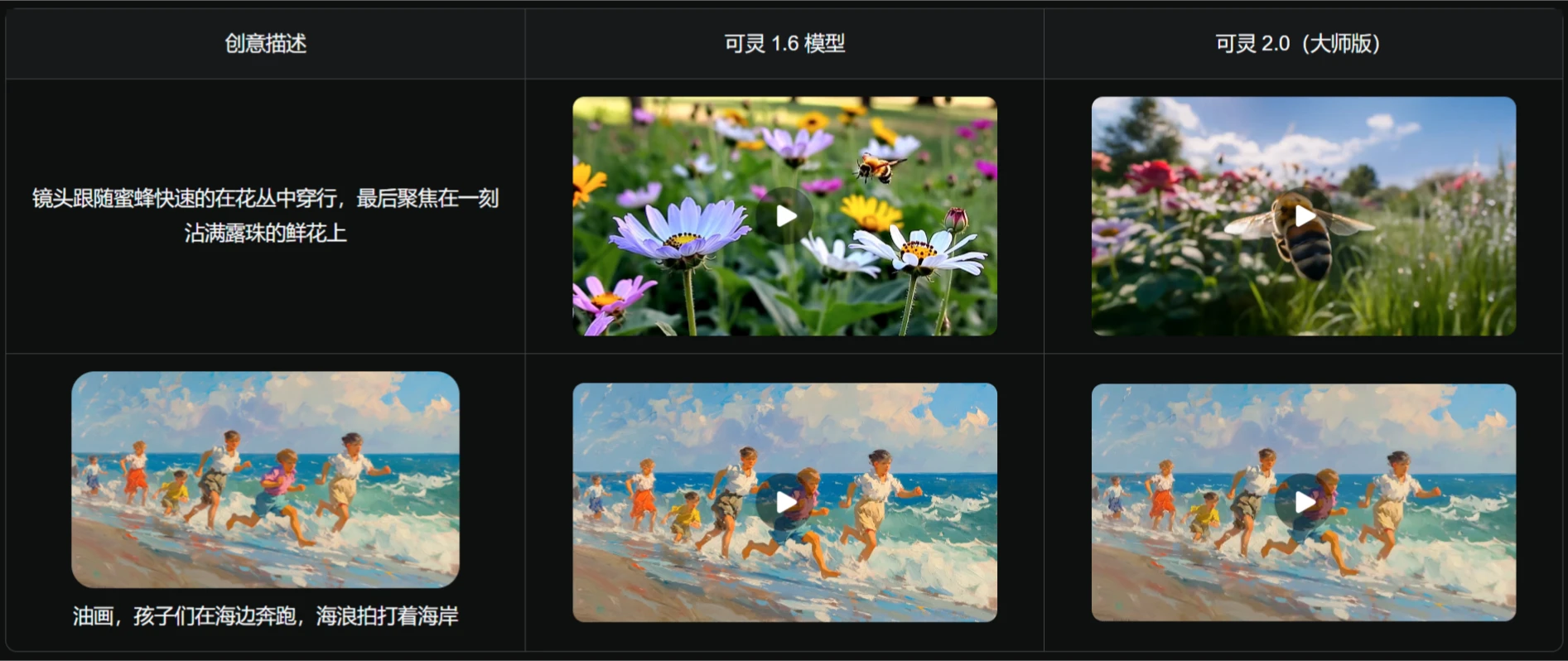
Greatly improved visual aesthetics: More realistic characters, with actions and expressions comparable to professional actors; more detailed visuals, text-to-video can respond to film-level visual descriptions, with blockbuster texture and every detail visible; more beautiful styles, image-to-video can better preserve the original image's style and continue more aesthetic appeal. Scenes like the camera following a bee quickly穿梭 through a sea of flowers, finally focusing on a fresh flower covered in dewdrops; or children running on the beach in oil painting style, with waves lapping the shore, will have more aesthetic appeal.
2. Ketu 2.0
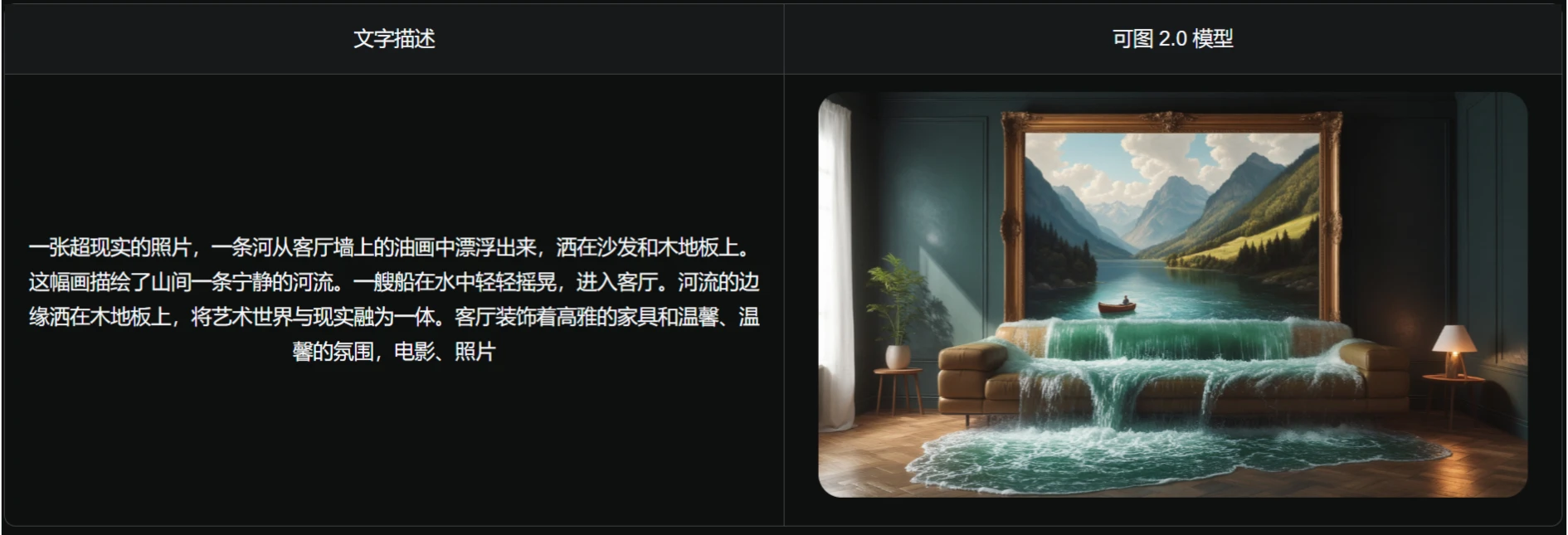
Greatly improved instruction following: Significantly improved response to multiple elements, complex instructions, colors, positions, etc. Image details have a strong sense of realism, generated images are more heterogeneous, improving usability. For example, it can generate a surreal photo of a river flowing out from an oil painting on the living room wall, splashing onto the sofa and wooden floor. The painting depicts a tranquil river in the mountains, with a boat gently rocking in the water. Entering the living room, the edge of the river splashes onto the wooden floor, merging the artistic world with reality. The living room is decorated with elegant furniture and a warm atmosphere.
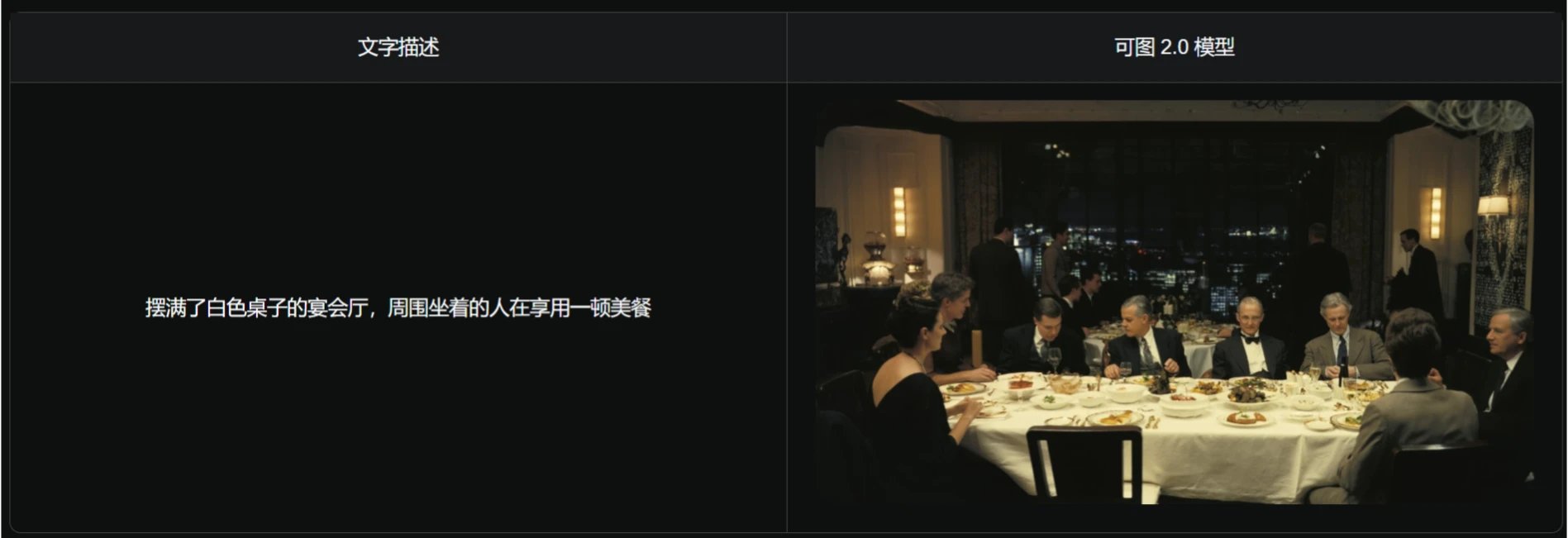
Cinematic texture enhancement: The atmosphere and layers of cinematic blockbusters, along with grand scenes and storyboards, are all in Ketu! Ketu 2.0 images have a more sophisticated composition, with light, shadow, and color bringing unique aesthetic tones to the image. For example, a scene of a banquet hall filled with white tables, with people seated around enjoying a beautiful meal, will have more cinematic texture.
Multi-style expansion response: Supports 60+ styles, covering special materials, digital art, and painting techniques. Classic artistic styles no longer belong only to professional painters—everyone can become the dreammaker of their own fairy-tale world! For example, it can generate a traditional Chinese painting style of Lin Daiyu, wearing Tang dynasty clothing, sitting in a corner of a coffee shop, holding a smartphone, with side backlighting, in an evening scene.
2. Multimodal Editing Capabilities
1. Video "Multimodal Editing"
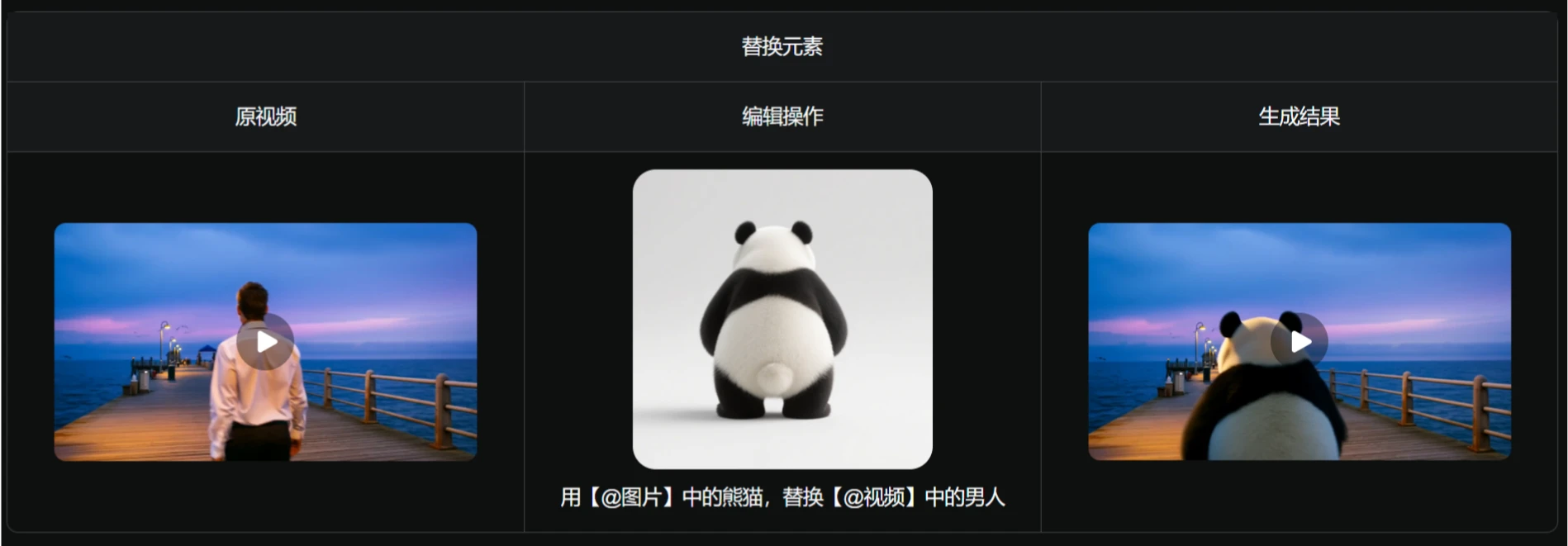
Replace elements: Specify continuous content selections in the video across multiple key frames, then use 1 reference image to replace the selected subject or background content, such as changing a model's clothing or modifying characters.
Delete elements: Specify continuous content selections in the video across multiple key frames, and you can delete the subject or background content in the selected area, such as removing passersby who accidentally wander into the frame.
Add elements: You can input 1-2 reference images, or add subject content to the video through text descriptions, such as making a spaceship descend over a city.
2. Image Editing
Partial redrawing: By specifying the redraw area and providing prompt descriptions of the target content, you can perform operations such as adding or modifying elements in the image. The naturalness and realism of the generated content's fusion with the original image are at the industry's top level. It better meets the creative needs of secondary modification of image materials (such as repairing damaged images, adjusting image details, creative cases, etc.), completing the creation process, and improving the full-chain gacha rate.
Image expansion: The expansion ratio and size are more flexible, supporting users to freely drag the position of the original image, change its size, and freely expand the image content to enlarge the visual field; the generated content is highly imaginative and blends well with the original image, providing you with a size "adjustment" tool during the image creation stage, allowing you to obtain images of multiple sizes with one click, enriching creative materials.
Style transfer: The brand new "Style Transfer" feature of Ketu 2.0 is also launched, opening up a多元 aesthetic universe for you! Upload an image and input style description prompts to summon your desired style effect with one click. Whether it's the healing aesthetics of Japanese animation films or the Q-cute images of blind box figurines, a single text command allows you to switch between all styles.
Kling ai 2.0 official website:https://app.klingai.com/cn/









