
 Script Planner Assistant▸
 AI Apps
 AI News
Krea Stage: Krea AI's Image-to-Editable 3D Scene Builder
小编 ·

Krea Stage: Krea AI's Image-to-Editable 3D Scene Builder
What is Krea Stage?
Krea Stage, released by Krea AI, enables users to generate editable 3D models from a single image. Within the scene, users can freely assemble elements, switch between multiple angles, and apply stylized rendering — delivering a more flexible design experience while maintaining consistency.
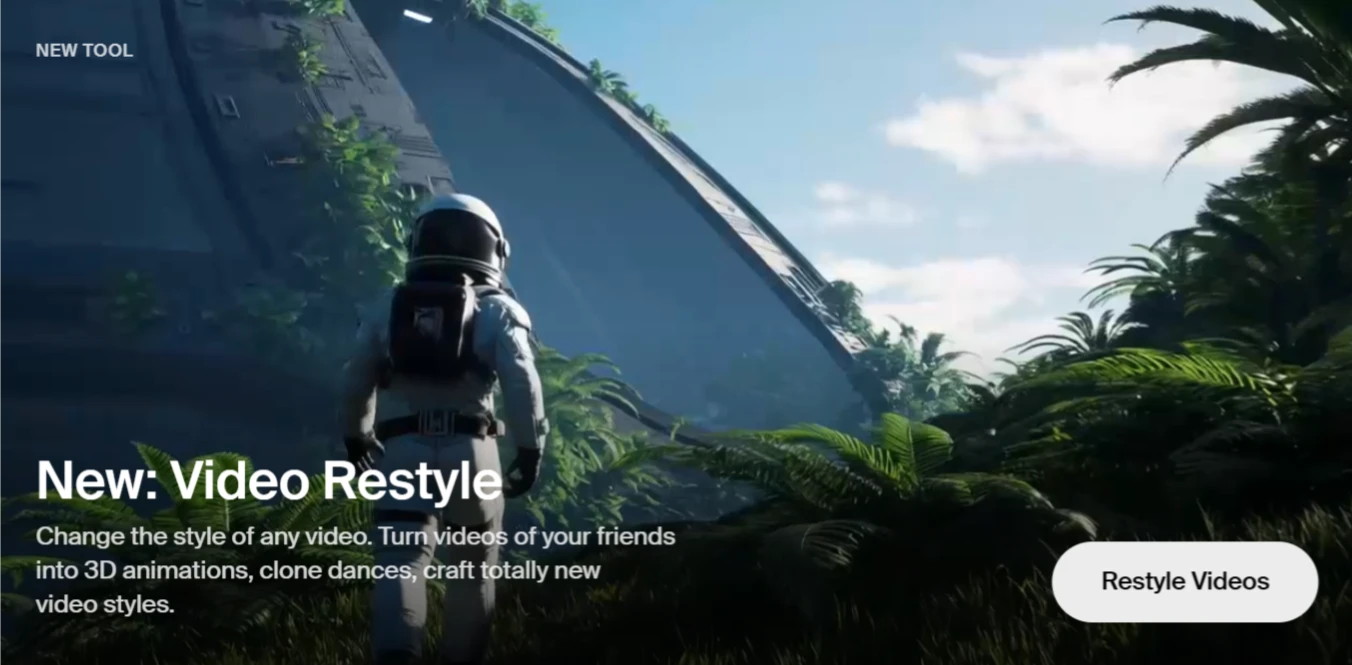
Core Features of Krea Stage
From Image to 3D Scene: Users only need to upload one image, and Krea Stage uses AI algorithms to quickly generate a complete, editable 3D scene. This process eliminates the complex steps of traditional 3D modeling and significantly lowers the technical barrier. Whether you are an independent artist, game developer, or film and television production team, you can directly adjust the objects, lighting, shadows, and viewpoints in the scene through an intuitive editing interface, making it easy to create virtual worlds that match your creative vision.
Video Generation: Based on the generated 3D scene, users can further create high-quality video content without worrying about inconsistencies between scene transitions. Through AI optimization, Krea Stage ensures that every frame in the video remains highly consistent with the original scene, including lighting effects, object positions, and overall style.
Characteristics of Krea Stage
Real-Time Generation and Editing: The real-time generation and editing capabilities of Krea Stage greatly improve creative efficiency. Users do not need professional software or high-performance hardware to quickly iterate on design ideas, truly achieving "what you think is what you get."
Low Barrier to Entry: Krea Stage's low-barrier design allows more non-professional users to participate in high-quality content creation.
Use Cases of Krea Stage
Animated Short Films: Leverage its cross-scene video generation capabilities to ensure seamless scene transitions in animated short films.
Virtual Reality Content: Quickly build the 3D scenes required for virtual reality experiences.
Game Trailers: Provide high-quality video content for game trailer production while maintaining scene consistency.
How to Use Krea Stage
Visit the Krea official website.
Register and log in to your account.
Upload an image as the base material.
Use Krea Stage's AI features to generate the 3D scene, and perform real-time editing and adjustments.
Generate video content as needed and export the final work.
Krea Official Website:https://www.krea.ai/









