
 Script Planner Assistant▸
 AI Apps
 AI News
How to Use Alibaba Cloud MCP: A Beginner's Guide
小编 ·

How to Use Alibaba Cloud MCP: A Beginner's Guide
What is Alibaba Cloud MCP?
Alibaba Cloud MCP is the industry's first full-lifecycle MCP service, launched by the Alibaba Cloud Bailian platform on April 9, 2025.
MCP is an open protocol proposed by Anthropic that enables connections between AI large models and data sources. It is the standard protocol for connecting large models to software applications.
The MCP service on the Alibaba Cloud Bailian platform can quickly transform large models into productive tools for real-world scenarios. Users don't need to manage resources, handle development and deployment, or perform engineering operations and maintenance. With just simple configuration, an Agent application can be built in as little as 5 minutes.
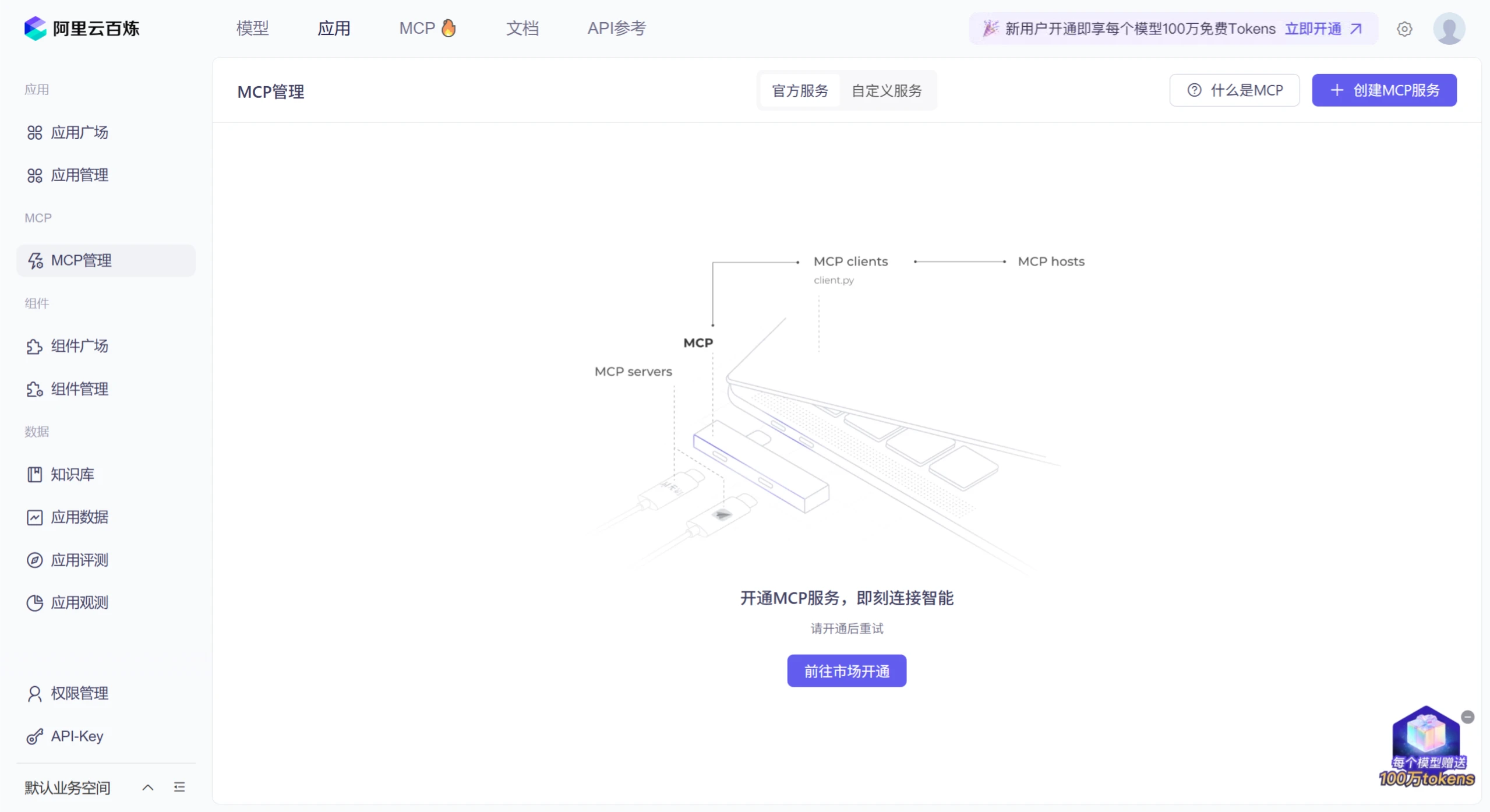
Features of Alibaba Cloud MCP
Rich integrated resources: The platform integrates Alibaba Cloud Function Compute, over 200 industry-leading large models, and more than 50 mainstream MCP services, comprehensively addressing the computing resources, large model resources, and application tool chains needed for Agent development.
Deep scenario-based customization: Supports deep scenario-based customization. Users can create dedicated intelligent agents with autonomous thinking, task decomposition, and decision execution capabilities through simple visual configuration, without writing any code.
Rich application ecosystem: The first batch includes more than 50 MCP services from Alibaba Group and third parties, such as Amap, Wuying, Fetch, and Notion, covering multiple fields including life services, office collaboration, and content creation.
Alibaba Cloud MCP Tutorial
There are two main ways to use the Alibaba Cloud MCP service:
Using the Official Hosted Service
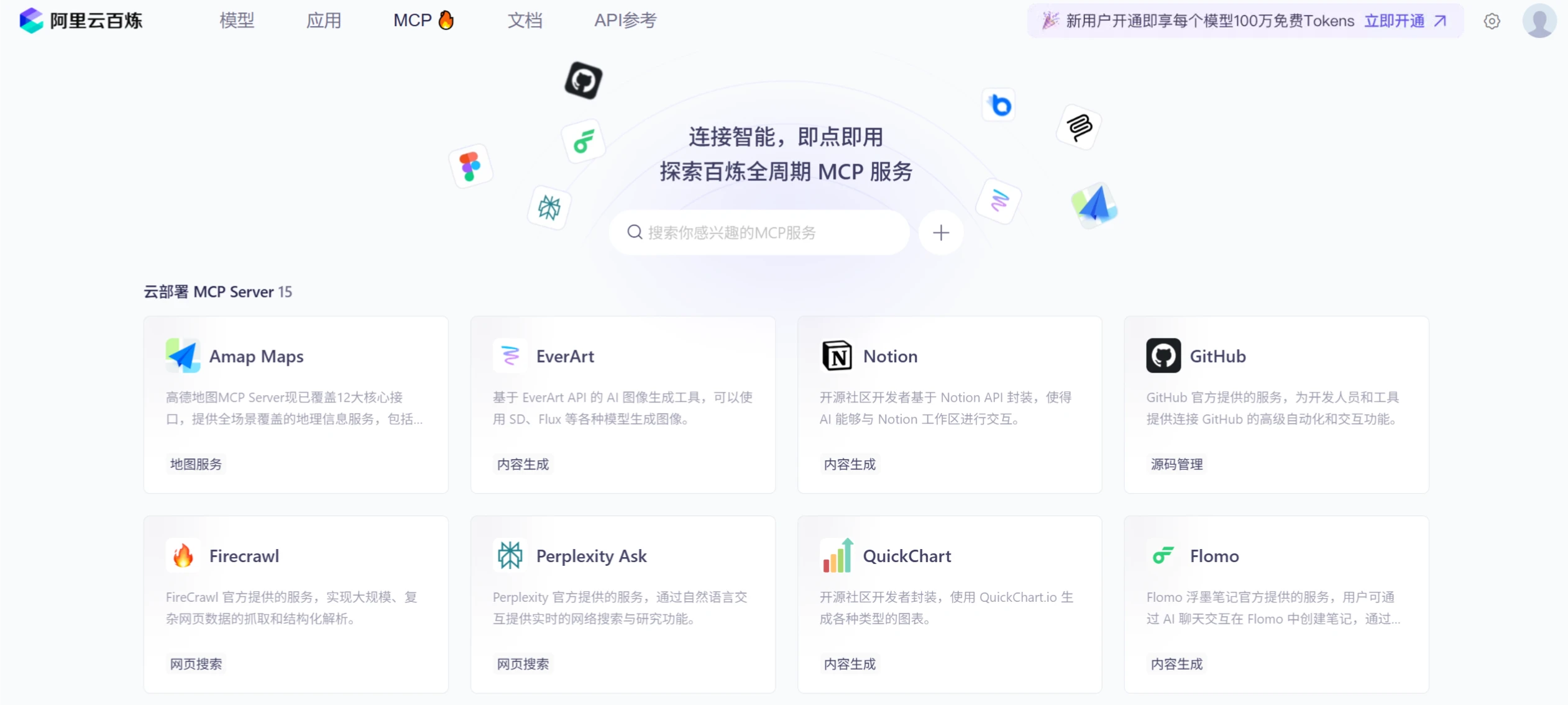
Open the MCP service marketplace on the Alibaba Cloud Bailian platform: Alibaba Cloud Bailian MCP Service Marketplace.
Find the service you need in the marketplace, such as Amap, GitHub, Notion, etc.
Click to activate the service. If there is an API key, fill in the corresponding API key.
Once activated, the service can be called directly in an Agent or workflow. The service is hosted on Function Compute by Bailian, loaded on demand, and billed per usage via the API.
Self-Hosted Service
If you have your own API, or need to introduce an MCP server from the community (such as an open-source project cloned from GitHub), you can use the self-hosted service approach:
Open the "Register Service" interface.
Paste the npx installation command or Python script (Python is currently not yet available).
The system will automatically create a Function Compute instance to host your service.
Once registration is successful, the service can be invoked as an MCP tool.
In addition, if you are a developer, you can also implement MCP Server and Client by writing code. Here is a simple example code for implementing an MCP Server:
import { McpServer, ResourceTemplate } from "@modelcontextprotocol/sdk/server/mcp.js";
import { StdioServerTransport } from "@modelcontextprotocol/sdk/server/stdio.js";
import { z } from "zod";
// Create an MCP server
const server = new McpServer({
name: "Demo",
version: "1.0.0"
});
// Add an addition tool
server.tool("add",
'Add two numbers',
{ a: z.number(), b: z.number() },
async ({ a, b }) => ({
content: [{ type: "text", text: String(a + b) }]
})
);
async function main() {
// Start receiving messages on stdin and sending messages on stdout
const transport = new StdioServerTransport();
await server.connect(transport);
}
main()
You can also use the official scaffolding to create a complete and complex Server:
npx @modelcontextprotocol/create-server my-server
When debugging the Server, you can use the official inspector provided:
npx @modelcontextprotocol/inspector
After connecting to the Server, you can get tools and perform debugging. If the running results are correct, you can publish the Server to clients that support the MCP protocol for use, such as Claude, Cursor, etc.
Alibaba Cloud MCP Access URL: https://bailian.console.aliyun.com/?tab=app#/mcp-manage









