
 Script Planner Assistant▸
 AI Apps
 AI News
AlphaBot: An Intelligent Stock Analysis Assistant
小编 ·

AlphaBot: An Intelligent Stock Analysis Assistant
What is AlphaBot?
AlphaBot is an intelligent stock analysis assistant that integrates global multi-source data and applies advanced ai analysis technology to provide investors with comprehensive technical analysis, precise market predictions, and scientific risk assessment. Through these features, AlphaBot helps investors transform from "intuition-based traders" into "data-driven investors," enabling more rational and informed trading decisions. In addition, AlphaBot supports one-click deployment, is simple and quick to operate, and is compatible with multiple operating systems such as Windows, Linux, and MacOS, allowing users on different platforms to use it with ease.
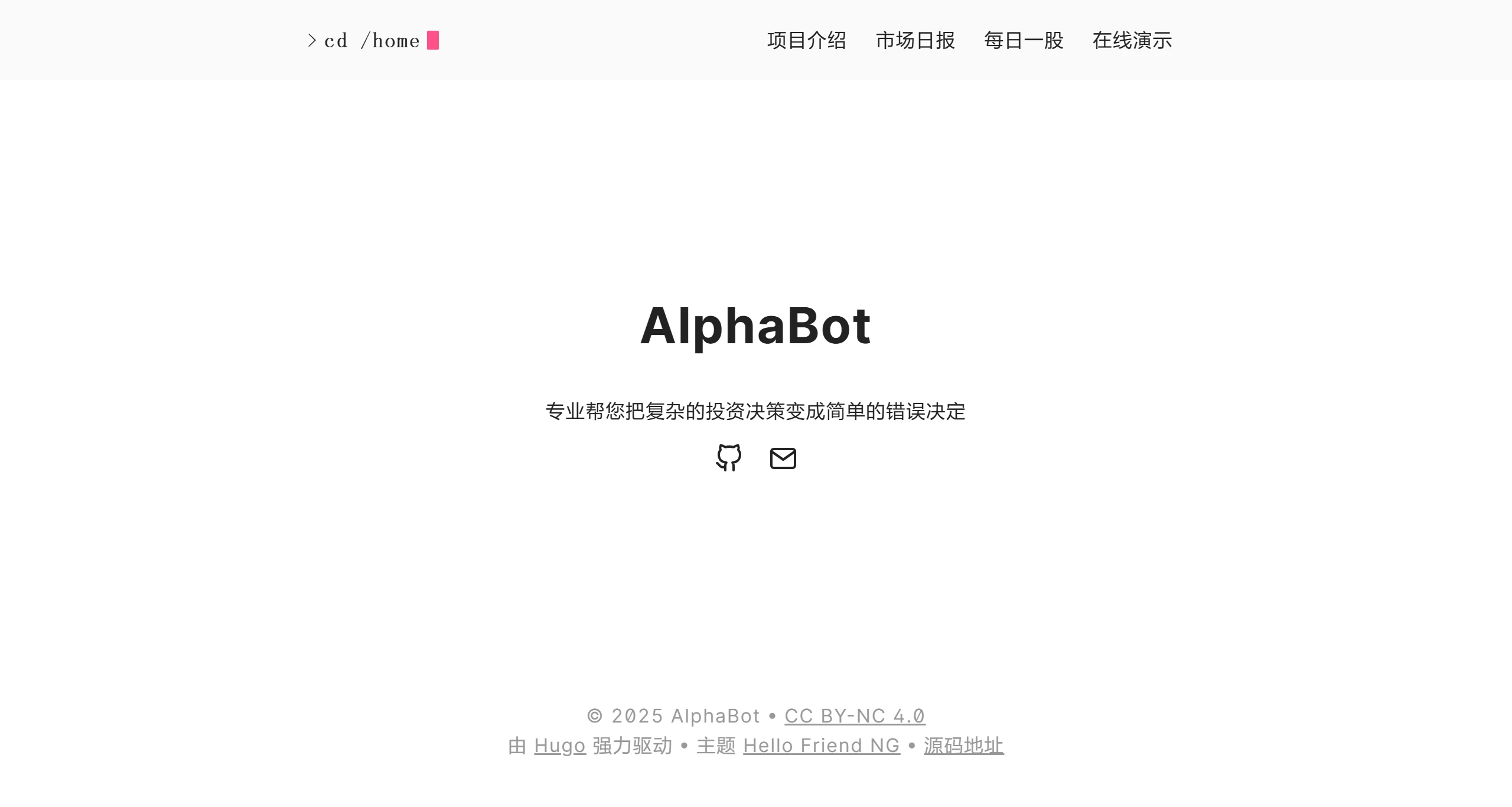
AlphaBot Features
Multi-data source support: Integrates global market data (Alpha Vantage) and China market data (Tushare, AKShare), with real-time quote updates.
AI intelligent analysis: Covers technical analysis, fundamental analysis, machine learning predictions, and in-depth interpretation by large language models.
Trading assistance features: Provides stock search, historical data queries, technical indicator calculations, AI-driven risk assessment and recommendations.
AlphaBot Use Cases
Individual investors: Helps investors who lack experience or time make more rational investment decisions and avoid emotional trading.
Professional traders: Provides professional traders with more comprehensive and in-depth data analysis and predictions, assisting them in optimizing their trading strategies.
Investment learners: Serves as a learning tool to help beginners understand stock market analysis methods and improve their investment knowledge.
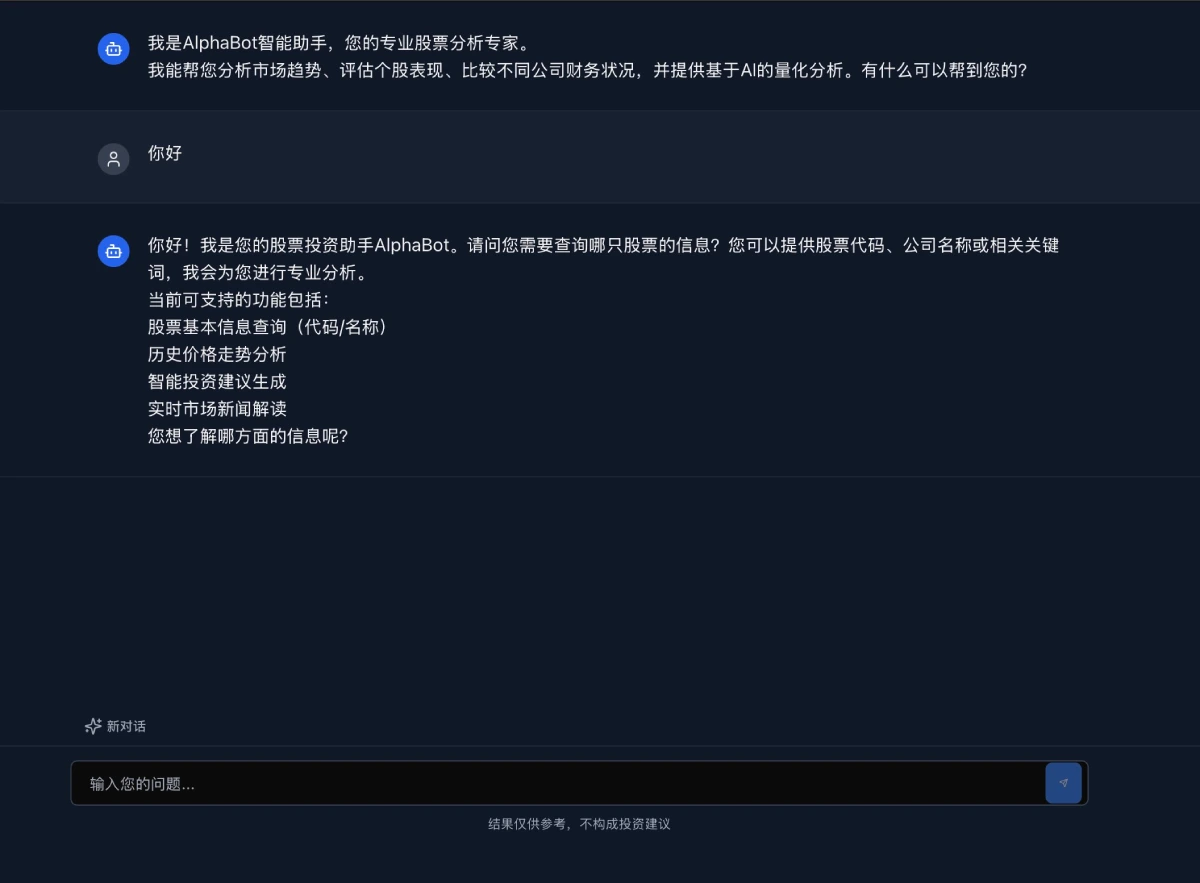
AlphaBot Installation and Usage Tutorial
Method 1: Using Docker (Recommended)
Prerequisites:
Docker and Docker Compose are installed.
You have a calm mindset (stay calm when facing potential issues).
Steps:
1. Clone the project repository:
git clone https://alphabot.x-pai.com/repo.git
2. Run the deployment script:
cd alphabot
./deploy.sh
3. Access the application:
Backend API documentation: http://localhost:8000/api/v1/docs
Frontend interface: http://localhost:3000
Method 2: Manual Installation (Suitable for tech enthusiasts)
Backend installation:
1. Install dependencies:
pip install -r requirements.txt
2. Start the backend service:
python main.py
3. Frontend installation:
Install Node.js and npm (if not already installed).
1. Install frontend dependencies:
npm install
2. Build and start the frontend:
npm run build
npm start
3. Access the application:
Backend API documentation: http://localhost:8000/api/v1/docs
Frontend interface: http://localhost:3000
AlphaBot official website:https://alphabot.x-pai.com/









