
 Script Planner Assistant▸
 AI Apps
 AI News
What Is Draft Mode in MidJourney V7?
小编 ·

What Is Draft Mode in MidJourney V7?
Midjourney What is V7's Draft Mode?
MidJourney V7's Draft Mode is a highly efficient creative feature, with rendering speeds 10 times faster than the standard mode and at half the cost. It supports conversational interaction, allowing users to edit images in real time through voice or text commands, such as replacing elements and adjusting scenes. In addition, Draft Mode supports command extensions, enabling multi-version iteration and batch generation, making it ideal for rapid creative iteration and real-time interactive design.
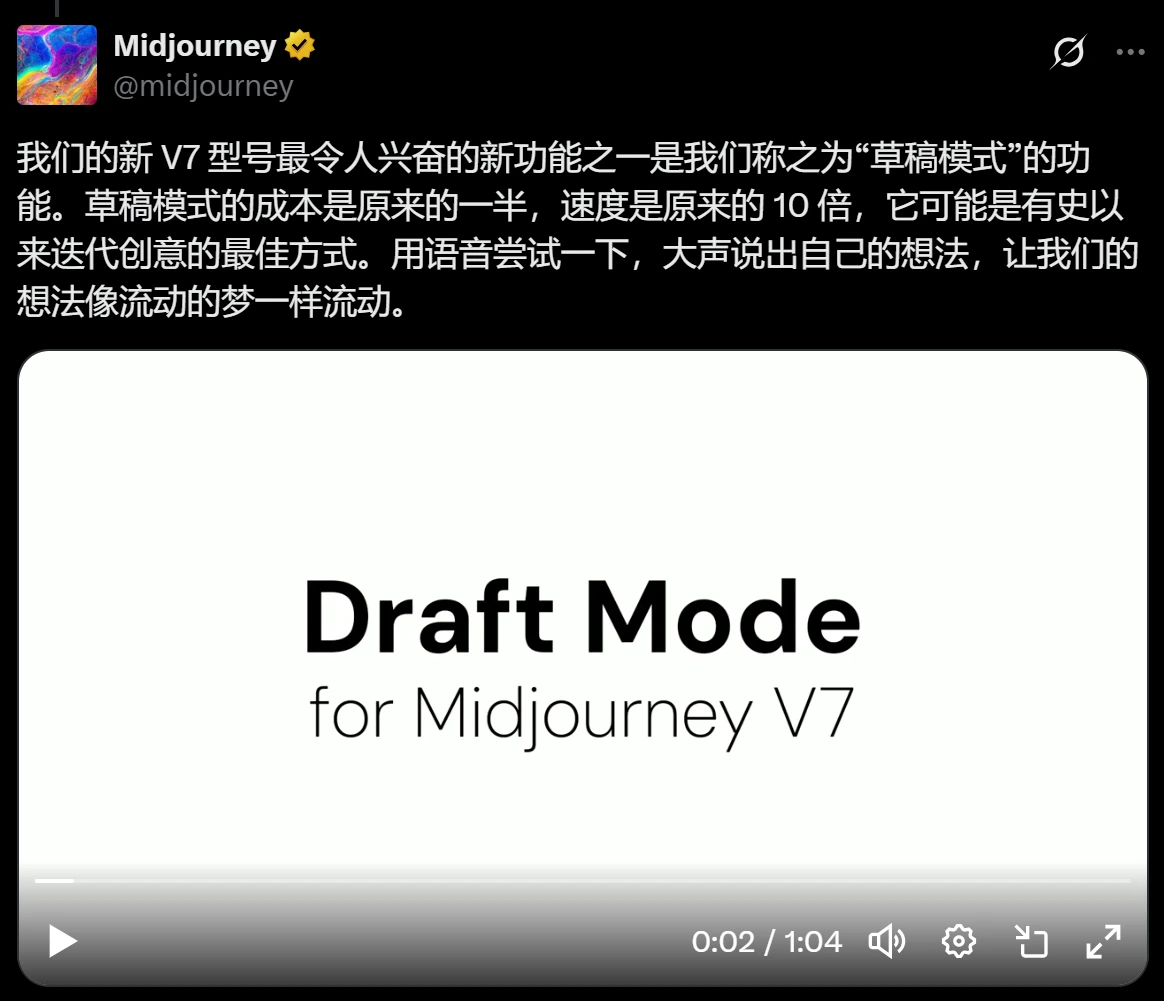
Features of MidJourney V7's Draft Mode
Fast Rendering and Low Cost
Rendering Speed: Draft Mode renders 10 times faster than the standard mode, enabling rapid generation of preliminary images.
Cost: Draft Mode costs only half of the standard mode, making it suitable for users who need rapid iteration and testing of creative ideas.
Conversational Interaction Interface
Once Draft Mode is enabled, MidJourney's web-based editor automatically switches to a "Conversational Interaction Interface." Users can edit the generated image content in real time with simple commands, such as:
Replacing elements: For example, "Replace the cat with an owl."
Adjusting scenes: For example, "Change to a nighttime scene."
Modifying style: For example, "Add a cyberpunk style."
The system will adjust and generate new images in real time based on the user's commands.
Voice Recognition Image Generation
Draft Mode supports voice-command image generation. Users can click the microphone icon to directly input prompts via voice, and the system will automatically recognize them and generate images. Currently, this feature supports Chinese voice recognition.
Command Extension Support
Draft Mode supports command extensions. Users can add the "--draft" parameter after the prompt to use advanced features such as multi-version iteration and batch generation. This allows users to create more flexibly.
Use Cases for MidJourney V7's Draft Mode
Rapid Creative Iteration: Ideal for users who need to quickly generate multiple creative drafts. For example, during the initial design phase, designers can use Draft Mode to rapidly generate multiple draft versions, select the best option, and then proceed with high-precision rendering.
Real-Time Interactive Design: Users can adjust image content in real time under Draft Mode, quickly realizing creative ideas and improving creation efficiency.
Voice Interaction Creation: For users who prefer voice input, Draft Mode offers a convenient voice-generation feature, making the creation process more natural and fluid.
How to Use MidJourney V7's Draft Mode?
1. Enable Draft Mode
Log in to the MidJourney platform: Visit MidJourney's official website.
Select Draft Mode: Find and enable the "Draft Mode" option in the image generation interface. You can also enable it by adding the "--draft" parameter to your prompt.
2. Input Prompts via Voice or Text
Text Input: Enter your description in the prompt input box, for example, "A girl wearing fashionable clothing, medium shot, dim yellow lighting, and realistic photography style --draft".
Voice Input: Click the microphone icon and speak your description; the system will automatically recognize it and generate the image.
3. Real-Time Editing and Adjustment
Generate Initial Draft: The system will quickly generate an initial draft.
Real-Time Editing: Adjust the image by entering new commands, such as "Change the girl's clothing to a vintage style" or "Add a cyberpunk style."
View Updated Results: The system will update the image instantly based on your commands.
4. Use Command Extensions
Multi-Version Iteration: Add the "--draft" parameter to your prompt to generate multiple draft versions.
Batch Generation: Leverage Draft Mode to quickly generate multiple images in different styles or with different elements for batch creation.
5. Example
Enter the prompt: "A girl wearing fashionable clothing, medium shot, dim yellow lighting, and realistic photography style --draft". After enabling Draft Mode, the system quickly generates an initial draft. If adjustments are needed, enter "Change the girl's clothing to a vintage style," and the system will update the image instantly.
Draft Mode can be considered a major innovative feature of MidJourney V7. Through fast rendering, real-time editing, and voice recognition, it significantly improves efficiency and reduces costs.









