
 Script Planner Assistant▸
 AI Apps
 AI News
Runway Act One: Turn Character Reference Images or Videos into Virtual Character Animation
小编 ·

Runway Act One: Turn Character Reference Images or Videos into Virtual Character Animation
What is Runway Act One?
Runway Act One is an AI generative character performance tool that converts character reference images into virtual character animations. By simply capturing an actor's performance with a camera, it generates realistic character animations while preserving details such as eye movements, micro-expressions, tone, and motion rhythm. It supports diverse character expressions and can transform an actor's performance into virtual characters of different proportions and styles. It also supports multi-turn dialogue scene generation, allowing a single actor and a single camera to perform dialogues between multiple characters.
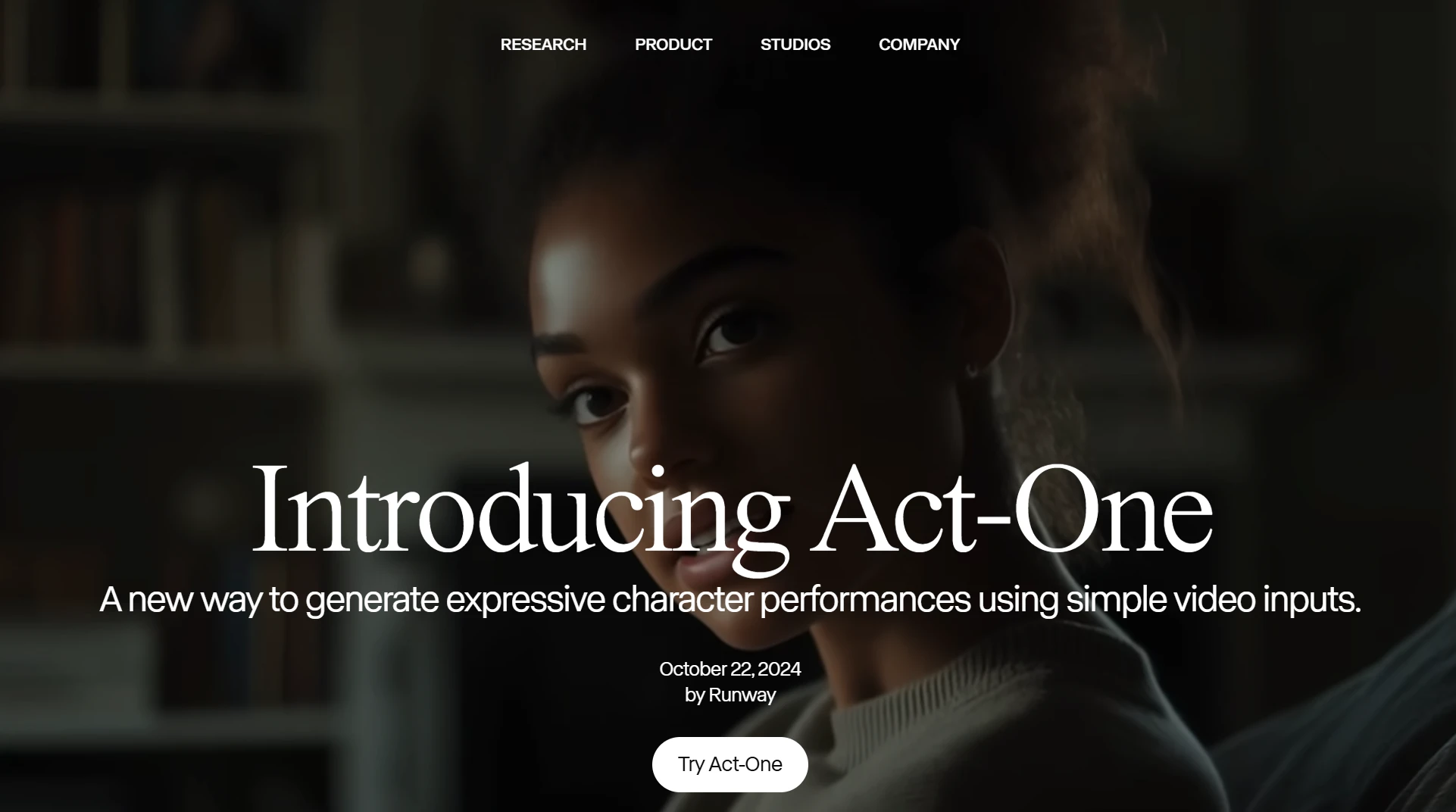
Runway Act One Core Features
Diverse Character Performance: Supports characters in multiple styles and proportions, accurately converting an actor's performance into virtual characters of different styles.
Simple Input, Complex Output: Only a video of the actor's performance recorded with a regular camera is needed to generate high-quality virtual character animations, preserving details such as eye movements, micro-expressions, rhythm, and tone.
High-Fidelity Effects: Maintains high-quality facial animations from different angles, enhancing the audience's emotional resonance with the character.
Safety and Content Moderation: Equipped with comprehensive content moderation and safety measures to prevent the generation of inappropriate content involving public figures, ensuring responsible use of the tool.
Multi-Character Dialogue Support: Can generate complex dialogue scenes with multi-character interactions, supporting synchronization of lip movements, expressions, and speech to enhance narrative effects.
Runway Act One Technical Principles
Direct-Driven Animation: Uses actor performances as input, accurately capturing micro-expressions and rhythm, and converting them into virtual character animations.
High-Fidelity Effects: Maintains high-quality facial animations from different angles, enhancing audience resonance.
Speech Synchronization: Supports voice variations, achieving natural synchronization of lip movements, expressions, and tone.
Runway Act One Tutorial:
Upload Assets: Upload the actor's video and character reference image; you can choose presets or customize.
Adjust Parameters: Configure the "Motion Intensity" value (1-5) to control the expressiveness of movements.
Generate Video: Click "Generate" and wait a few minutes to download the video in MP4 or GIF format.
Runway Act One Use Cases
Film and Animation Production: Provides efficient facial animation tools for films, short films, advertisements, and more.
Character Design and Development: Helps game developers and artists quickly generate character samples.
Narrative and Creative Content: Suitable for independent filmmaking and digital media, generating multi-character narrative videos.
Education and Training: Used in education to enhance learning experiences through role-playing and simulated scenarios.
Broadcasting and News: Generates virtual anchors, providing vivid visual content for news reports or weather forecasts.
Product Website:https://runwayml.com/research/introducing-act-one









