
 Script Planner Assistant▸
 AI Apps
 AI News
BrowserAgent: A Browser-Based AI Automation Tool — Build AI Workflows Without Code
小编 ·

BrowserAgent: A Browser-Based AI Automation Tool — Build AI Workflows Without Code
What is Browseragent?
Browseragent is a browser-based AI automation tool that lets you create custom AI workflows without writing any code. It leverages your browser's GPU to run AI models, processing all data locally to ensure privacy and eliminate API fees. Through its visual interface, users can select nodes, connect them, and run workflows to quickly automate tasks. It also offers a Chrome extension for easy access and execution of workflows directly from the browser toolbar.
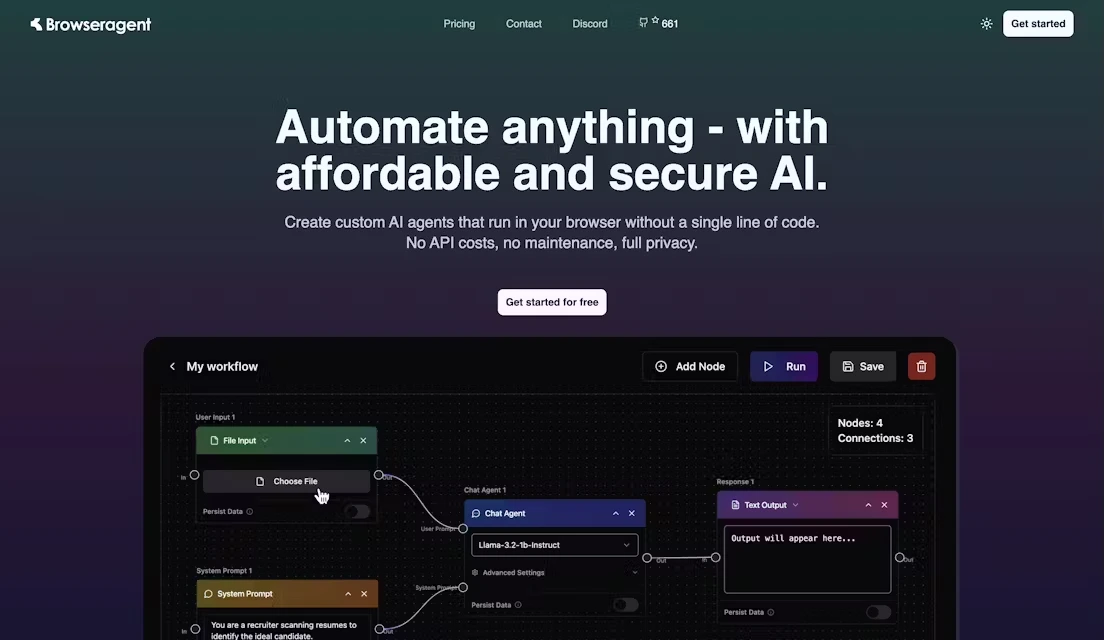
Browseragent Core Features
No-Code Workflow Building: Build workflows by dragging and dropping nodes in a visual editor — no coding required.
Local Execution & Privacy Protection: All AI models and data processing run entirely in your local browser. No data is sent to the cloud, ensuring privacy and security.
Browser Extension Support: Provides a Chrome extension that lets users access and run workflows directly from the browser toolbar.
Rich Library of Pre-built Templates and Nodes: Offers a variety of pre-built workflow templates and nodes that users can modify and combine as needed.
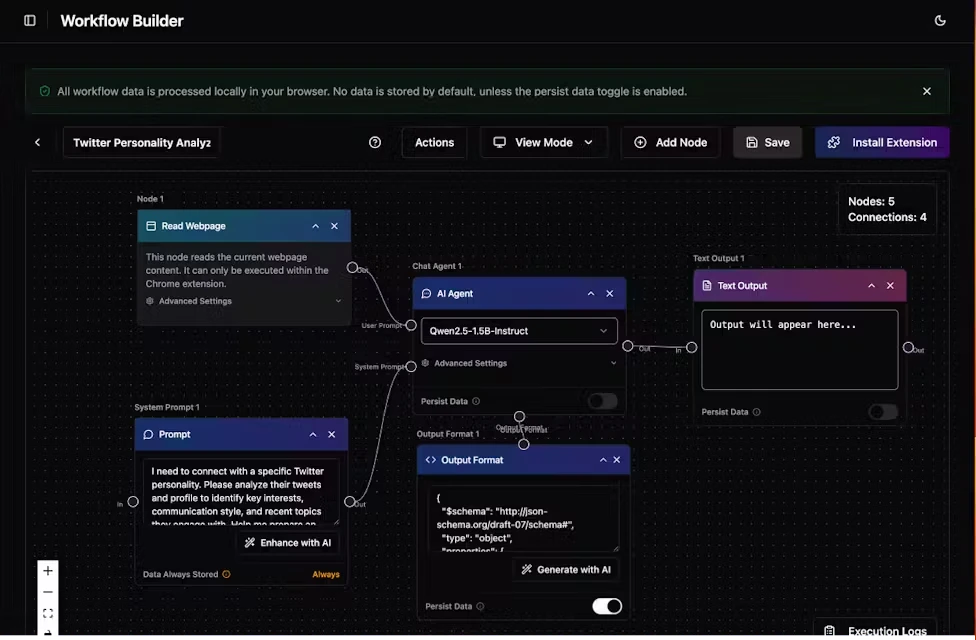
Browseragent Use Cases
Content Creation: Automatically generate blog posts, summarize email threads, analyze social media profiles, and more.
Data Collection & Analysis: Scrape data from web pages, generate reports, or export to other applications.
E-commerce Operations: Monitor competitor products and pricing, with automated analysis and alerts.
Social Media Automation: Enable automated content posting, interactive comments, and similar features.
How to Use Browseragent
Select Nodes: Choose pre-built nodes from the node library to handle different tasks.
Connect Nodes: Connect nodes by dragging and dropping them to build your workflow.
Run Workflow: Click the run button to monitor progress in real time and get results.
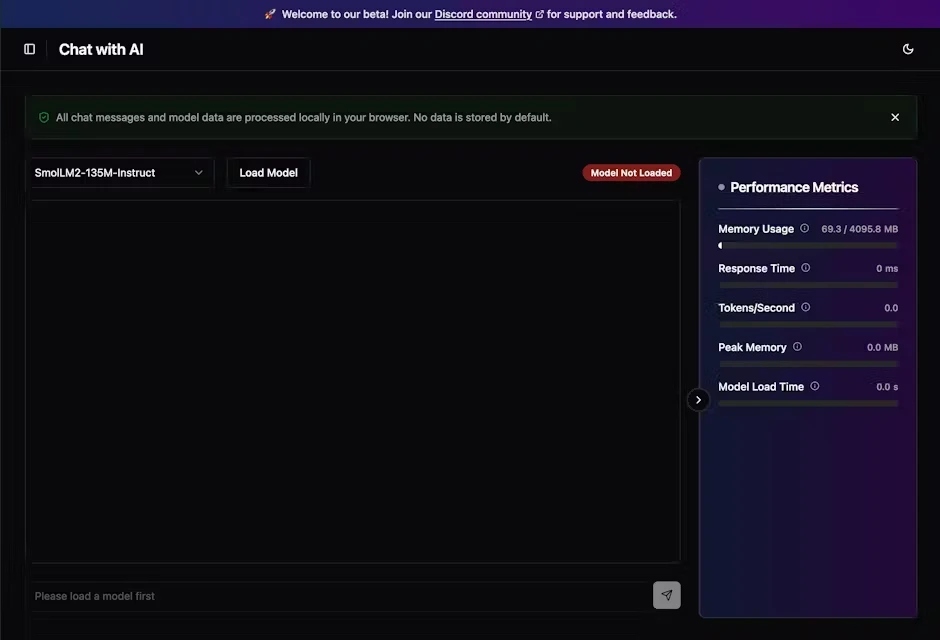
Browseragent Pricing
Free Plan: Includes 5 workflows, 10 nodes per workflow, unlimited executions, base models, 20MB of observability data, and 1-day data retention.
Basic Plan: $20 per month — 20 workflows, 50 nodes per workflow, unlimited executions, advanced models, 1GB of observability data, and 7-day data retention.
Enterprise Plan: Custom pricing — offers unlimited workflows and nodes, unlimited executions, custom models, unlimited observability data, and unlimited data retention.
Advantages
Low Cost: No API call fees required, resulting in lower running costs.
High Security: Data processing happens entirely locally, eliminating the risk of data leaks.
Easy to Use: The no-code interface makes it quick to get started, even for non-technical users.
BrowserAgent Official Website:https://browseragent.dev/









