
 Script Planner Assistant▸
 AI Apps
 AI News
PDF-Craft: Convert Scanned Book PDFs to Markdown/EPUB
小编 ·

PDF-Craft: Convert Scanned Book PDFs to Markdown/EPUB
What is PDF-Craft?
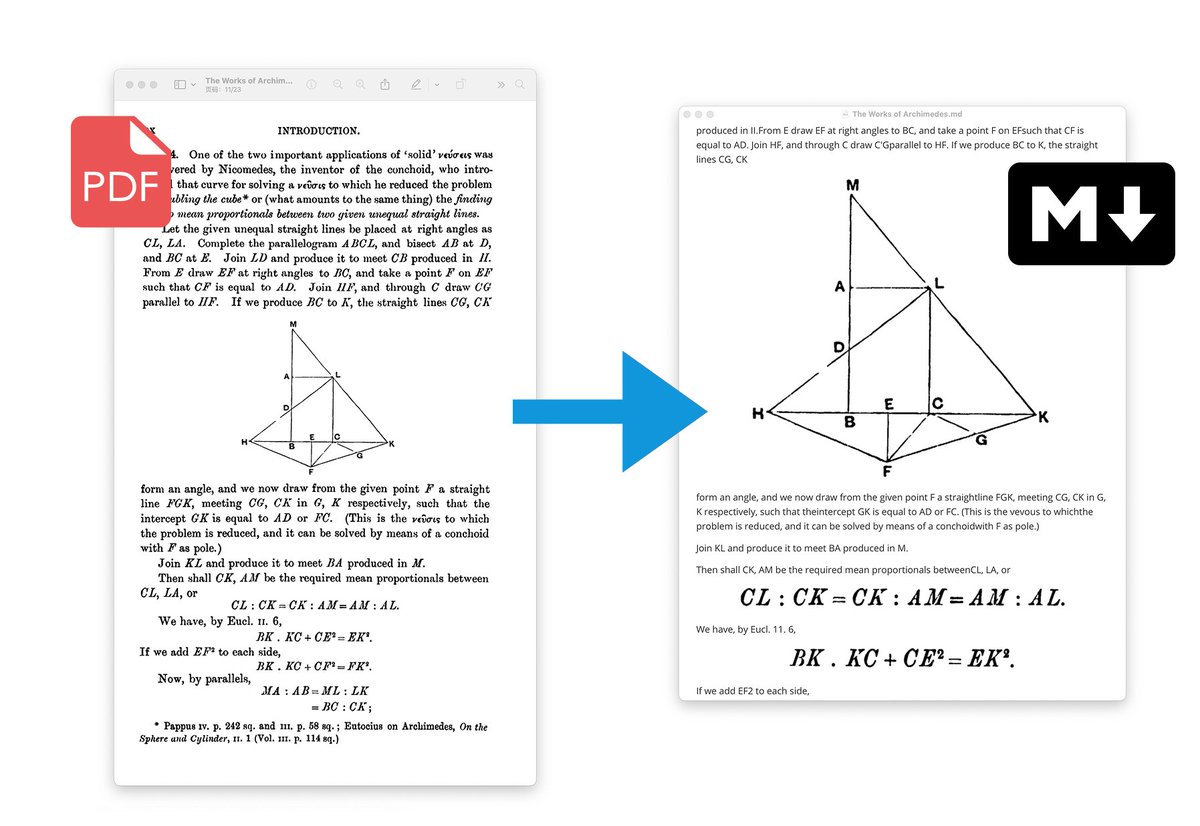
PDF-Craft is an open-source project for processing PDF files, focused on converting scanned book PDFs into Markdown or EPUB formats. It uses OCR technology to recognize text and leverages ai algorithms to extract text and filter out elements such as headers and footers, producing structured content. It supports local computation and LLM-assisted features, making it suitable for format conversion of academic papers, booklets, and long-form books.
PDF-Craft Features
Format Conversion:
Supports converting PDFs to Markdown format, suitable for papers or small booklets.
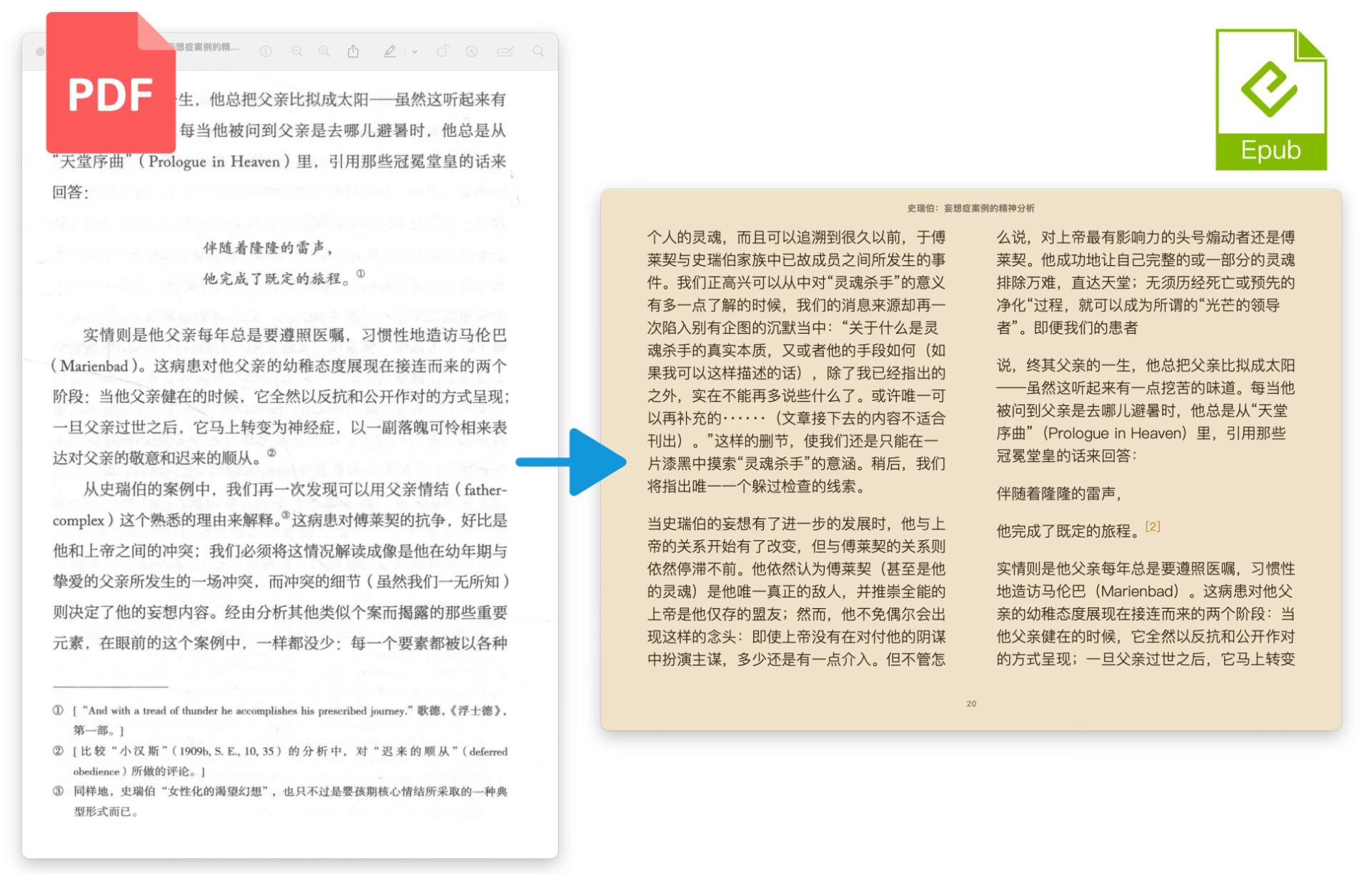
For documents over 100 pages, it combines local OCR with cloud-based LLM processing to generate EPUB files with a table of contents and chapter divisions.
Intelligent Extraction:
Uses DocLayout-YOLO and custom algorithms to extract body text and filter out elements such as headers, footers, footnotes, and page numbers.
The algorithm handles continuity issues across page breaks.
OCR Recognition:
Uses OnnxOCR for text recognition, supports screenshots of illustrations, tables, and formulas, and inserts them directly into the output file.
Reading Order Optimization:
Determines an order that matches human reading habits through layoutreader.
LLM Assistance:
During EPUB conversion, an LLM (such as DeepSeek) is used to read annotation and citation information and present them in the EPUB.
The LLM can also correct OCR errors to a certain extent.
Local Execution:
Supports CPU and GPU acceleration, completing most operations without an internet connection.
PDF-Craft Use Cases
Academic Research: Convert scanned academic papers into Markdown or EPUB format for easier editing and reading.
E-book Production: Convert scanned books into EPUB format, generating e-books with a table of contents and chapters.
Document Processing: Extract text and images from PDFs for further editing or archiving.
How to Use PDF-Craft
1. Installation: Requires Python 3.10 or above, with CUDA acceleration supported.
2. PDF to Markdown:
from pdf_craft import PDFPageExtractor, MarkDownWriter
extractor = PDFPageExtractor(device="cpu", model_dir_path="/path/to/model")
with MarkDownWriter(markdown_path, "images", "utf-8") as md:
    for block in extractor.extract(pdf="/path/to/pdf"):
        md.write(block)
3. PDF to EPUB:
from pdf_craft import PDFPageExtractor, LLM, analyse, generate_epub_file
extractor = PDFPageExtractor(device="cpu", model_dir_path="/path/to/model")
llm = LLM(key="sk-XXXXX", url="https://api.deepseek.com", model="deepseek-chat")
analyse(llm=llm, pdf_page_extractor=extractor, pdf_path="/path/to/pdf", analysing_dir_path="/path/to/analysing", output_dir_path="/path/to/output")
generate_epub_file(from_dir_path="/path/to/output", epub_file_path="/path/to/output.epub")
GitHub Project:https://github.com/oomol-lab/pdf-craft









