
 Script Planner Assistant▸
 AI Apps
 AI News
KDTalker: Generate Realistic Facial Expressions and Motion Video from Audio
小编 ·

KDTalker: Generate Realistic Facial Expressions and Motion Video from Audio
What is KDTalker?
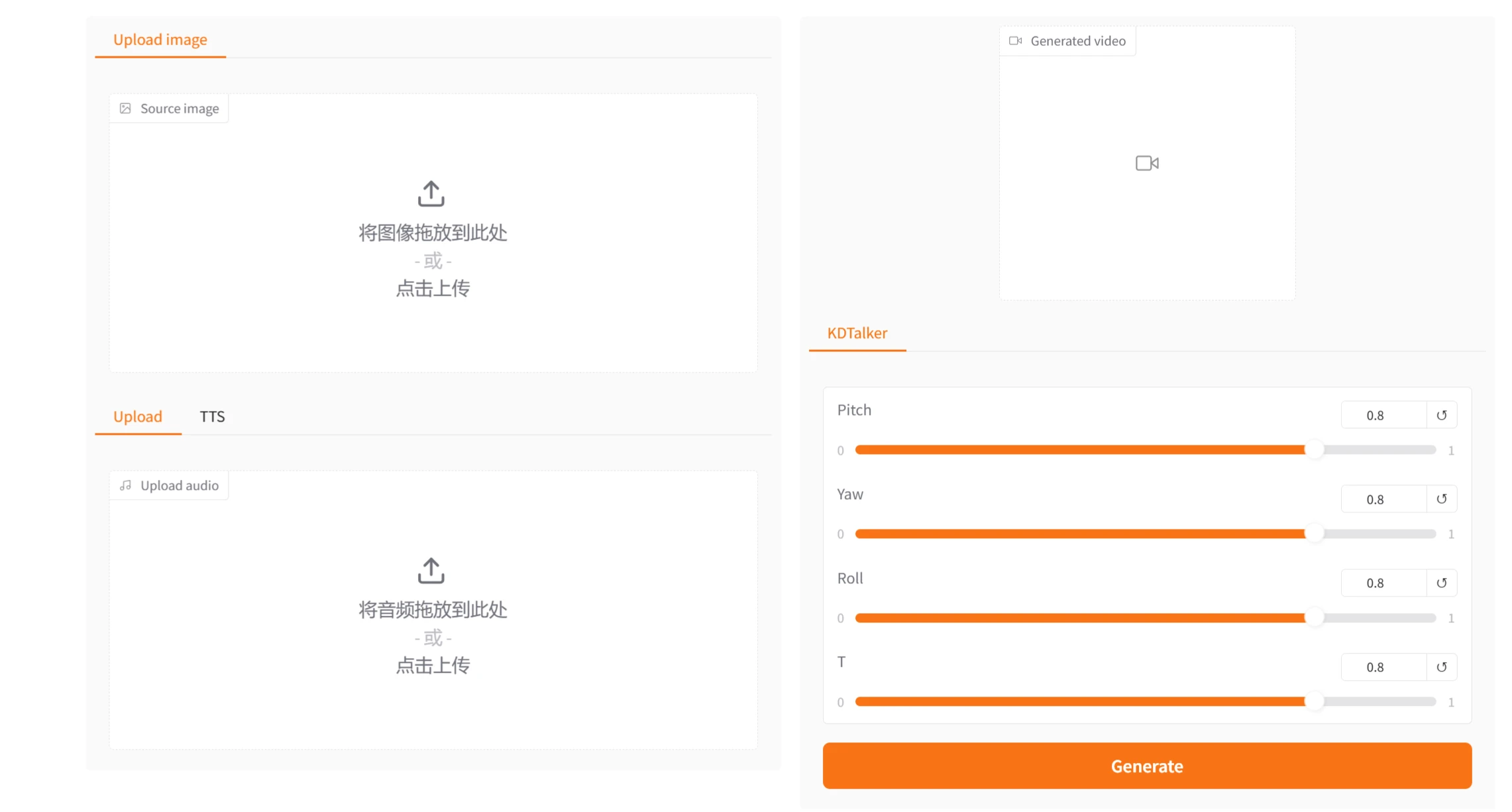
KDTalker is an audio-driven dynamic portrait generation tool that can generate realistic facial expressions and motions based on input audio signals. KDTalker features implicit keypoint technology, a spatiotemporal diffusion model, and pose diversity. It is suitable for a variety of scenarios such as virtual reality, social media, and video conferencing. With simple environment setup and command-line operations, users can quickly generate high-quality dynamic portrait videos.
KDTalker Features
Implicit Keypoint Technology:
Uses implicit keypoints to capture subtle changes in facial expressions and motions, more naturally reflecting the relationship between audio and facial movements.
Compared with traditional explicit keypoint methods, implicit keypoints avoid the complexity and errors of explicit annotations.
Spatiotemporal Diffusion Model:
Combined with a spatiotemporal diffusion model, it generates smoother and more coherent dynamic effects while maintaining image quality and stability.
Through the spatiotemporal diffusion model, it can better handle temporal continuity in video sequences.
Pose Diversity:
Supports the generation of multiple poses, dynamically adjusting the character's posture based on the audio content, increasing the diversity and naturalness of the generated results.
Users can specify different pose styles to generate more personalized dynamic portraits.
Efficiency:
Optimized model design and efficient computation processes allow this technology to run on a single RTX4090 or RTX3090 GPU, offering high practicality and scalability.
Suitable for use on resource-limited devices while maintaining high generation speed.
High-Quality Generation:
The generated dynamic portraits have high resolution and realism, meeting the demands of high-quality video generation.
Through pretrained models and an optimized inference pipeline, the stability and consistency of the generated results are ensured.
KDTalker Use Cases
Virtual Reality (VR) and Augmented Reality (AR):
In VR and AR applications, KDTalker can generate realistic dynamic portraits of virtual characters, enhancing the user experience.
For example, in virtual meetings, users can drive the generation of their own dynamic portraits through audio, making remote communication more natural.
Social Media and Video Content Creation:
Users can input their own photos and audio into KDTalker to generate personalized dynamic portrait videos for sharing on social media.
Content creators can leverage this technology to generate interesting video content, increasing the appeal of their videos.
Video Conferencing:
In video conferencing, unstable networks may cause video lag or blurring. KDTalker can use audio to drive the generation of smooth dynamic portraits, maintaining good visual effects even in low-bandwidth environments.
Entertainment and Gaming:
In games and entertainment applications, KDTalker can generate dynamic expressions and motions for virtual characters, enhancing the immersion of the game.
For example, in role-playing games, players can drive the generation of dynamic portraits for their own characters through audio.
Education and Training:
In education and training scenarios, KDTalker can generate dynamic portraits of teachers or trainers for use in online courses or training videos.
Dynamic portraits driven by audio can make teaching content more vivid and improve learning outcomes.
How to Use KDTalker
1. Environment Setup
Hardware Requirements: An RTX4090 or RTX3090 GPU is recommended.
Software Dependencies:
Install git, conda, and FFmpeg.
Clone the code and create the Python environment:
git clone https://github.com/chaolongy/KDTalker
cd KDTalker
# 创建并激活conda环境
conda create -n KDTalker python=3.9
conda activate KDTalker
# 安装PyTorch和其他依赖
conda install pytorch==2.3.0 torchvision==0.18.0 torchaudio==2.3.0 pytorch-cuda=11.8 -c pytorch -c nvidia
pip install -r requirements.txt
2. Download Pretrained Weights
Download the pretrained weight files from Google Drive or Hugging Face, and place them in the ./pretrained_weights and ./ckpts directories.
Make sure the directory structure is as follows:
pretrained_weights
├── insightface
│   └── models
│       └── buffalo_l
│           ├── 2d106det.onnx
│           └── det_10g.onnx
└── liveportrait
    ├── base_models
    │   ├── appearance_feature_extractor.pth
    │   ├── motion_extractor.pth
    │   ├── spade_generator.pth
    │   └── warping_module.pth
    ├── landmark.onnx
    └── retargeting_models
        └── stitching_retargeting_module.pth
3. Run Inference
Run the inference script with the following command to generate the dynamic portrait video:
python inference.py -source_image ./example/source_image/WDA_BenCardin1_000.png -driven_audio ./example/driven_audio/WDA_BenCardin1_000.wav -output ./results/output.mp4
-source_image: Specifies the path to the input source image.
-driven_audio: Specifies the path to the input driving audio.
-output: Specifies the save path for the output video.
Project URL: https://github.com/chaolongy/KDTalker
DEMO: https://kdtalker.com/









