
 Script Planner Assistant▸
 AI Apps
 AI News
Tutorial: How to Generate PPTs Directly Within Doubao
小编 ·

Tutorial: How to Generate PPTs Directly Within Doubao
豆包AI can now generate ppt. Previously, 豆包 itself did not directly support generating PPT files; it mainly generated PPT files by combining with other tools such as kimi and Gamma. Below is a tutorial on how to generate a PPT using 豆包 itself.
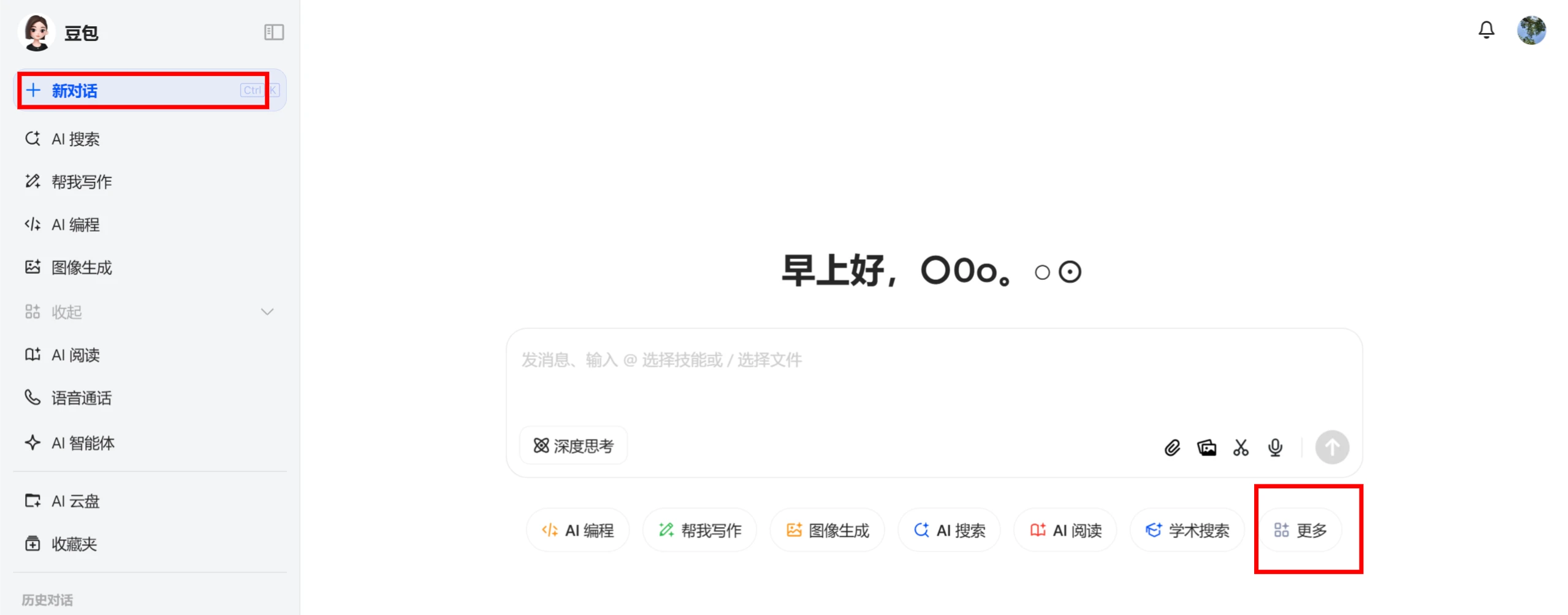
1. Open 豆包 - [New Conversation], click [More] at the bottom of the input window - [ai PPT]
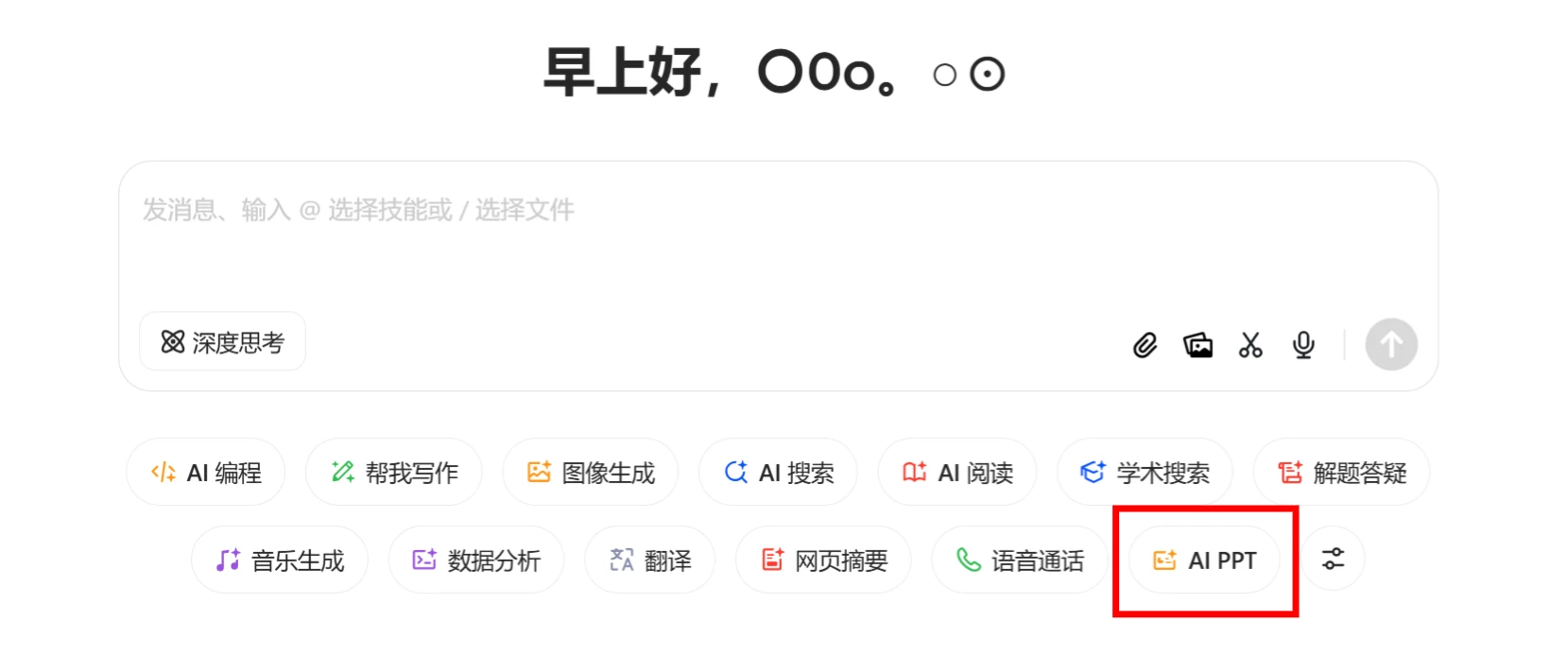
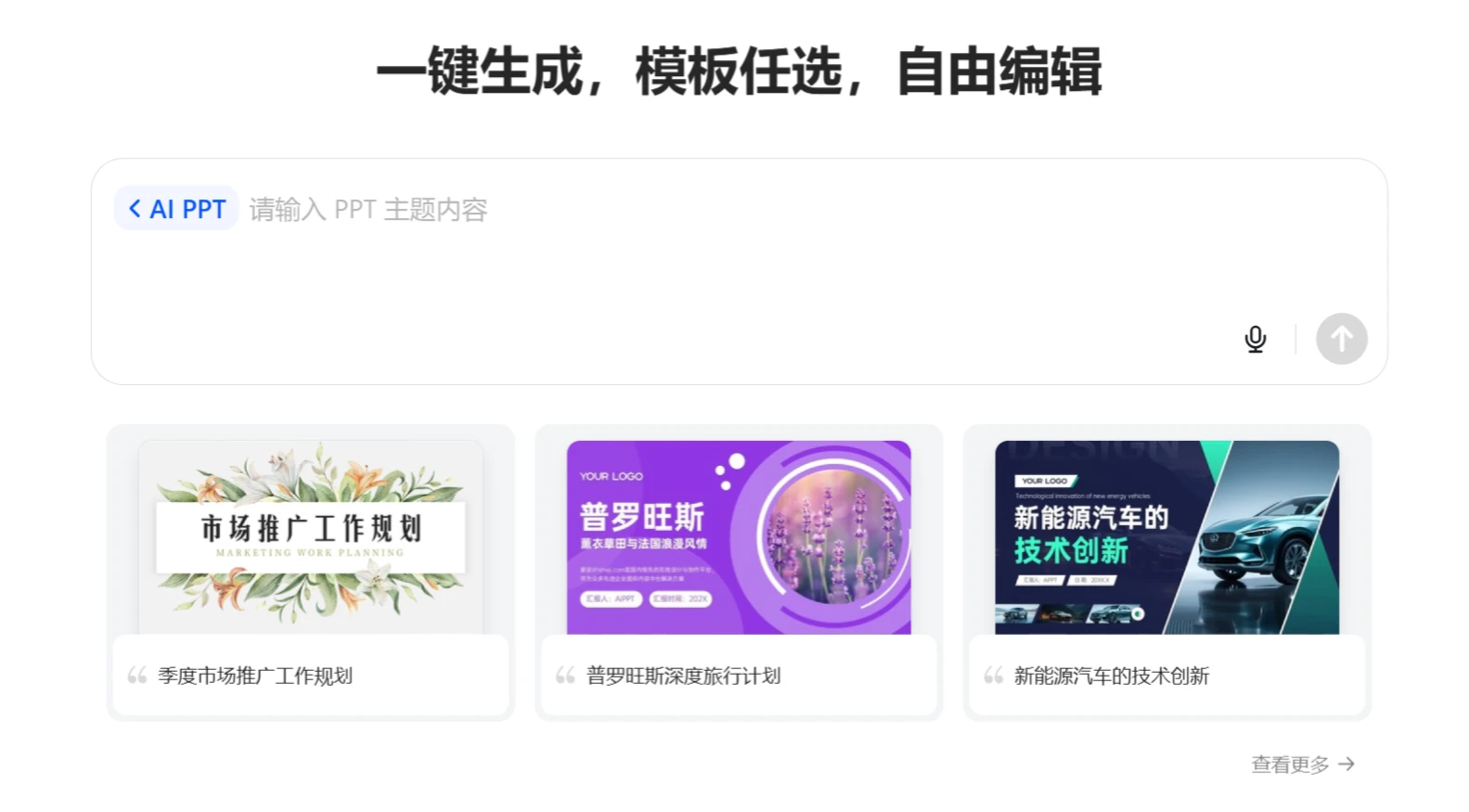
2. Enter the topic and core content of the PPT to generate an outline.
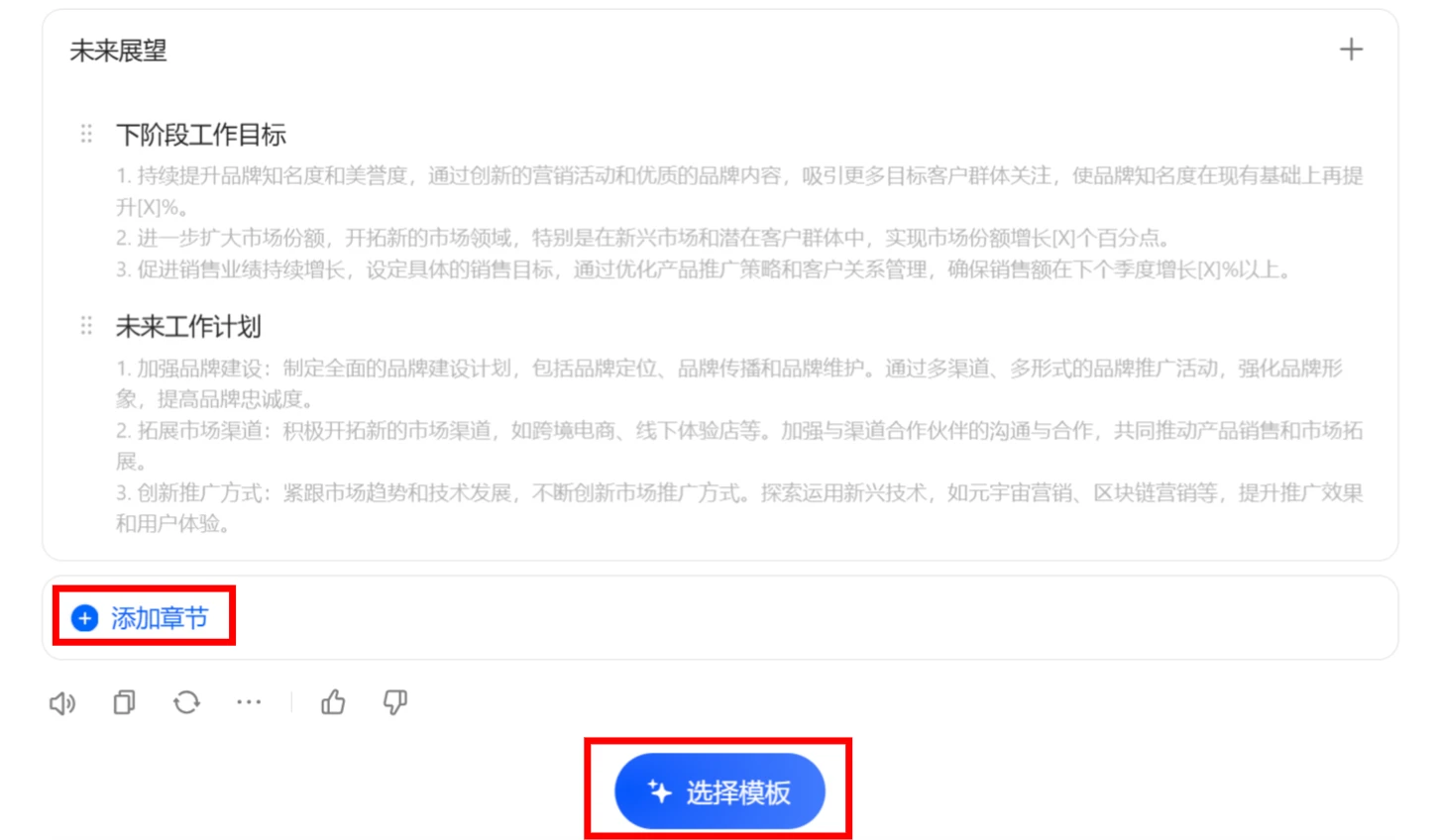
3. Generate an editable outline. After confirming it is correct, you can click the [Select Template] button below.
4. Select a PPT template and authorize AIPPT. If you don't have an AIPPT account, register one.
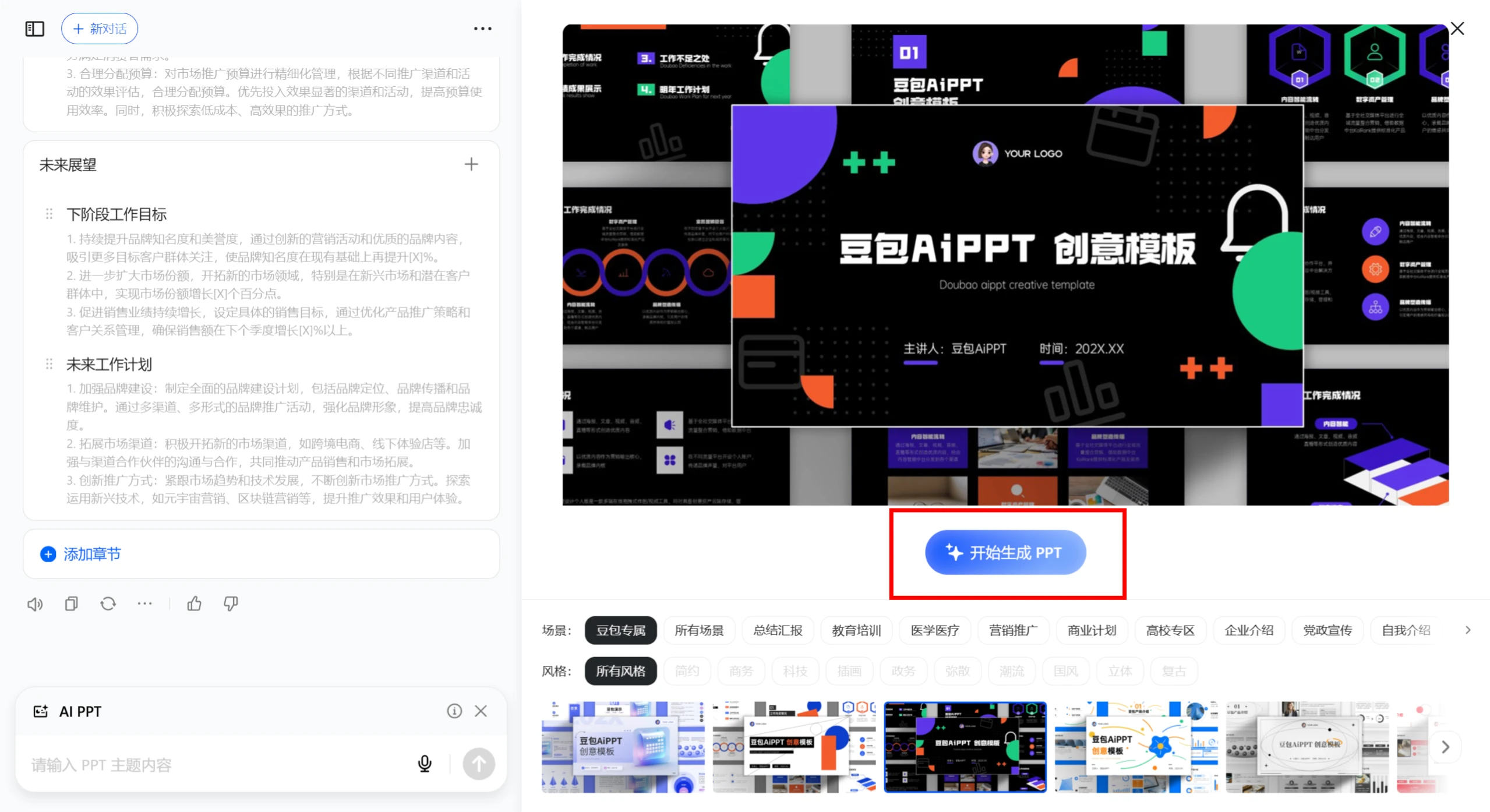
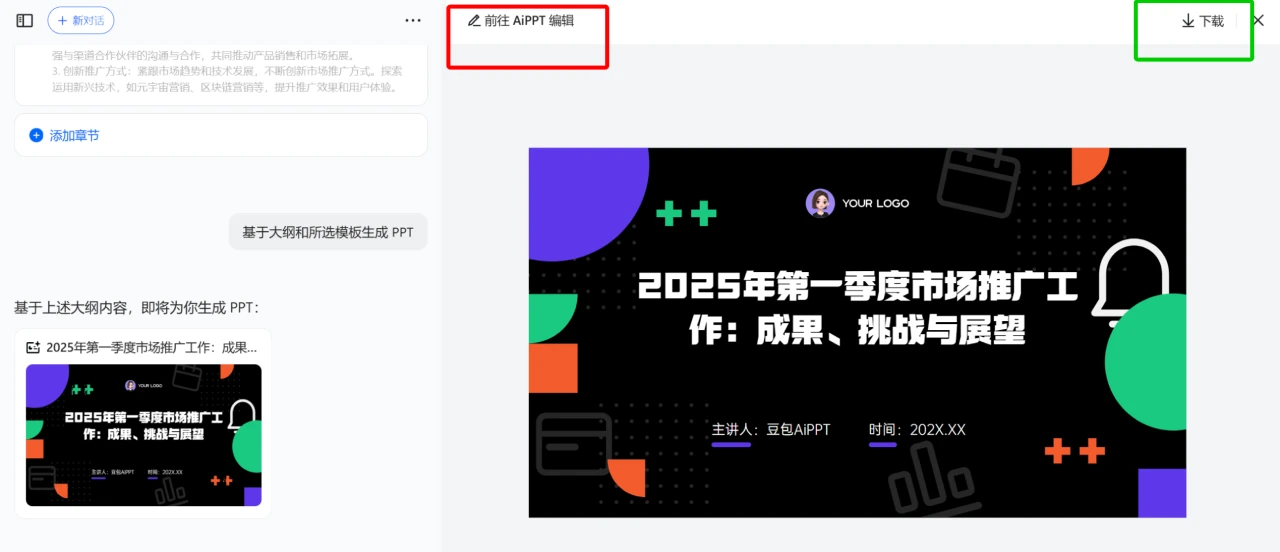
5. Generate the PPT. If no adjustments are needed, you can click Download directly. If adjustments are needed, you will need to jump to the AIPPT website.
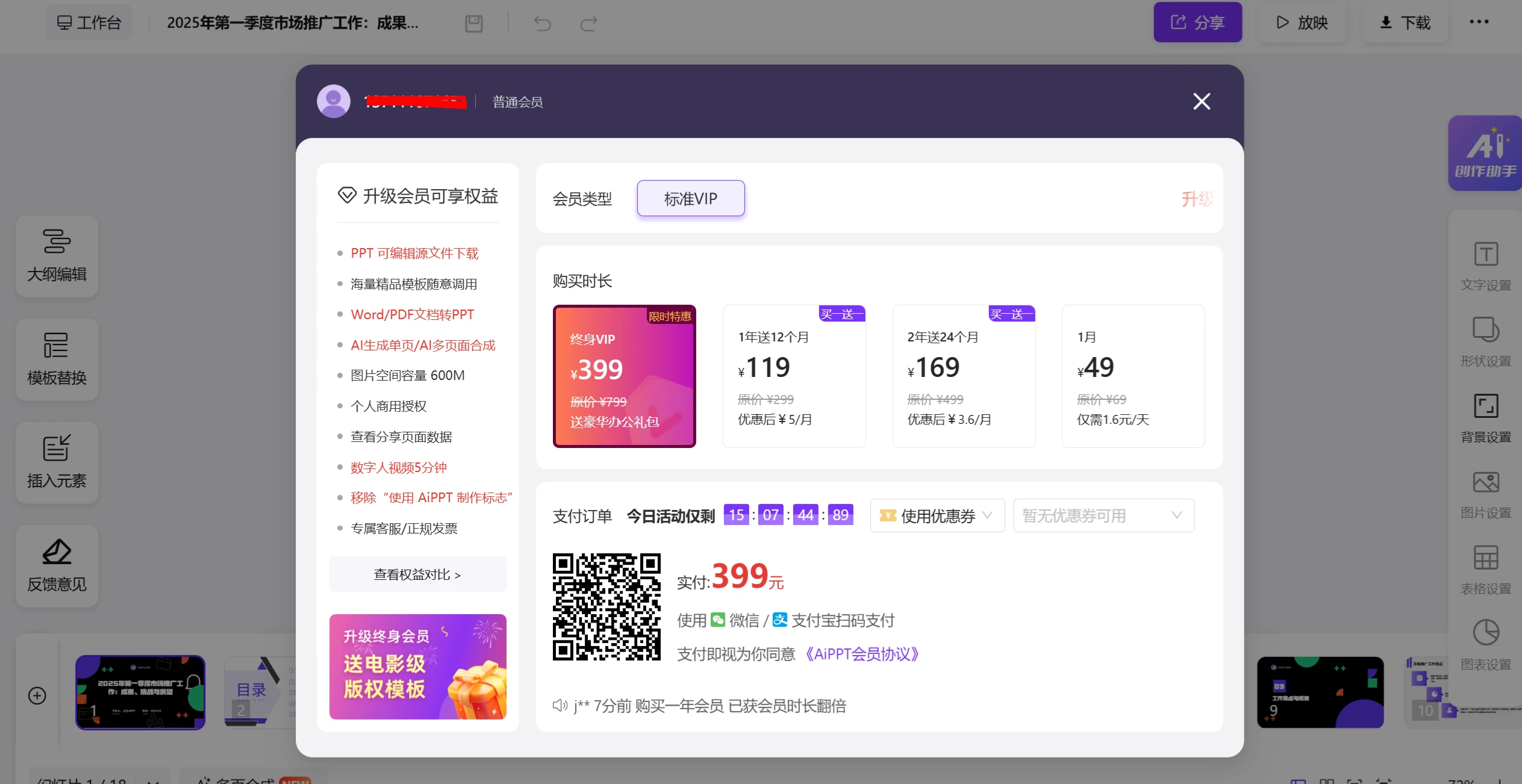
You will be redirected to the AIPPT website. Unfortunately, a payment pop-up window will appear. If you just want to try it out, click Close to go directly to the editing interface.
5. In the editing interface, you can change template backgrounds and other details.
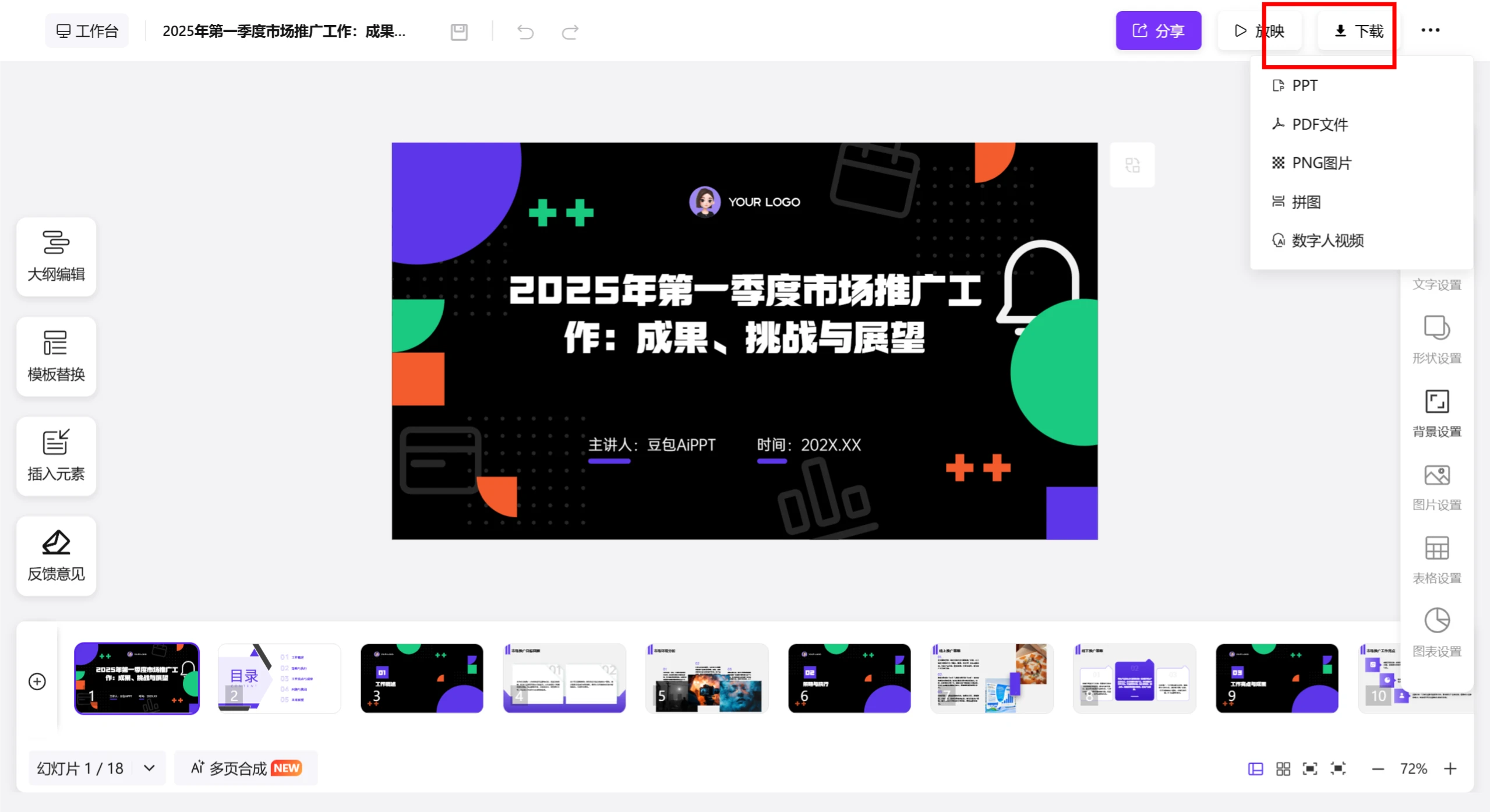
6. Once everything is done, click Download. If you need the source PPT file, you will need to pay. In fact, 豆包 itself does not generate PPTs; it only calls the AIPPT API. For a free option, check out "《How to Use Deepseek + Kimi to Create Professional PPTs: Full Process》".









