
 Script Planner Assistant▸
 AI Apps
 AI News
CodeSnap: A Beautiful Code Screenshot Tool
小编 ·

CodeSnap: A Beautiful Code Screenshot Tool
What is CodeSnap?
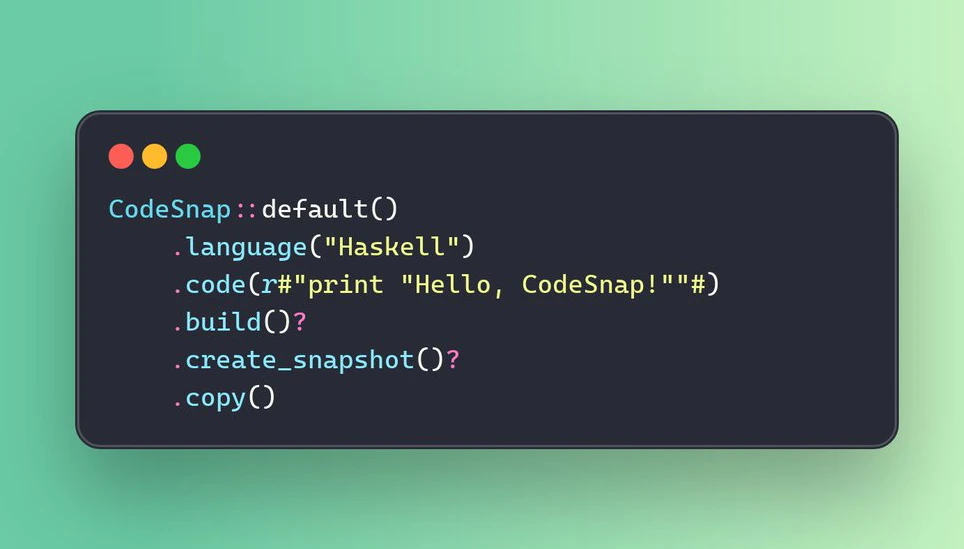
CodeSnap is a tool written in pure Rust, specifically designed to generate beautiful code screenshots. It provides both a command-line interface (CLI) and a library form, allowing users and developers to generate code screenshots with a single command. It supports multiple output formats such as PNG, SVG, and HTML.
Core Features of CodeSnap
Code Highlighting & Beautification: Supports syntax highlighting for multiple programming languages such as Sublime Text, presenting code in a beautiful style.
Customizable Styles: Freely control the display of fonts, line numbers, watermarks, scaling, and backgrounds.
Multiple Output Formats: Supports saving code snapshots as images (such as PNG, JPEG, etc.) or formats such as SVG and HTML.
Flexible Integration: Can be used as a standalone command-line tool or integrated as a Rust library into other projects.
Use Cases for CodeSnap
Technical Blogs & Documentation: Generate beautiful code example screenshots for blog posts or project documentation, enhancing the readability and appeal of content.
Code Sharing: When sharing code on social media, forums, and other platforms, screenshots generated by CodeSnap can display the code content more intuitively.
Development Tool Integration: Developers can integrate CodeSnap into their own tools or projects to implement code screenshot functionality.
Features of CodeSnap
Pure Rust Implementation: High performance, fully leveraging Rust's safety and concurrency advantages.
Cross-Platform Support: Runs on multiple operating systems, including Windows, macOS, and Linux.
Easy to Use: Provides simple and easy-to-use interfaces whether through the command-line tool or as a library integration.
Installation & Usage of CodeSnap
Installation: Can be installed via Rust's package manager, Cargo.
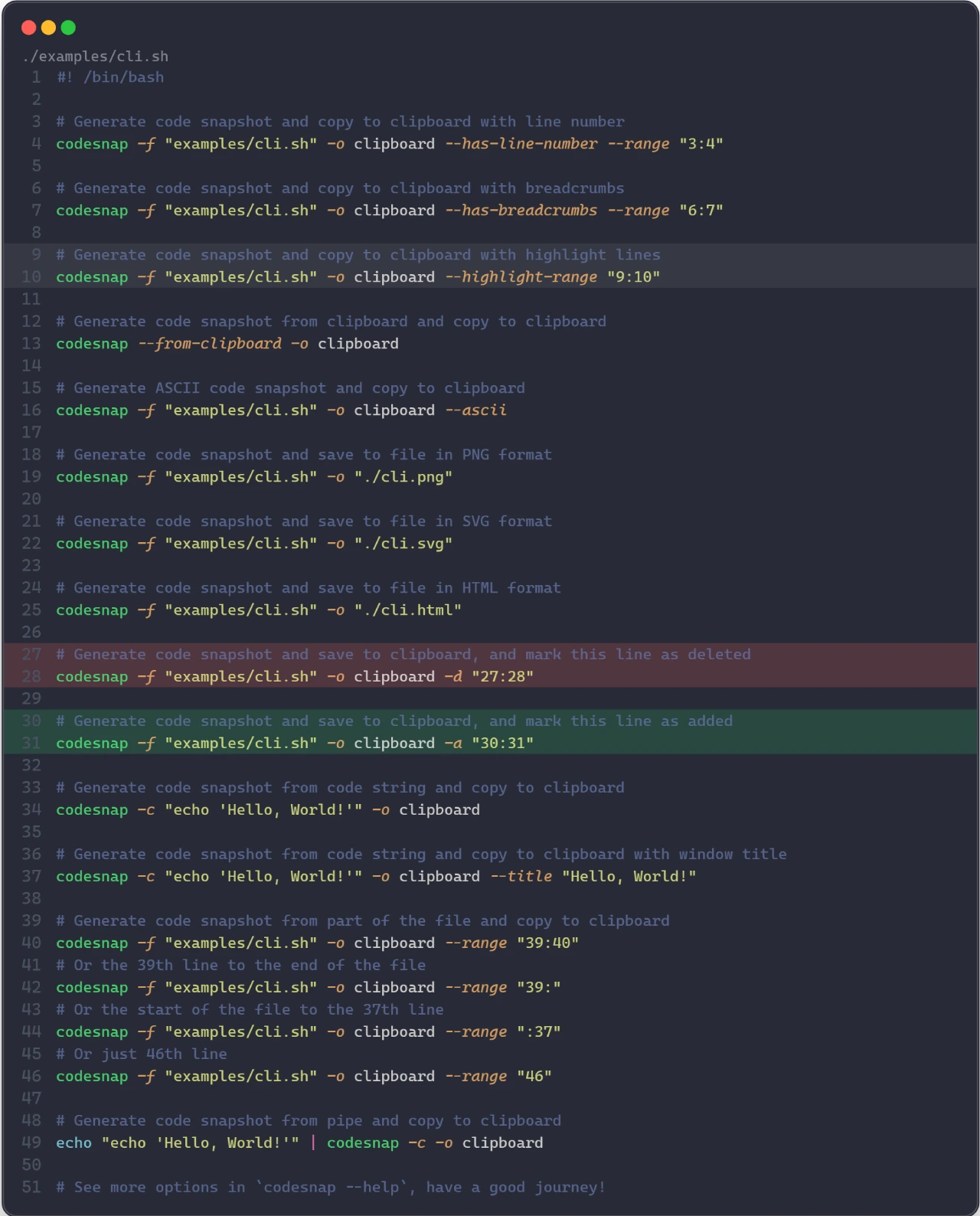
Command-Line Usage: Generate screenshots by specifying a code file or code snippet through simple command-line instructions.
Library Integration: Import the CodeSnap library into a Rust project and call its API to implement code screenshot functionality.
Project Address:https://github.com/codesnap-rs/codesnap









