
 Script Planner Assistant▸
 AI Apps
 AI News
AbletonMCP: An MCP Server for Controlling Ableton, Letting Claude Create Music Too
小编 ·

AbletonMCP: An MCP Server for Controlling Ableton, Letting Claude Create Music Too
What is AbletonMCP?
AbletonMCP is a third-party integration tool that allows interaction with AI models (such as Claude AI) through natural language, enabling direct control of Ableton Live's features. It supports music production, track creation, and session operations, and theoretically any scriptable tool is compatible with MCP services, including video editing and modeling.
AbletonMCP Main Features
Bidirectional Communication: Connects Claude AI and Ableton Live through a socket-based server.
Track Operations: Create, modify, and manipulate MIDI and audio tracks.
Instrument and Effect Selection: Load appropriate instruments, effects, and sounds from Ableton's library.
Clip Creation: Create and edit MIDI clips with notes.
Session Control: Start and stop playback, trigger clips, and control transport.
Components
Ableton Remote script: A MIDI Remote script for Ableton Live that creates a socket server to receive and execute commands.
MCP Server: A Python server that implements MCP and connects to the Ableton Remote script.
AbletonMCP Installation
Prerequisites
Ableton Live 10 or later
Python 3.8 or later
uv package manager (for tool management)
Installation Steps
Install uv: Install the uv package manager according to your operating system.
Configure Claude for Desktop: Add the AbletonMCP configuration to Claude's configuration file.
Install Ableton Remote script:
Download the AbletonMCP_Remote_Script/__init__.py file.
Copy the file to Ableton's MIDI Remote Scripts directory.
Select "AbletonMCP" as the control surface in Ableton Live.
How to Use
Start the connection: Make sure the Ableton Remote script is loaded and the MCP server is configured in Claude Desktop or Cursor.
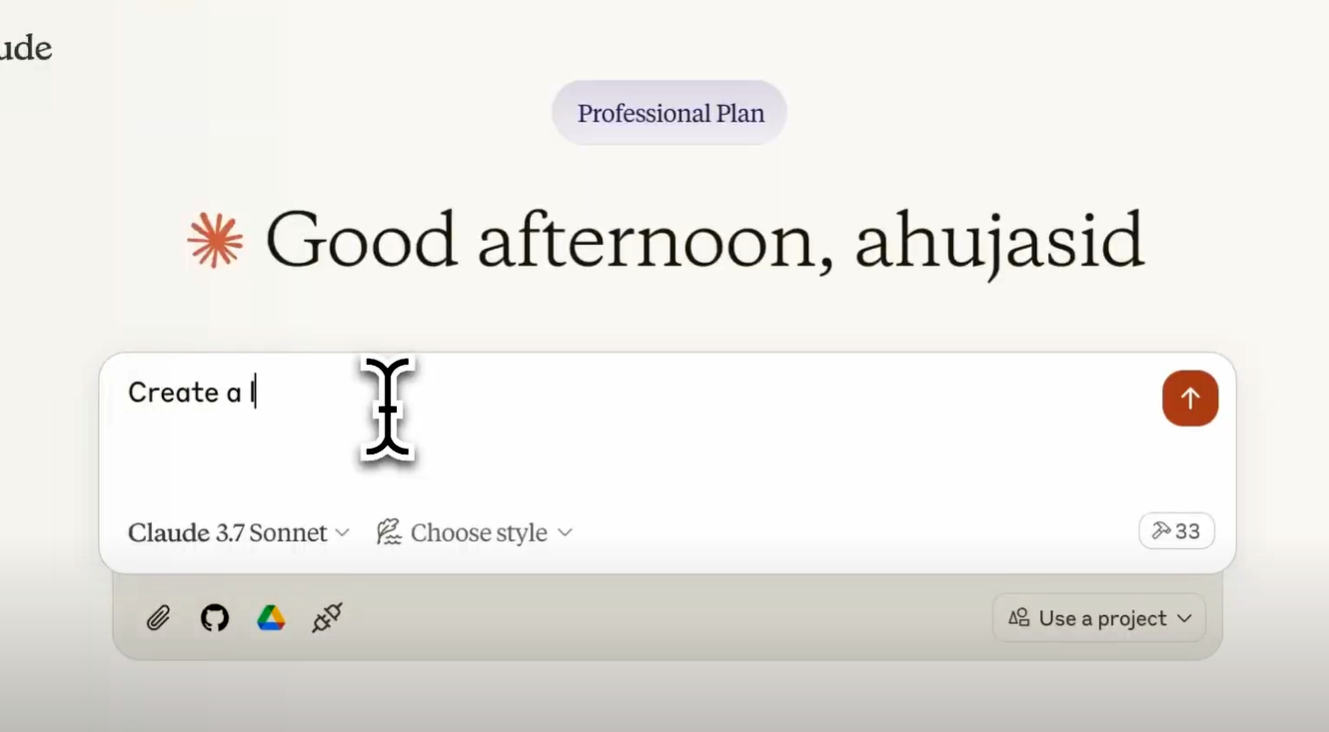
Interact with Claude: Interact with Ableton Live through Claude's interface.
AbletonMCP Use Cases
Creative Music Production: AbletonMCP is especially suitable for music producers who want to enhance their creative capabilities with AI technology, helping them achieve a more efficient and intelligent music production workflow.
Live Music Performance: Combined with Ableton Live's real-time performance capabilities, AbletonMCP can provide instant music creation and adjustment during live performances, enhancing interactivity and creativity.
GitHub Repository:https://github.com/ahujasid/ableton-mcp









