
 Script Planner Assistant▸
 AI Apps
 AI News
Stable Virtual Camera: Generate 360-Degree Rotating 3D Videos from a Single Image
小编 ·

Stable Virtual Camera: Generate 360-Degree Rotating 3D Videos from a Single Image
What is Stable Virtual Camera?
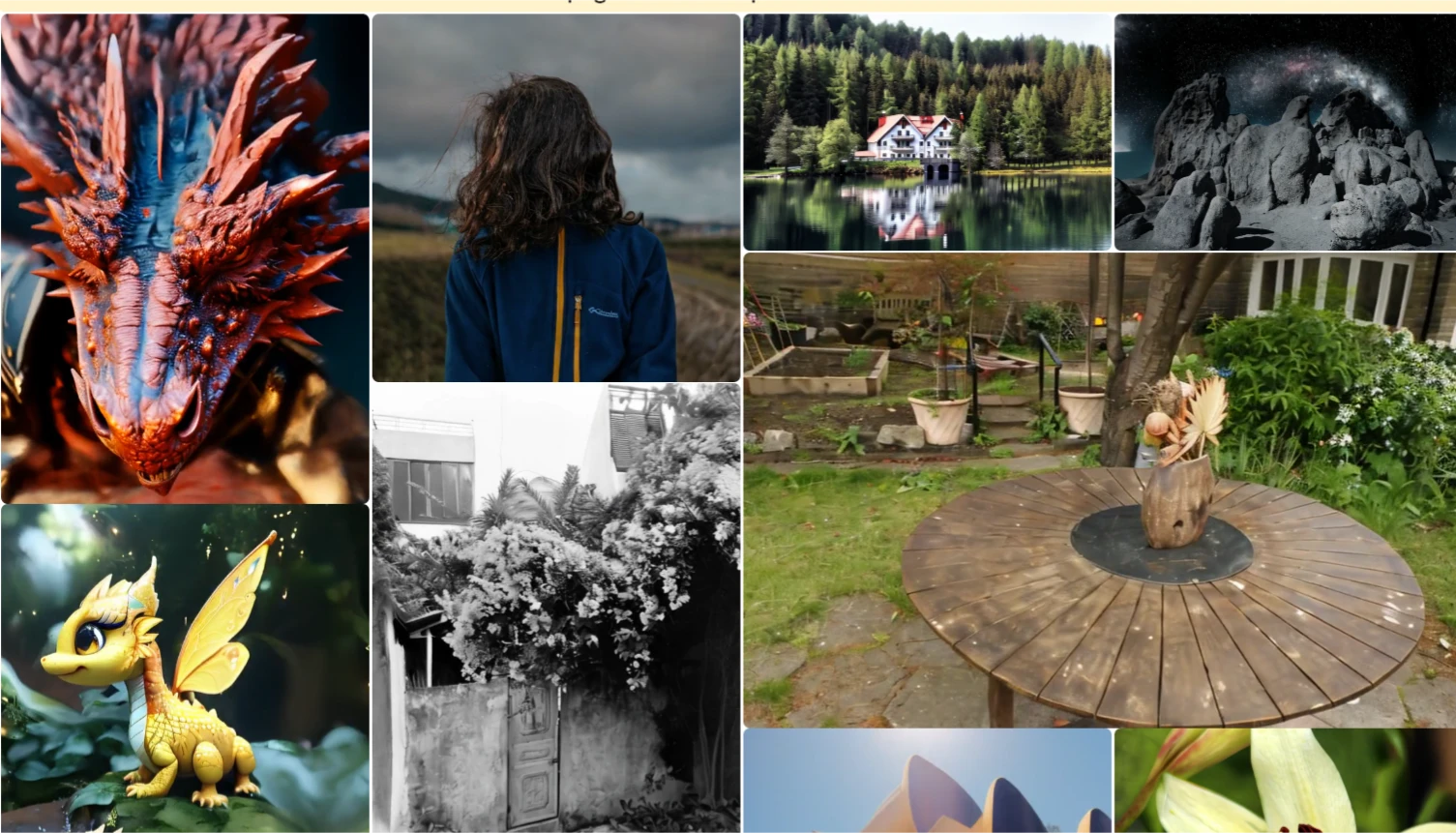
Stable Virtual Camera is a multi-view diffusion model for NVS launched by Stability AI. It can generate new images from a target camera viewpoint based on any number of input views and their corresponding camera parameters. When all cameras form a trajectory, the generated views are consistent in 3D, smooth over time, and—as the name suggests—"stable," capable of producing seamless trajectory videos.
Stable Virtual Camera Features
Multi-view input: Accepts from 1 to 32 input images, with performance improving as the number of input views increases—especially when handling large scenes.
Flexible image resolution: Although the model is only trained on 576×576 square images, it can generate target views with different aspect ratios in a zero-shot manner.
Long video generation with loop consistency: Capable of generating videos up to 1,000 frames long while maintaining 3D consistency when the camera returns to the same position.
Sampling diversity: When provided with sparse input views, it can capture the uncertainty of view synthesis and generate different possible scenes.
Benchmarking: A comprehensive benchmark has been established to evaluate NVS methods across different datasets and settings. Stable Virtual Camera achieves new state-of-the-art performance.
Stable Virtual Camera Applications
Advertising and marketing: Quickly generate attractive product showcase videos.
Content creation: Help artists and designers transform static images into dynamic videos.
Education and training: Convert static illustrations in teaching materials into 3D videos to enhance the learning experience.
Digital cinema and 3D animation: Open up new possibilities for film and television production.
How to Use Stable Virtual Camera
1. Get the Code and Model
Code: Clone the code from GitHub. The link can be found at the end of the article.
Model weights: Download the model files from Hugging Face. The download link can be found at the end of the article.
2. Install Dependencies
Run the following command to install the required dependencies:
pip install -r requirements.txt
3. How to Run
Interactive Use (Gradio Demo)
Launch the Gradio demo:
python gradio_demo.py
Upload images and set parameters through the graphical interface to generate 3D videos.
Command-Line Use (CLI)
Run using the command line:
python demo.py --data_path --output_path --camera_path
Example:
python demo.py --data_path ./input_images --output_path ./output_video --camera_path spiral
4. Input and Output
Input: Supports 1 to 32 2D images, and camera parameters must be provided.
Output: Generates 3D videos with different aspect ratios (such as 1:1, 9:16, 16:9), supporting up to 1,000 frames.
GitHub Code Repository:https://github.com/Stability-ai/stable-virtual-camera
Hugging Face Model Page:https://huggingface.co/stabilityai/stable-virtual-camera
Project Homepage:https://stable-virtual-camera.github.io/
Paper:https://arxiv.org/abs/2503.14489









