
 Script Planner Assistant▸
 AI Apps
 AI News
Figma Context MCP: Streamlining Design-to-Code Conversion
小编 ·

Figma Context MCP: Streamlining Design-to-Code Conversion
What is Figma Context MCP?
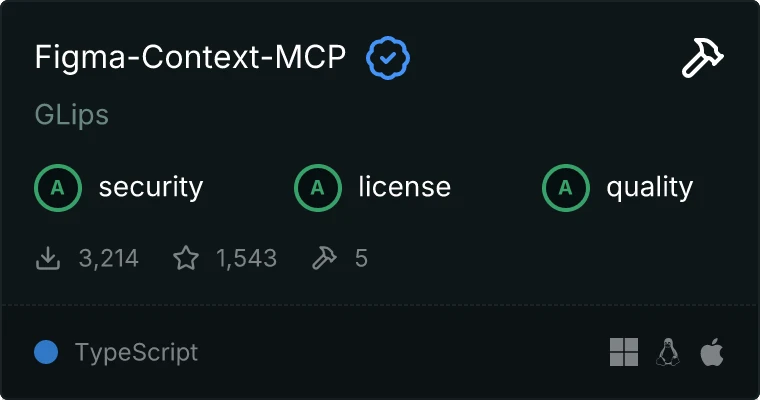
Figma Context MCP is a server based on MCP that provides layout and style information of Figma files for AI coding tools (such as Cursor, Windsurf, etc.). By simplifying the data from the Figma API, it delivers structured information of design files to AI models, significantly improving the accuracy and efficiency with which AI converts designs into code.
Figma Context MCP Features
Provides Figma file information: Extracts layout, styling, and other design data from Figma files, converting them into a format that AI coding tools can understand.
Streamlined design context: Removes redundant information, providing only the concise data needed for code generation.
Supports specific node extraction: Can extract information from the entire file or from designated frames and groups.
Seamless integration with AI coding tools: Integrates with tools like Cursor, enabling AI to directly generate HTML/CSS code based on designs.
Download image assets (in development): Supports downloading SVG and PNG images used in Figma files.
Figma Context MCP Use Cases
Design-to-code automation: Directly convert Figma design drafts into code, reducing manual development workload.
Improved development efficiency: Generate code directly through AI tools, reducing the time developers spend on repetitive tasks.
Cross-tool collaboration: Supports multiple AI coding tools, facilitating collaboration between different tools.
How to Use Figma Context MCP
1. Installation and Startup:
Quickly start the server using NPM, PNPM, YARN, or Bun:
npx figma-developer-mcp --figma-api-key=
Or run it from local source code.
2. Configuration: Configure using environment variables (such as FIGMA_API_KEY) or command-line arguments.
3. Connect to AI Tools: Connect the Figma Context MCP server to tools like Cursor, completing the configuration through the tool's settings page.
4. Usage: Paste the link of a Figma file or a specific node into Cursor's Composer, and ask the AI tool to generate code based on the design.
5. Debugging and Inspection: Use the inspect command to launch the MCP Inspector and check the server's response data.
GitHub Repository: https://github.com/GLips/Figma-Context-MCP









